
Event
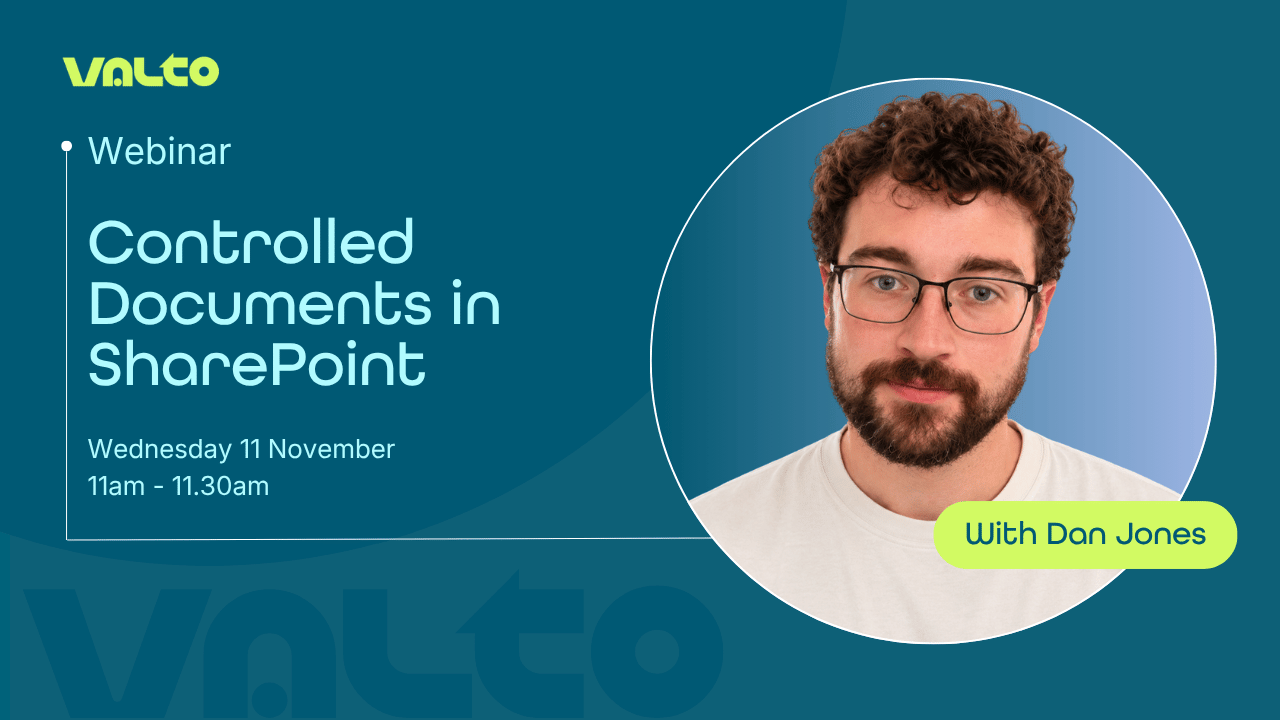
Controlled documents in SharePoint
- When
- 23 November 2026 · 11:00
About this event:
Join Valto’s Microsoft 365 consultant, Dan, for a practical introduction to Controlled Documents in SharePoint and discover how organisations are using Microsoft 365 to improve document governance, strengthen compliance, and reduce administrative effort.
In this 30-minute session, you’ll learn how a controlled document solution built on SharePoint and Power Automate helps organisations manage policies, procedures and compliance documentation through structured approval workflows, version control, automated review reminders and employee read confirmations.
You’ll explore key capabilities including:
- Document version control and approval workflows
- Automated review reminders and review scheduling
- Employee read-and-understood confirmations
- Audit-ready document governance and compliance tracking
- Role-based access and controlled document management in SharePoint
Through a live demonstration, you’ll see how SharePoint, Power Automate and Microsoft 365 work together to create a complete controlled document process, helping organisations replace manual emails, spreadsheets and paper-based approvals with a secure, automated solution.
Whether you’re responsible for quality management, ISO compliance, health and safety policies, operational procedures or internal governance, you’ll leave with practical ideas for modernising document management across your organisation.

Running order
The agenda for the session
- 1
Why controlled documents matter
Understand the challenges of managing policies, procedures and compliance documentation, and explore the risks associated with outdated documents, manual approvals and poor audit visibility.
- 2
How the solution works in SharePoint
Discover the components of the controlled document system, including document libraries, document tracking, approval workflows and automated processes powered by Power Automate.
- 3
Document submission and approvals
Learn how documents move from draft to approval, how reviewers and approvers are involved, and how version control helps maintain a single source of truth.
- 4
Review reminders and governance automation
See how review dates are automatically managed and how the solution helps ensure documents remain accurate, current and compliant.
- 5
Read confirmations and employee accountability
Explore how organisations can track who has read and understood important policies and procedures, creating a clear audit trail.
- 6
Best practice, support and next steps
We'll finish with guidance on deployment, adoption, governance considerations and practical advice for getting the most from a controlled document solution in Microsoft 365.
Questions, answered plainly
A controlled document is a document that follows a formal process for creation, approval, review and version management. Examples include policies, procedures, quality documents, health and safety guidance and compliance records.
SharePoint provides document versioning, permissions, metadata management and integration with Microsoft 365. When combined with Power Automate, it can automate approvals, reviews and compliance processes.
Documents are submitted through an approval workflow where designated approvers review and either approve or reject the document. Approval decisions, comments and dates are recorded automatically.
Yes. The solution includes read-and-understood tracking, allowing organisations to request confirmation from employees that they have read and understood updated policies or procedures.
Yes. The solution is commonly used to support quality management systems, ISO standards, compliance initiatives, health and safety documentation and other governance requirements where auditability and version control are essential.
More events and recordings