
Modern Workplace
SharePoint
Most organisations are paying a third party for something they already own. Valto designs and delivers SharePoint: modern intranets, document management people can actually search, and the governed content structures Microsoft 365 Copilot needs in order to be useful. Our Modern Workplace specialists handle information architecture, migration from file shares and third-party platforms, and the adoption work that decides whether any of it gets used.


Trusted by organisations like yours










Turn information into organisational knowledge
Many organisations struggle with information spread across file shares, emails, personal drives and disconnected systems. As content grows, employees spend more time searching and less time acting. The other half of the problem is duplication. An intranet from one supplier, documents in a second platform, files in Teams, attachments in inboxes, and a search box in each that only sees its own corner. Nobody trusts any of them, so people ask a colleague instead. Valto builds the structure underneath all of it. Our specialists establish what content you actually have and who should see it, design an information architecture that survives the next reorganisation, migrate what is worth keeping, and train people to work in it. Where a third-party platform is duplicating what SharePoint already does, we will say so.
What can Valto deliver?
Our specialists assess what content you hold, how people currently find it, what you are already licensed for and what you are paying others for, before recommending an approach.
Information architecture and governance
Design the site structure, permissions model, metadata, retention and lifecycle rules that decide whether SharePoint stays usable at year three. This is the work that determines whether search returns the right document and whether Copilot can be trusted.
Modern intranets
Build a communications and resource hub inside Microsoft 365, on the platform your organisation already licenses, replacing a separate intranet contract, supplier and administration overhead where one exists.
Document management
Structure how business-critical documents are stored, versioned, approved and retained, including ISO-aligned and regulated document control where you need it.
Migration
Move content from file shares, Box, Dropbox, Google Drive, legacy SharePoint or a third-party intranet, with an agreed position on what carries over, what is archived and what is finally deleted.
Copilot-ready content
Audit and remediate permissions, oversharing, duplication and stale content so that Microsoft 365 Copilot surfaces the right information rather than everything it can technically reach.
Adoption and training
Structured training and change support for the people whose habits have to change, delivered around your own sites, documents and processes rather than as a generic product walkthrough.
Hear from our experts
Organisations are ditching third-party intranets for Microsoft
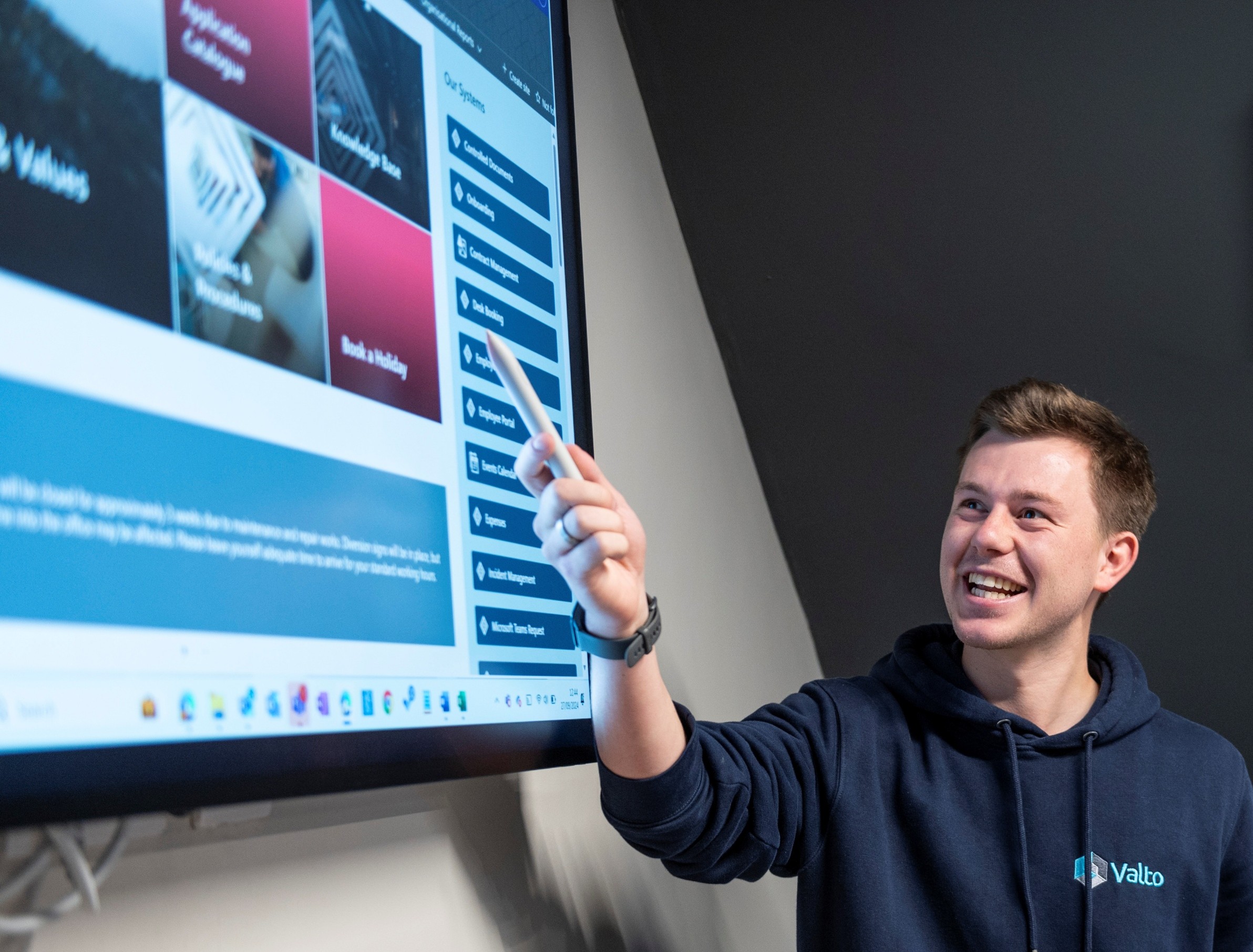
In this webinar, Dan Jones, a Microsoft 365 Consultant at Valto, explains why organisations are increasingly moving their intranets back to Microsoft SharePoint. The session explores how rising third‑party costs (on platforms such as Unily), Teams‑first working, Copilot readiness, security, governance, and platform sprawl are driving a market‑wide shift back to Microsoft‑native intranets.

COMMON SHAREPOINT CHALLENGES WE SOLVE
Expertise for the issues that stop SharePoint delivering
Many organisations already have SharePoint, or a competitor platform alongside it, but struggle to realise its full value. Common challenges include:
- Search that returns everything except the document you wanted
- Low user adoption, with people still working from email attachments and personal drives
- Unstructured content, with no metadata, naming standards or retention rules
- Site and intranet sprawl, including sites created for projects that ended years ago
- Governance concerns, particularly around who can create sites and share externally
Why organisations choose Valto
We're one of the UK's few Microsoft partners to hold all Microsoft Solution Partner designation badges, across all Solution Partner designation pathways. For our clients, that means access to specialists who understand both the technology and the way people actually look for information. Whether you're building an intranet, modernising document management, migrating off a third-party platform or preparing for Microsoft Copilot, we help organisations create SharePoint environments that support collaboration, governance and productivity.


Connected, across Microsoft
Everything else in Microsoft 365 is standing on SharePoint
Teams files are stored in SharePoint. Viva Connections is built on it. OneDrive is a version of it. Microsoft 365 Copilot reads it. That makes SharePoint the layer that decides how well the rest of your Microsoft 365 investment works, which is why it is usually the first thing worth getting right and the last thing anyone plans. Valto brings together expertise across Microsoft 365, Teams, Viva, OneDrive, Power Platform, Dynamics 365, security and Microsoft 365 Copilot. That lets our specialists draw the boundaries between them deliberately, connect SharePoint to the business processes around it, and recognise when the answer is a change to how people work rather than another platform. The result is a single source of truth for information, fewer places to look, and a foundation the rest of your Microsoft estate can build on.
How we deliver SharePoint projects
Our five-step process is clear and transparent from start to finish. From understanding what content you hold and how people look for it, through to structuring, migrating and embedding ways of working people stick with.
 1
1Discovery
Content & business challenges
We assess your current environment, understand how people work and identify opportunities for improvement, including what content exists, who can currently see it and what you are paying third parties for.
 2
2Strategy
The right information architecture
Together, we define governance, content structures and user experiences that support long-term success, and agree what belongs in SharePoint and what belongs in Teams, OneDrive or elsewhere.
 3
3Build
Modern SharePoint experiences
We create intranets, document management solutions and employee experiences tailored to your organisation, and migrate the content that is worth bringing with you.
 4
4Adoption
Help users embrace change
Training, communications and engagement activities help maximise adoption and value, focused on the people whose habits actually have to change.
 5
5Optimisation
Keep ahead
As requirements evolve, we help improve governance, usability and the overall employee experience, and keep content in a state Copilot can be trusted with.

Case study · Branding Science Group
Valto saves Branding Science £20k a year migrating from Box to SharePoint
Branding Science streamlines external collaboration and eliminates third-party costs with SharePoint.
- £20k annual savings
- Secure Microsoft collaboration
- Global solution adoption
The team driving you forward





“In Valto we have found Microsoft Experts that not only understand how to configure and deploy 365 in a seamless and frictionless manner but know how to train and engage a user base to ensure the deployment is a success.”
You may also be interested in





Questions, answered plainly
Practical answers on where SharePoint fits alongside Teams, whether it can replace a third-party intranet, what a migration involves, and what needs to be true before Microsoft 365 Copilot is useful.
FREE SHAREPOINT CONSULTATION
Ready to build a better digital workplace?
Whether you're creating an intranet, modernising document management or preparing for Microsoft Copilot, our specialists can help identify the right next step.
SharePoint specialists
Speak directly with consultants who design and deliver modern workplace solutions every day.
Practical advice
Clear recommendations focused on productivity, knowledge sharing and long-term value.
Start with what you own
We confirm what your existing Microsoft 365 licences already cover, and what you may be paying twice for, before recommending anything new.