
Access & Excel replacement
Replace fragile Access databases and spreadsheets
We rebuild business-critical Access databases and Excel workbooks as supported, secure Power Platform apps, without losing what works today. Book a free discovery call and we’ll send you a proposal for budget purposes, setting out the cost, approach and timeline.
Rated 5 stars on Google
You’re enquiring about Access & Excel Replacement

Trusted by organisations like yours

















Valto's FREE Access database scanner
Find out what Access databases you have, which are used, and which to replace first, before you spend anything.
Is this the right service?
Access & Excel Replacement is right for you if…
- A critical process runs on an Access database or macro-heavy workbook
- Only one person knows how it works
- Microsoft support for older Access versions is ending, or IT wants it gone
- You want the data ready for reporting and AI
Not quite right?
Another service may suit you better
- You need something built from scratch: See Power Apps
- You’re looking for a different solution: See all solutions
What we deliver
What's included in our Access and Excel replacement projects
Access Scanner
We scan your Access estate to show what exists, what's used and what to replace first.
Request a scanPrioritised plan
Databases ranked by risk, usage and effort.
Rebuild on Power Platform
Apps rebuilt in Power Apps on Dataverse, keeping the logic that matters.
Data migration
Data cleaned and moved with reconciliation.
Reporting
Power BI reporting on the new, trusted data.
Support
Ongoing support so it never depends on one person again.
How it works
From demo to up and running
Our solutions are proven and ready to tailor, so there's no lengthy discovery project: see it, shape it to your process, and launch.
- 01
Free demo and discovery call
Free
See the solution working and talk through how your team works today.
- 02
Proposal
Clear costs
Licensing, any solution fee and the tailoring needed, set out in plain terms.
- 03
Tailor to your process
Configured for you
Fields, workflows, roles and branding adapted to how you work.
- 04
Rollout and training
Planned
Data brought in, people trained and the solution launched.
- 05
Support and improvements
Ongoing
Support and enhancements through our managed services.
Case studies
Where we've helped organisations like yours
View more Case Studies
Holstein UK · Agriculture
Holstein UK’s digital transformation journey with Valto
Holstein UK is undertaking one of the most significant technology investments in its history, partnering with Valto to modernise core systems, simplify complex processes, and build a connected, data-driven platform for the future. The programme is currently in active delivery, and this page will continue to evolve as new milestones, achievements, and insights emerge.
Read the case study
Spencer West · Legal
How Spencer West Transformed Revenue Management with Power Platform
Spencer West partnered with Valto to transform its complex revenue management processes with a bespoke Microsoft Power Platform solution, streamlining revenue sharing, invoicing, reporting and financial analysis.
Read the case study
Thorlux Lighting · Manufacturing
Thorlux Lighting Digitises Safety with Custom Power App
Thorlux Lighting partnered with Valto to digitise its safety reporting processes with a custom Power Apps solution, improving communication, traceability and accountability across the full incident management lifecycle.
Read the case studyMicrosoft expertise you can trust
Valto are one of the UK's few Microsoft Partners to hold all Microsoft Solution Partner Designation Badges, across all Microsoft Solution Partner Designation Pathways. For our customers, this means you can rely on one partner for end-to-end support across all your organisation's needs.
All Microsoft Solution Partner Designation Badges
Get to know Valto's Access & Excel replacement services
Walkthroughs, real examples in the product, and honest comparisons with the alternatives.
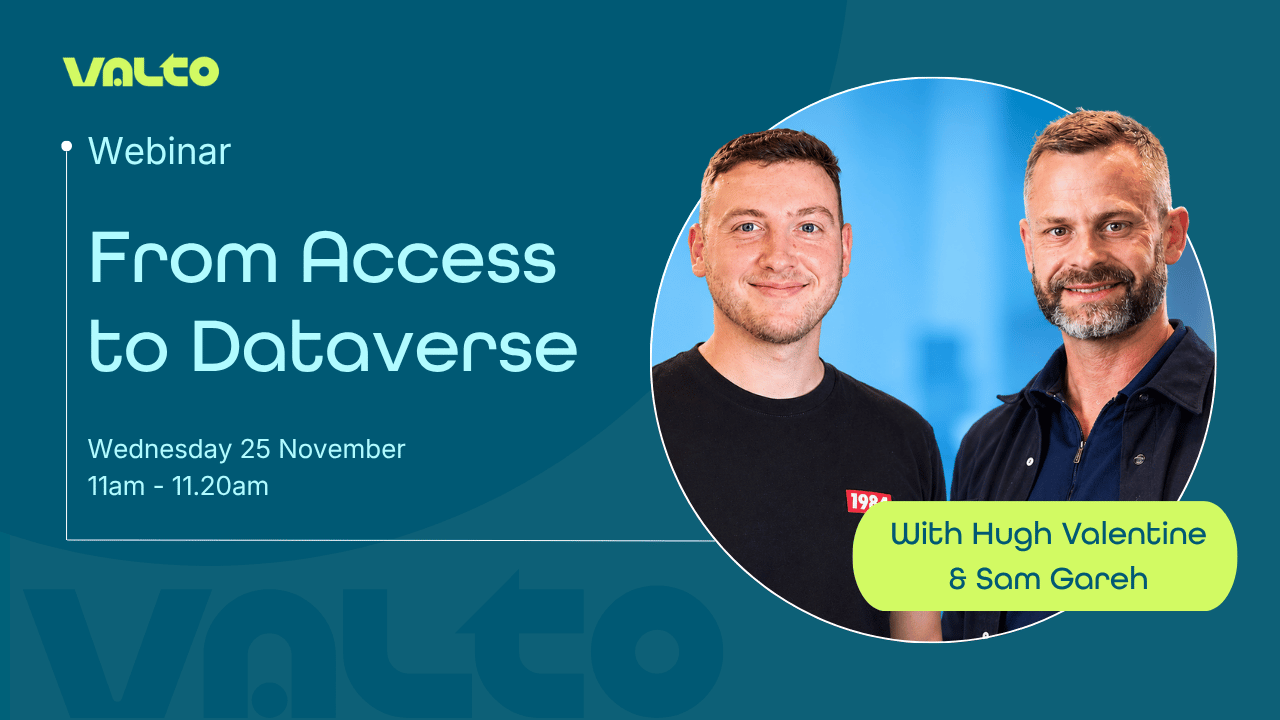 16:31
Transcript: From Access to Dataverse
Transcript: Your Access Database Isn’t as Safe as You Think
Speakers: Hugh Valentine – CEO, Valto Sam Gareh – Automation and AI Pre-Sales, Valto
Introduction
[00:00:00] Hugh Valentine: This webinar is Your Access Database Isn’t as Safe as You Think. We’ll be covering five signs that it’s becoming a risk and where a safer path leads next with Dataverse.
Today it’s Hugh and Sam. I’m Hugh, the CEO here at Valto. I’ve helped a lot of organisations transition their Access databases that have become mission-critical into productive Microsoft Dataverse applications.
[00:00:27] Sam Gareh: And I’m Sam Gareh. I’m part of the Automation and AI Pre-Sales team. I’ve spoken to lots of organisations that are currently using Access and want to move away from it for various reasons.
We’re going to cover the five main reasons why we’re hearing these organisations want to do something different.
We’re seeing more organisations realise, often too late, that the Access database they originally set up maybe years ago was a big part of the business and why it’s so successful now, but it’s no longer fit for purpose as they’ve scaled.
We wanted to cover five of these core reasons that tend to show up before something goes wrong. I’ll let Hugh take over for the first reason.
Reason 1: You’re firefighting fixes, not running a system
[00:01:17] Hugh Valentine: The first reason is you’re firefighting fixes and you’re not running a system.
We see it in lots of organisations where the day-to-day is consumed with fixing the Access database, whereas they should be working on the business, improving it and focusing on delivery.
They’re finding more and more that the Access database has become a real pain to deal with. There are lots of fixes and updates that happen within Access, and basically you get into a position where you’re just firefighting that Access database all the time.
[00:01:48] Sam Gareh: In practice, from our own experience of being involved in various sessions with organisations, typically we’ve found it’s maybe one or two people in the organisation that are actually having to effectively maintain this Access database as a full-time job.
We’ve even seen some members of the board having to be the person responsible for doing that.
[00:02:11] Hugh Valentine: Yeah.
[00:02:11] Sam Gareh: They’re constantly getting pinged by the team saying, “This part’s broken, we need this fixing,” or, “We need this report doing.” It’s just a bit chaotic, really.
[00:02:22] Hugh Valentine: We’ve seen some crazily successful businesses where the managing director is having to provide fixes and they’re jumping on those kinds of things while on holiday. It’s just not a great position to be in.
[00:02:33] Sam Gareh: Yeah. Not sustainable.
Reason 2: Access databases have no real route to AI
[00:02:35] Sam Gareh: We’ve then got the next core reason: Access databases have no real route to AI.
We’re finding leadership teams increasingly asking the business, “What are we doing with AI? What are we doing with Copilot, agents, automation and reporting?”
Access doesn’t really have a path that leads you there. There isn’t really a way that you can start to look at Copilot and automations within Access, so that’s a real blocker for a lot of organisations now.
Whatever the business wants to start doing with AI, it needs to have much better governance, and Access is very limiting in that respect.
This leaves teams having to manually copy data out of the Access database and move it elsewhere so they can start to use AI over the top of it. It’s just not fit for purpose, especially with integrations with things like SharePoint and Excel.
[00:03:37] Hugh Valentine: A lot of our initial enquiries are from organisations who want to take advantage of AI, but they just can’t do anything with it.
The first step is that we’re going to have to get rid of that Access database. Otherwise, you’re left with a really manual process to get that data out of Access, maybe into SQL or into Fabric. From there, you can start to leverage AI.
Ultimately, Access isn’t the foundation to build your new projects on, so you’re going to have to get rid of that eventually.
[00:04:04] Sam Gareh: Yeah.
[00:04:04] Hugh Valentine: So you might as well do that before you start a big, expensive AI project.
[00:04:08] Sam Gareh: One hundred percent.
Reason 3: Getting a straight answer takes too long
[00:04:10] Sam Gareh: The next point touches a little bit on what you mentioned around Fabric, but definitely around reporting in Access. It’s currently very limited in terms of what you can actually do in Access.
I’m not sure if you wanted to touch a little bit more on your experience of seeing what that’s all about.
[00:04:24] Hugh Valentine: Ultimately, reason number three is that getting a straight answer just takes too long.
You’re fiddling around with a legacy system trying to pull out the data that you need. You’re trying to join the relationships together. There’s no AI functionality built within there, so it’s basically just developing it again and starting from scratch.
It’s just not there to get the data and the answers that you need. In today’s world of data, it’s just hard to get what you need out of that.
[00:04:53] Sam Gareh: Absolutely. Even trying to do month-end reports or your weekly updates on where projects are up to ends up taking loads of time.
In this modern world, it should be a case of clicking onto a report and being able to see all that information right there in front of you. That’s just not the case with what we’re seeing.
So, yeah, a really important point for that one.
Reason 4: It’s not scalable
[00:05:17] Hugh Valentine: We’ve got reason number four: it’s just not scalable.
It works for a lot of organisations, but when you hit the bottlenecks, it’s going to fail fast. It’s fine for now, but as soon as that bottleneck is hit, the whole system you’ve built your business on is going to collapse.
We’re looking at data-size limits, the number of concurrent users, and we’re always seeing performance issues with organisations. We see companies hit those limits and they need a fast solution to basically get them up and running again.
It can support 10 or 20 users, but as soon as that limit is hit, it’s game over for that organisation and their Access database.
[00:05:55] Sam Gareh: Absolutely. That feeds into slowness and timeouts. Even having whole businesses with, say, 60 or 70 people all accessing a single Access database creates issues.
Again, that scalability is very much limited.
Reason 5: Access sits as its own tool
[00:06:14] Sam Gareh: The last of the five reasons is that it very much sits as its own tool.
In this world of connectivity and automation, you want systems that are connected to tools for things like email, finance and marketing.
Access isn’t built for that particular world. It’s very much its own isolated, siloed data set. When it comes to integrations, we’re just not able to do it, so it’s becoming a real hindrance for businesses.
In practice, that can mean someone having to spend parts of their week or month keeping data in sync across all these different systems. It just adds no real value.
What we want to see now is people moving away from that and starting to integrate their finance and CRM systems much more easily with things like Dataverse.
[00:07:13] Hugh Valentine: Ultimately, the world’s moved on.
Access was a great tool for being able to build applications decades ago, but now we’ve got much more powerful tools that are easier to use and integrate directly with AI.
As an example, Dataverse, model-driven apps and Power Apps code are available straight out of the box and are much easier to manage, build and maintain than Access databases ever will be or ever have been.
Demonstration: Dataverse and model-driven apps
[00:07:41] Sam Gareh: For this next part, we’re going to show an example of a model-driven app and Dataverse, also with Power Pages.
We’ll go through what that actually looks like in practice, using a CRM system as an example, and then Power Pages as an external-facing portal where customers can log in, upload project documents and view where their projects are up to.
That’s something I’m going to show now.
[00:08:13] Sam Gareh: In this example on screen, we have a model-driven app. This is an example of a CRM system.
What’s really useful with model-driven apps is that we’ve got some out-of-the-box reporting as well.
[On-screen demonstration shows reporting within a model-driven CRM application.]
You can see here how many active quotes and active projects there are, as well as the size and costs of projects that have been signed off.
As a high-level snapshot, that’s all available out of the box with model-driven apps.
We then have a leads management section. Within this section, we can see the number of active leads we currently have and their status.
[00:08:54] Sam Gareh: When I click into here, you can see that the tables and fields we’ve got on screen are all fully customisable. This allows us to build this completely custom for any organisation.
You can see the business process flow at the top. We have this staging-gate process where we can include mandatory fields.
For a sales team, once they’ve got a new enquiry and want to pass it through because they’ve qualified it as an opportunity, you can see that they need to have captured certain fields.
If they haven’t captured those, it’s not qualified and therefore we can’t move it across.
[00:09:36] Sam Gareh: We can do other cool things in here as well.
Once we’ve sent a proposal, you’ve got this “proposal sent” section. It might be that we’re creating a template based on building out a quotation, and then we can automatically send that out to the customer.
Again, we’ve got that type of automation that we can build using Power Automate as part of the model-driven app.
Project management
[00:10:00] Sam Gareh: We then have things around projects, so actually managing your projects.
This again uses the business process flow. At this point in the app, it might be that the sales team are no longer involved and this is where the project management team, consultants, developers or other people working on those projects are brought in.
We can assign resources to that particular project.
We can track communication in here as well, which we can also do for leads and opportunities.
We can integrate with Outlook. As part of the project, if we’ve emailed timelines or sent a quote out in the lead stage, we can capture all of that with the Microsoft Outlook integration.
We can also manually manage meetings like kick-off calls and project meetings, as well as task management. We can assign tasks to the project and then assign those to users internally.
All of this functionality is something we can start to build out with Dataverse and model-driven apps.
You can start to see how this can transform what you’re currently doing in things like Access and bring it into an up-to-date, low-code solution.
Demonstration: Power Pages
[00:11:19] Sam Gareh: We then have an example of a Power Pages solution.
As mentioned, this would be an example for external users to log in and view where their projects are up to.
The business process flow we saw in the model-driven app can effectively be reflected in Power Pages.
[On-screen demonstration shows an external-facing Power Pages customer portal.]
You can see here that a customer has three projects with us at the moment.
They can see that one project is currently being planned. Another project is about to approach the user acceptance testing period, so they’ll be able to get access to actually use it and play around with it.
They can also see, based on the invoicing milestones, when their next invoice is going to be due based on that project’s business process flow.
[00:12:04] Sam Gareh: There are lots of things we can do in here.
If they wanted to upload additional requirements, these could be passed through to the sales team and become a new lead.
They could also upload specific documentation or download, for example, a low-level design document that’s been created by ourselves at Valto.
They can log in, download that document and sign it off so we can then go ahead with the actual build.
There are all kinds of things we’ve seen Power Pages used for, but that’s one good example relevant to this.
Replacing an Access database
[00:12:39] Hugh Valentine: Replacing your Access database is probably quite daunting for a lot of organisations.
If it’s running within your entire business and all your operations are based on it, or it’s critical to a lot of your business operations, then there’s obviously a lot of concern about how you actually take this Access database and move it.
Valto has created a process to make that as streamlined and simple as possible.
We have a free assessment which uses AI to scan your current Access database, alongside one of our expert consultants who will interview you about how it’s currently being utilised.
That will then establish a migration complexity and highlight any key risk flags, such as whether there’s a lot of VBA logic, whether it relies on a key person, or whether there are data integrity issues.
[00:13:28] Hugh Valentine: We’ve got a landing page which outlines all of the components of what we do.
First, let’s understand your database. Then we’ll read that database and one of our experts will review it. Finally, we’ll produce a report.
Once we’ve done the AI assessment and discovery call, we then have a modernisation workshop. One of our consultants will sit down with you for a hands-on exercise and start to scope out how that Access database is currently being used and how we can modernise that into Dataverse and model-driven apps, as Sam has described.
The cost for that is typically £2,500 to £5,000.
Off the back of that, we’ll produce a workshop report that will have a fixed price, and then we’ll move into a fixed-price project with you.
The Valto Access Scanner
[00:14:15] Hugh Valentine: The first step really is looking at our Valto Access Scanner.
As you can see here, this is the tool that we’ve developed. We’ve got some samples in here, but of course we can upload our own.
One example we see all the time is operations, job scheduling and invoicing.
[On-screen demonstration shows the Valto Access Scanner.]
In the second section here, we can give it the context. What is it? How critical is it? Who’s using it? Roughly how many people are using it? And what’s the main reason you’re looking at moving away from it?
As an example: the person who built it left.
[00:14:48] Hugh Valentine: Once we run that assessment, our AI scanner will go and understand exactly how that database has been constructed.
That will then be handed to the consultant and they’ll produce a report.
In this report here, we’ve identified how many tables, queries, forms and VBA modules are part of this application, as well as an overall migration complexity.
We can see here that the tables would probably map cleanly into a Dataverse structure, but the queries in the Access database are definitely going to be key risks that need to be redeveloped.
Off the back of that, we can also give an indicative running cost to move away from Access and what those Dataverse and model-driven app costs are likely to be.
From there, we’ve got our recommended approach. Phase one is the design and data, then the rebuild, then reporting and finally the cutover.
That’s a quick insight into our Access Scanner.
Closing
[00:15:46] Sam Gareh: Now that we’ve talked through the five core reasons we’re seeing organisations want to move from Access, and given some examples of Dataverse, Power Pages and our AI scanner for helping organisations move away from it, if that’s something you’re currently running and you want to have a chat to see what can be done and how it would actually work if you were to move away from Access, please get in touch.
There’ll be a link in the comments section and in the description of the video to get in touch with one of us. We can then sit down and discuss what that would actually look like in practice.
Thank you very much.
[00:16:27] Hugh Valentine: Great. Thank you very much. See you on the next webinar. Cheers. Bye.
Watch · Webinar
From Access to Dataverse
In this webinar, our team explore five common signs that it might be time to move away from Microsoft Access, and what modernising with Dataverse and Microsoft Power Platform could look like.
Chapter 0100:00
Chapter 02Reason 101:17
Chapter 03Reason 202:35
Chapter 04Reason 304:24
Chapter 05Reason 405:17
Chapter 06Reason 506:14
Chapter 07Demo 107:41
Chapter 08Demo 211:19
Chapter 09Next steps12:39
Chapter 10Access Scanner14:15
Keep ahead
The grass is greener; check out these featured resources
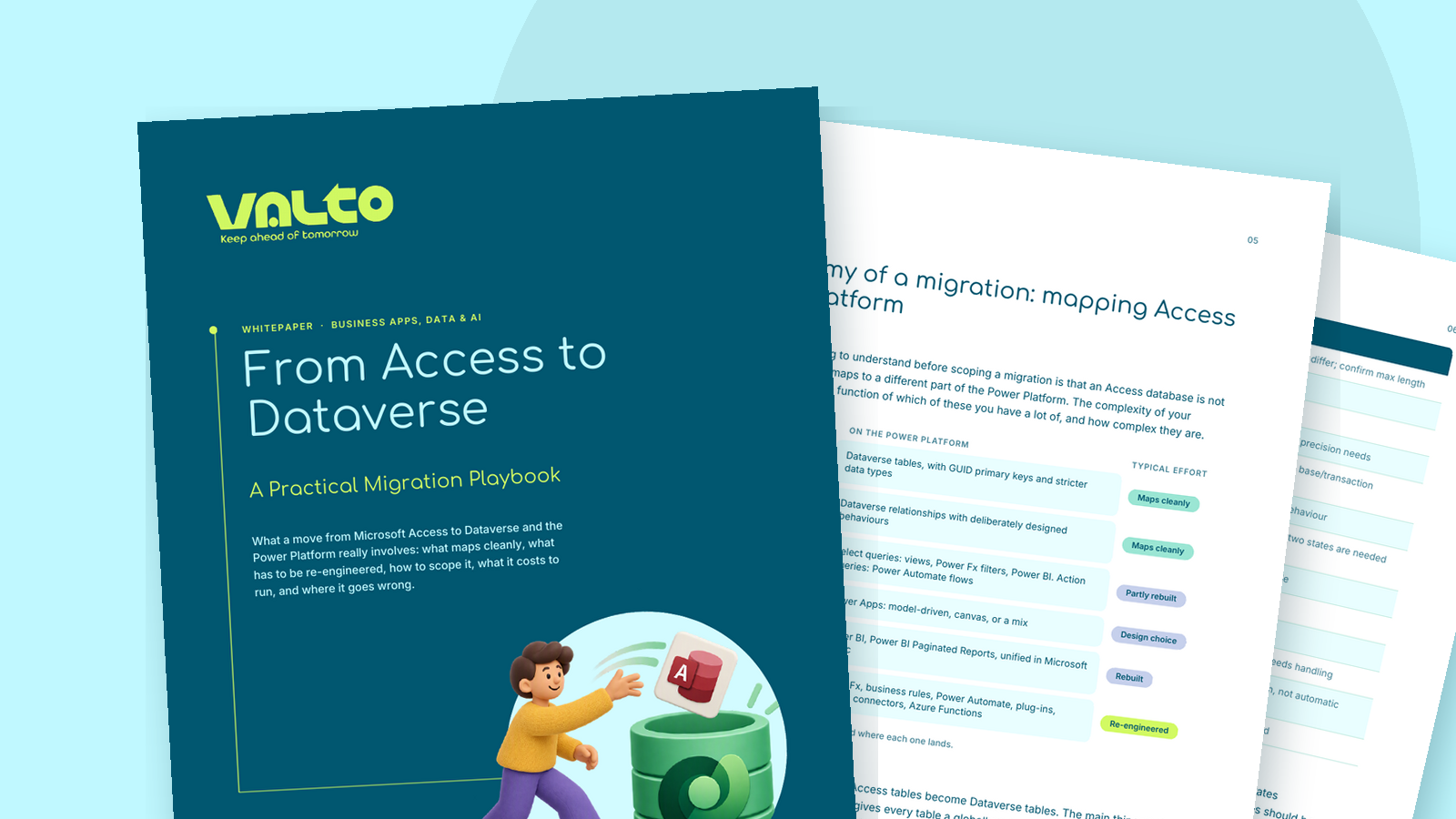
Access & Excel replacement questions, plainly answered
Practical answers on how Valto supports organisations replace Access and Excel based processes.
Keep ahead
The latest news, insights & content from Valto
Visit our resource hub
Book a free discovery call
Ready to move beyond aging Access databases and spreadsheets?
Whether you're managing a complex Excel process, maintaining an ageing Access database, or looking to modernise a business-critical application, our specialists are here to help. Tell us about your current solution and we'll help you create a roadmap towards a modern, scalable alternative.
Call +44 (0)333 577 9009