News

GoDaddy defederation: how to take control of Microsoft 365 without migrating

Bought Microsoft 365 through GoDaddy and want full control of your tenant? Defederation lets you remove GoDaddy's admin control while keeping your data, mailboxes and files exactly where they are.

365 & AzureMigration
Author
Matt Garrett & Will Jones
Published
Blog cover reading GoDaddy Defederation with a GoDaddy logo and an arrow to a MS365 logo

TL;DR

If your Microsoft 365 tenant is managed through GoDaddy, you don’t necessarily need to migrate to a new tenant to take control. GoDaddy defederation removes GoDaddy’s admin access while keeping your existing tenant and data in place.

Key benefits of GoDaddy defederation include:

  1. No data migration and no downtime for users
  2. No migration tool licences, keeping costs down
  3. Completed in a single planned window
  4. Full access to the Microsoft 365 admin centres
  5. Easier access to Copilot, Intune and Conditional Access
Video thumbnail with a man, a GoDaddy logo pointing at a Microsoft 365 logo, and text reading GoDaddy Defederation End to End7 mins
Transcript: GoDaddy Defederation, explained end to end

Transcript: GoDaddy Defederation Explained

Speaker: Will Jones, Valto

[00:00]

Will Jones: Hi everyone, thanks for joining today’s video. Today we’re going to be looking at GoDaddy defederation and what that could mean for your business if it’s something you’re currently looking at.

The assumption from a lot of our clients when we speak to them about this is that if they want full control from GoDaddy, they need to migrate their assets away from GoDaddy or perform a tenant migration. That isn’t true. You can still keep your tenant, and you can still keep all of your data inside the tenant, but you can remove GoDaddy’s admin control over that tenancy. That releases it to you, so you can do whatever you need to do inside the tenant.

[00:35]

The tenant migration option is still on the cards, but in most cases we don’t see that as a solution for this particular problem. A tenant migration is usually used if a company has a GoDaddy tenant but is going through an acquisition or a merger. The defederation would still need to happen, but you wouldn’t necessarily keep the tenant. You might migrate into the parent company, or vice versa.

[01:05]

So most of the time, a defederation will accomplish what you need.

With a defederation, we don’t move any data. We don’t move the mailboxes or OneDrive, so there’s no downtime for end users. We don’t need to provide any migration tool licences, which keeps the cost down. We can also do this through one planned window, so it doesn’t have to span multiple weeks or months. We can do the planning and the prep, and then usually we can switch it over on one day.

There’s no data loss at all, providing all the steps have been completed and it’s been done by a professional who understands how to do this particular work. Your Teams, SharePoint, OneDrive and Exchange mailboxes all stay inside the same tenant.

[01:55]

We convert the domain from being federated to managed. That means you’ll be able to open up the admin portals and navigate to the relevant admin centres, like you can with a standalone Microsoft 365 tenant. It also allows you to look at tools like Copilot, Intune and Conditional Access, as some of those features aren’t easily available through GoDaddy.

So the main drivers for this are that there’s a lot less disruption during the defederation, it’s a lower cost, you can use Valto to provide your licences, and you get the better security packages and options that become available when you actually control the tenant and it’s not locked away by GoDaddy.

[03:04]

When we engage with clients on this journey, we usually provide the licences for those customers. That way, when the defederation process has been completed and the GoDaddy licences have been cancelled, they’re not left with a gap where they have to scramble around finding a new Microsoft partner or licensing provider, which can take some time to get approved.

So we handle the whole thing. We’ll handle the users’ passwords, and then we’ll hand over the tenant to you so you have an admin login to do whatever you need to from that point.

[03:37]

We have four pillars that we use across all of our projects: plan, assess, design, implement and operate.

In the plan stage, we’ll do a thorough assessment of your current DNS records. If the domains are hosted inside GoDaddy, then great, but sometimes they’re not. We also look at any third-party mail or anti-spam providers, and anything else that could cause an issue once the federation is removed. We check all of that, document it and put it into a short low-level design.

We’ll then recover the admin accounts, because the admin account is a little bit hidden and there are certain things you need to do to recover the password. Then we’ll design our security baseline, which we implement in the implementation phase, along with removing all the GoDaddy access and performing the defederation of the domain.

The operate phase is generally applying the baseline and making sure the tenant is secure. We’ve got all of our baseline policies in place, we’ve done our user acceptance testing, and we’ll then offer a period of hypercare support following the defederation.

[04:51]

Looking at the main areas we cover when securing a tenant, GoDaddy doesn’t tend to look at some of this. They do offer their own security products, which you may be paying for as an addition. We generally want to do everything inside Microsoft, so we’d normally recommend upgrading to Microsoft 365 Business Premium. That brings us Conditional Access, lets us block legacy authentication and enforce encryption on devices, and means we can protect the data inside the tenant a lot better once it’s away from GoDaddy.

[05:34]

Copilot is another big driver for companies wanting to go down the defederation route. GoDaddy doesn’t make it very easy for you to use the Copilot features and licensing, as it’s all through Microsoft. If you try to purchase some of these services directly with Microsoft, you’ll often get redirected back to GoDaddy because of the federation. That becomes quite frustrating for companies that want to start taking advantage of this new technology.

[06:10]

As I mentioned at the beginning of the video, sometimes a tenant migration is the right answer. That might be if you’re going through a merger or consolidation, or if you want a completely fresh tenant and want to remove GoDaddy from the equation entirely, with nothing referencing them anymore. In that case, a tenant migration can come into it, and that’s something Valto can also help you with. It’s worth giving us a call when you’re at the decision point, and we can help steer you in the direction we think you should go.

[06:45]

And that’s pretty much it for today’s video. Feel free to reach out to me directly at [email protected]. You can also visit our website, where we have a contact form and a chat agent you can use to drop us a message, or you can call us. If you search for Valto, you’ll see all of our contact details, and we’ll happily set up a discovery call with you.

At that point, we’ll give you a fixed price proposal and agree the timelines. If you’re happy with everything, we’ll plan in the work and deliver the project for you.

So thanks for watching today, and please reach out if you have any other questions or comments. Thank you.

[End of transcript]

Watch · End to end

GoDaddy Defederation, explained end to end

Discover how Valto plans and delivers defederation in a single window, why securing the tenant afterwards matters and how taking control opens up features such as Copilot, Intune and Conditional Access.

Do you need to leave GoDaddy to take control?

When Microsoft 365 is bought through GoDaddy, your domain is federated with GoDaddy. That gives GoDaddy control over how the tenant is administered and can restrict access to some admin tools and Microsoft services.

Defederation converts your domain from federated to managed. Once complete, you can access the Microsoft 365 admin centres as you would with a standalone tenant.

Why it matters: Your organisation gains direct control over its own Microsoft 365 environment, including security settings and licensing.

Less disruption, lower cost

Because defederation keeps your existing tenant, no data needs to move. Exchange mailboxes, OneDrive, SharePoint and Teams all stay where they are.

That means no downtime for users and no need to buy migration tool licences. With the right planning and preparation, the switch itself can usually be completed in a single planned window rather than spread over weeks or months.

Why it matters: You avoid the cost, complexity and user disruption that often come with a full migration.

How Valto approaches defederation

Valto follows the same structured approach used across all its projects: plan, assess, design, implement and operate.

The work starts with an assessment of DNS records, where your domains are hosted and any third-party mail or anti-spam services that could be affected. These findings are documented in a low-level design.

Admin accounts are then recovered and a security baseline is designed. During implementation, GoDaddy’s access is removed, the domain is defederated and user passwords are handled. The operate stage applies the security baseline, completes user acceptance testing and provides a period of hypercare support.

Valto can also supply your Microsoft licences, so there’s no gap when GoDaddy licences are cancelled and no need to find a new licensing provider at short notice.

Why it matters: A planned, documented process reduces risk and ensures nothing is missed when federation is removed.

Improving security once GoDaddy is removed

GoDaddy offers its own security products, which some organisations pay for as an add-on. Once you have control of your tenant, you can use Microsoft’s own security capabilities instead.

Upgrading to Microsoft 365 Business Premium, for example, makes it possible to use Conditional Access, block legacy authentication, enforce device encryption and better protect data across the tenant.

Why it matters: Security can be managed consistently within Microsoft 365, rather than relying on separate third-party tools.

When tenant migration is still the right answer

Defederation isn’t the answer in every situation. If your organisation is going through a merger, acquisition or consolidation, or you want a completely fresh tenant with no link to GoDaddy, a tenant-to-tenant migration may be more appropriate. Defederation may still form part of that process.

If you’re unsure which route is right, speaking to a specialist at the decision point can help you choose the best approach.

Getting started

Valto starts with a discovery call to understand your environment, followed by a fixed price proposal and agreed timelines. From there, we plan and deliver the work and hand over full control of your tenant.

GoDaddy Defederation questions, answered plainly

GoDaddy defederation is the process of removing GoDaddy's administrative control from a Microsoft 365 tenant. Your domain is converted from federated to managed, giving you direct access to the Microsoft 365 admin centres while your data stays in the same tenant.
Usually not. Defederation keeps your existing tenant, so your mailboxes, OneDrive, SharePoint and Teams data stay where they are. A tenant migration is typically only needed for mergers, acquisitions or when you want a completely fresh tenant.
Because no data is moved, users shouldn't experience downtime. Valto plans and prepares the work in advance, then completes the switch in a single planned window.
When GoDaddy's control is removed, those licences are cancelled. Valto can provide your Microsoft licences so there's no gap and no need to find a new licensing provider at short notice.
It can be difficult. Trying to buy services directly from Microsoft often redirects you back to GoDaddy. Defederating gives you control over licensing so you can adopt Copilot and other Microsoft features more easily.
Valto handles the full process, from assessing DNS and third-party mail services to recovering admin accounts, defederating your domain, applying a security baseline and providing hypercare support. We start with a discovery call and a fixed price proposal.

Ready to take control of your Microsoft 365 tenant?

Whether you want better security, easier licensing or a clear route to Copilot, Valto can help you defederate from GoDaddy with minimal disruption.

Call +44 (0)333 577 9009

Book a free discovery call

Share this

Related reading

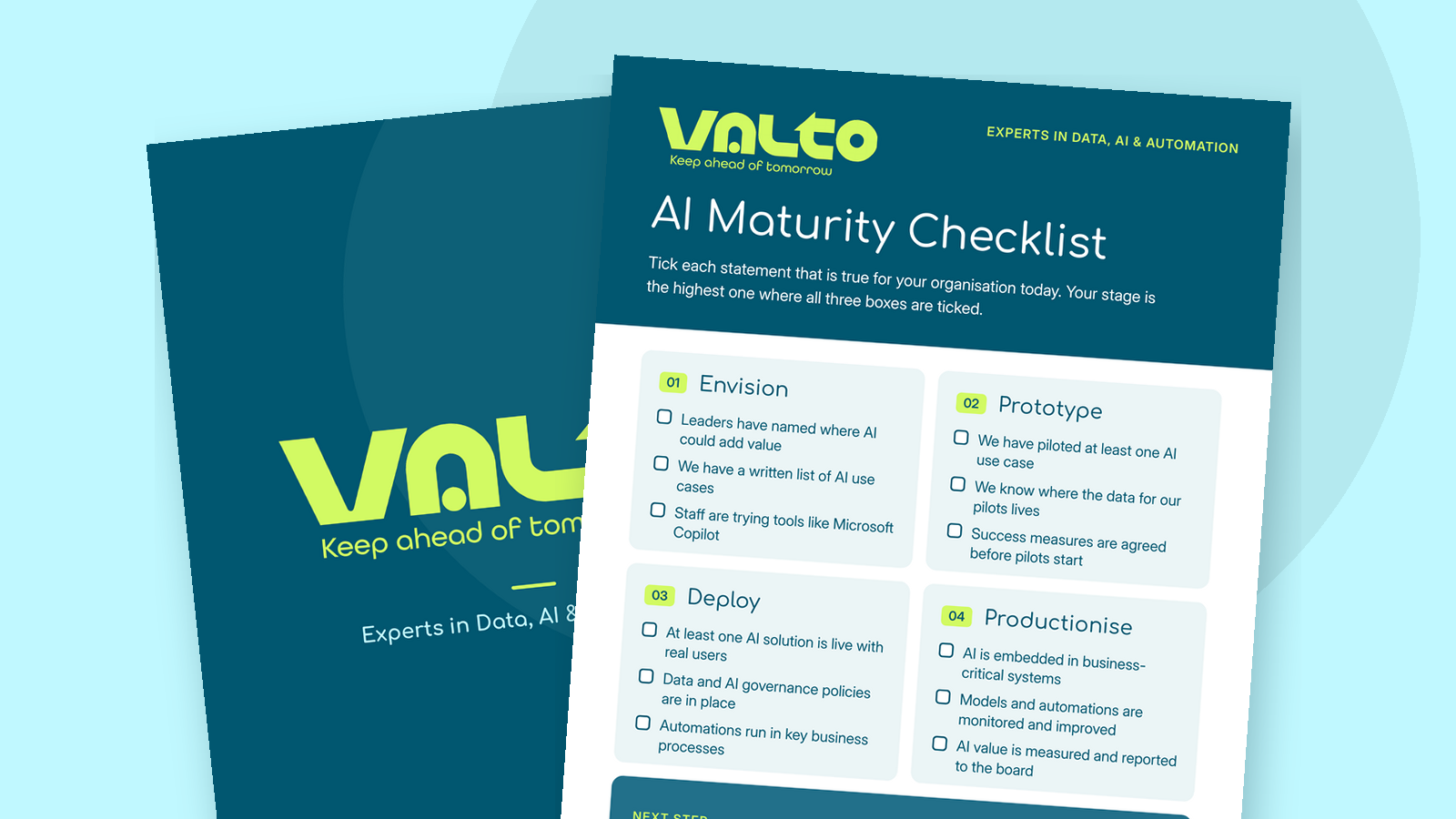
AI Maturity Checklist from Valto, shown as two printed A5 pages on a pale cyan background. The checklist page in front lists the four stages of AI maturity: Envision, Prototype, Deploy and Productionise.
White paper

AI Maturity Checklist

Where does your organisation really stand with AI? Most organisations are using AI somewhere. Far fewer can say how far they've actually got. Our AI Maturity Checklist gives you a clear answer in a few minutes, with no jargon and, it's free!

24 November 2026

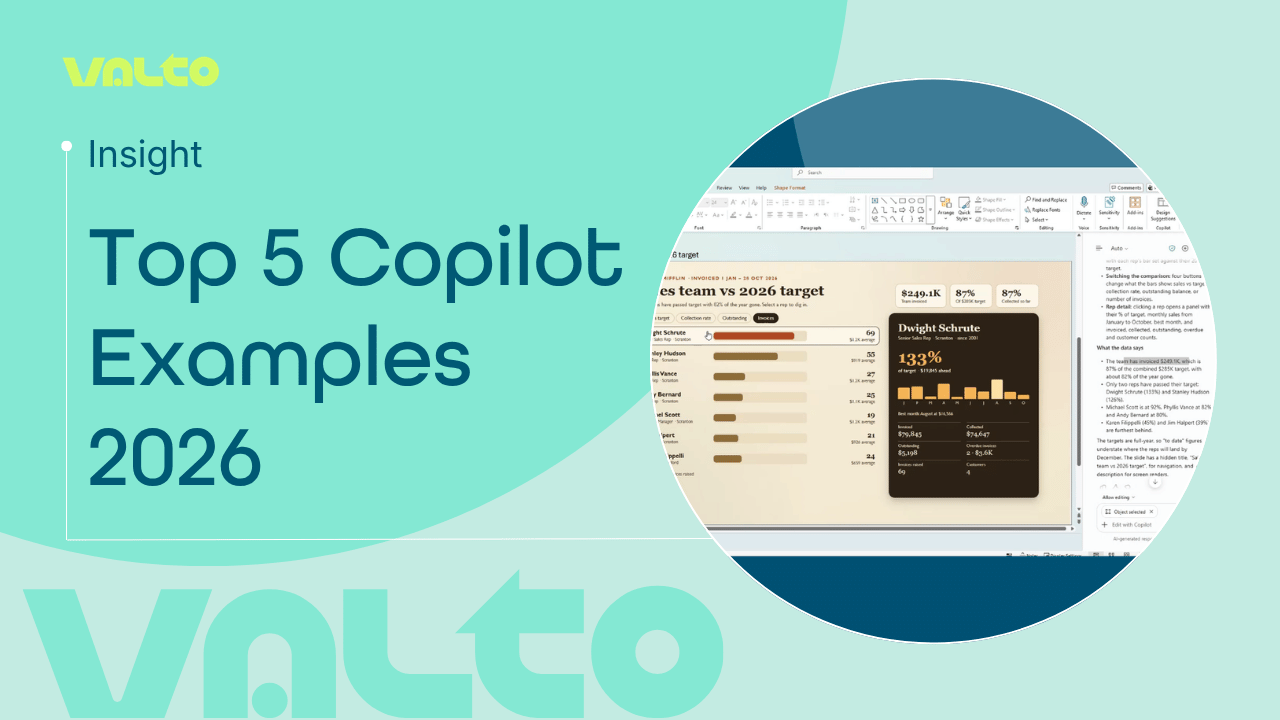
Valto graphic titled ‘Top 5 Copilot Examples 2026’, featuring a Microsoft PowerPoint sales performance dashboard created using Copilot.
NewsAI & Automation

Top 5 Microsoft Copilot examples in 2026

Five practical Microsoft 365 Copilot examples for everyday work, from analysing data in Excel and creating PowerPoint content to better prompting and building custom Copilot agents.

6 November 2026