Microsoft Power Pages

Secure portals for customers, members and partner with Microsoft Power Pages

Valto designs and builds secure Microsoft Power Pages portals for customers, members and partners to apply, book, submit and track, connected directly to your business data in Dataverse. Book a free discovery call and we’ll provide a proposal covering the cost, approach and timeline.

Rated 5 stars on Google

  • Badge Security
  • Badge AI Business Solutions
  • Badge Cloud & AI

Trusted by organisations like yours

City of London logo
Princes logo
Pivotal logo
The Openwork Partnership logo
Best Buy logo
Chester Racecourse logo
Nice Pak logo
Oxbury logo
Watches of Switzerland logo
Leger Shearings logo
Chester Zoo logo
Manchester University NHS Foundation Trust logo
Royal College of Surgeons of England
Grosvenor logo
Watkin Jones logo
VSI logo
Vertical Systems logo
Hughes Hall logo
Saltgate logo
Spencer West logo
Lanterna logo
Holstein UK logo

Sound familiar?

Where most Power Pages projects start

When customers, partners or members need to submit information, track progress or access services, email and spreadsheets quickly become difficult to manage.

Valto builds Microsoft Power Pages portals that give external users a secure, self-service experience connected to your business data.

Pick the situation closest to yours, rest assured that if it's on the list we've done it before.

Where to start

Three ways to start with Power Pages

Pick the one that matches where you are today. Every option starts with a free discovery call and a proposal, so you know exactly what you’re committing to before anything is paid for.

If you're planning a Power Pages rollout

Power Pages Envisioning

Plan your portal and the journeys it must support.

You leave with

  • A strategy document with recommendations and next steps
  • A rollout plan covering training, adoption and security
  • Cost and licensing recommendations
  • Examples and case studies from your sector

How it starts: a free discovery call, then a proposal with the cost, approach and timeline.

If you have a clear requirement or RFP

Power Pages Scoping

Turn your portal requirement into a fixed-price build.

You leave with

  • A MoSCoW report prioritising every requirement
  • A fixed price with fixed outcomes and a timeline
  • Ongoing licensing, capacity and support costs
  • A recommended solution matched to your brief

How it starts: a free discovery call, then a proposal with the cost, approach and timeline.

If your project is in trouble

Power Pages Health Check

Is your portal slow, insecure or hard to change? We assess and fix.

You leave with

  • An assessment by a consultant and an engineer
  • Stakeholder views on what's gone wrong
  • Security, governance, platform and licensing findings
  • A recommendations report: fix, rescope or reset

How it starts: a free discovery call, then a proposal with the cost, approach and timeline.

“Excellent Power Platform partner... including a Power Pages portal for client facing interactions. Great communication throughout, clearly understood our business, and delivered a solution that's already paid for itself many times over. Highly recommend Valto to any business looking to modernise their systems on the Power Platform.”

Chris Nicholas · CEO & Founder, Fazer Recruitment

How we work

How we deliver Power Pages projects

Six clear stages. A paid scoping workshop turns your requirements into a fixed-price project with fixed outcomes and deliverables, so you know exactly what you’re getting before the build starts.

  1. 01

    Discovery

    Free · requirements & proposal

    A free requirements discussion, followed by a proposal setting out the cost, approach and timeline.

  2. 02

    Scoping workshop

    Fixed price, fixed outcomes

    A paid workshop that turns requirements into a fixed-price project with fixed outcomes and deliverables.

  3. 03

    Initiation

    Low-level design & kick-off

    A low-level design refines the outcomes into delivery requirements, then the project is set up and kicked off.

  4. 04

    Build

    Visible progress, every step

    Our developers and engineers build the solution, working closely with your team and showing progress as we go.

  5. 05

    Deploy

    Launch & adoption

    Launch with training and a planned rollout, so people are using it from day one.

  6. 06

    Hypercare & support

    Go-live and beyond

    Hypercare through go-live, then ongoing support, improvements and tuning.

    See our Managed Services
Holstein UK logo overlayed on an image of people and cows

Case study · Holstein

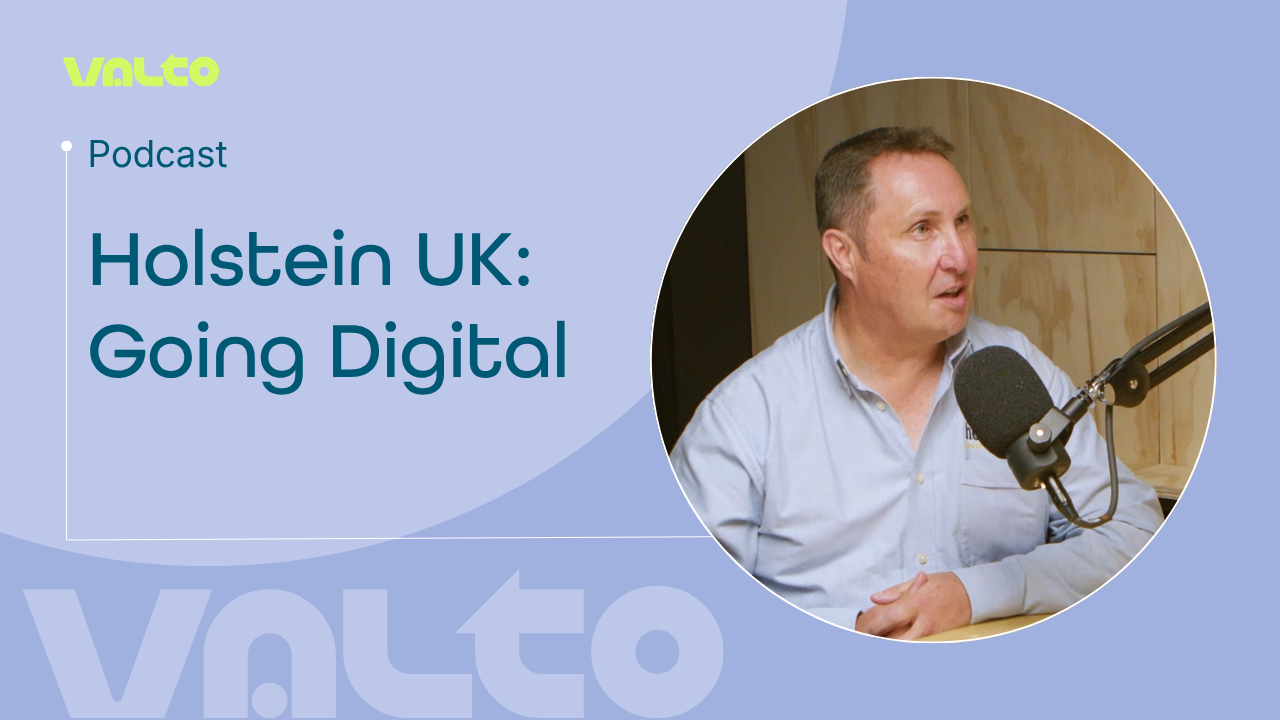
Holstein UK’s digital transformation journey with Valto

Holstein UK is undertaking one of the most significant technology investments in its history, partnering with Valto to modernise core systems, simplify complex processes, and build a connected, data-driven platform for the future.

  • Customer portals with Power Pages
  • Largescale digital transformation
Read the story

Microsoft expertise you can trust

Valto are one of the UK's few Microsoft Partners to hold all Microsoft Solution Partner Designation Badges, across all Microsoft Solution Partner Designation Pathways. For our customers, this means you can rely on one partner for end-to-end support across all your organisation's needs.

Badge Security
Badge AI Business Solutions
Badge Cloud & AI

All Microsoft Solution Partner Designation Badges

Our Power Pages services

Portals connected straight to your data

  • Portal design

    Journeys designed for people using them, on any device.

  • Secure sign-in

    External identity, roles and permissions so people only see their own information.

  • Forms and workflows

    Applications, bookings and submissions that flow straight into Dataverse.

  • Integration

    Connected to Dynamics 365, payments and your other systems.

  • Architecture and performance

    Power Pages built to scale, as on Holstein's digital transformation.

  • Membership portals

    Join, renew, pay and book online with our Membership Portals solution.

Not sure where you fit?

Book a free discovery call and we'll point you to the right starting point, even if it isn't Microsoft Power Pages.

Learn more

Get to know Power Pages & Valto

Walkthroughs, real examples in the product, and honest comparisons with the alternatives.

Watch · Top 5 examples

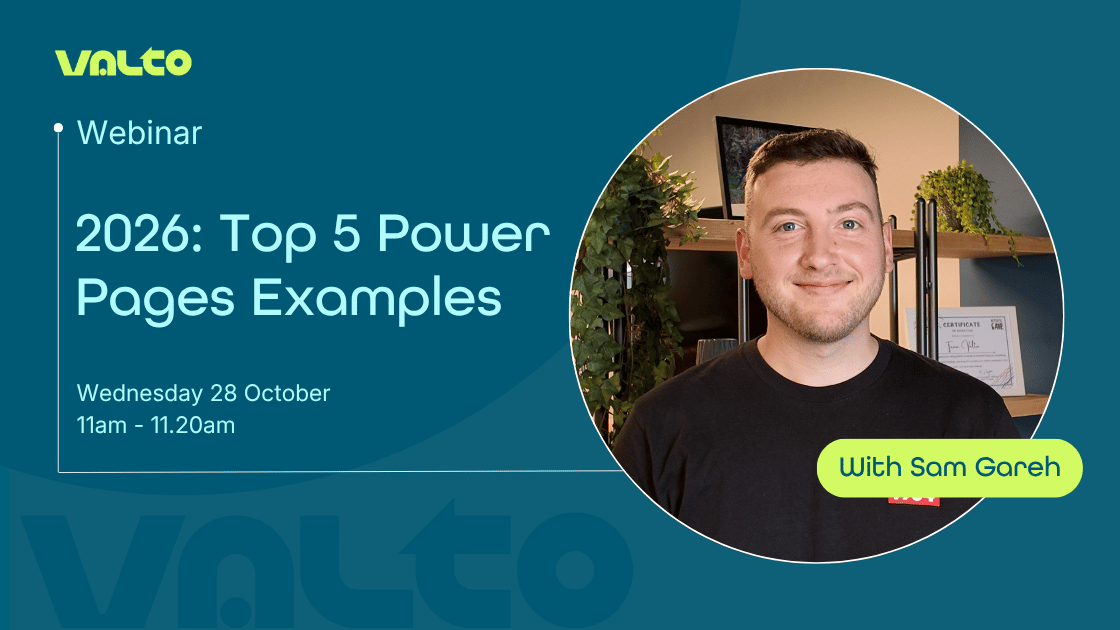
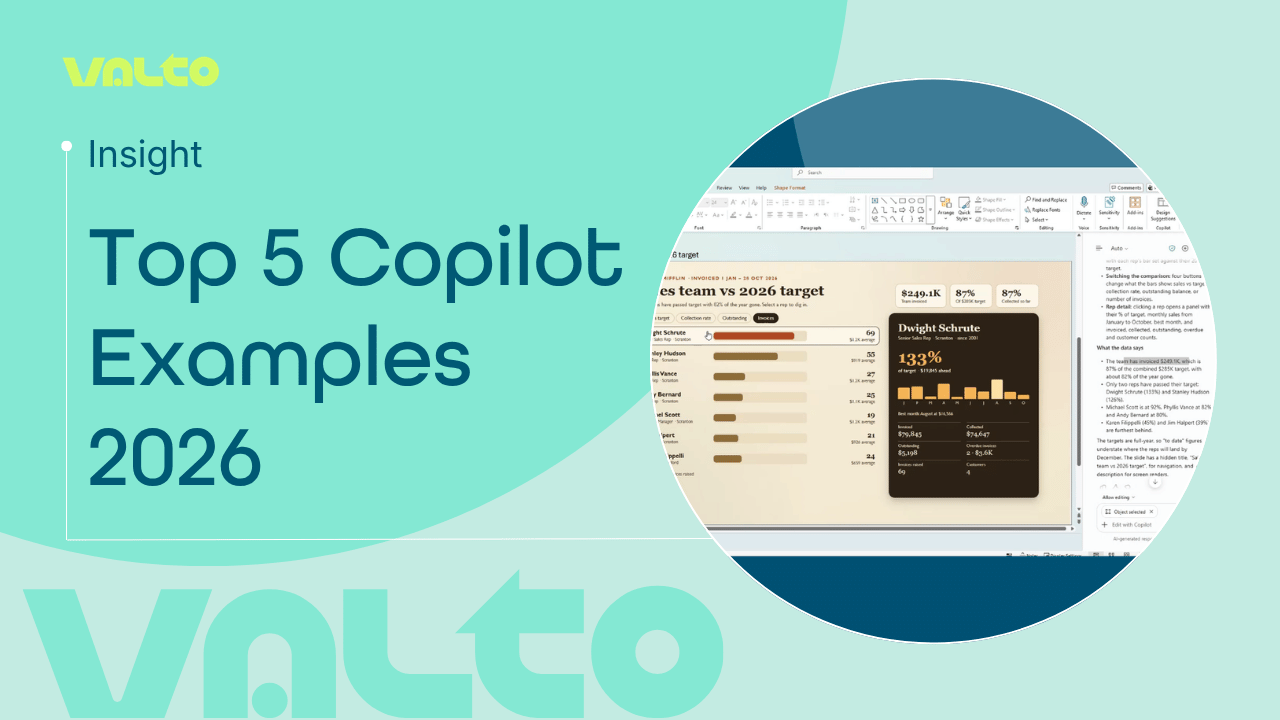
Top 5 Power Pages examples

Watch our introduction on Microsoft Power Pages and discover how organisations are using secure, external-facing portals to streamline processes, improve customer experiences, and unlock new business opportunities.

Video thumbnail reading 'Top 5 Power Pages Examples'15:26

Transcript: Top 5 Power Pages examples

Speaker: Sam, AI & Automation Pre-Sales, Valto

[00:00:00] Sam: Hello, and welcome to this video on the top five Power Pages examples.

In this video, we're going to go through what Power Pages are and some of the top five examples that we've seen with our customers and some of the things that we've built.

[00:00:18] Sam: So, just very quickly, what are Power Pages?

It's effectively an external-facing portal that allows external users to log in, but it reads and writes your real data back into your Microsoft 365 environment. It's built using the Microsoft stack, so it's part of the Power Platform.

You may already be paying for some elements of this if you have Power Apps Premium licensing.

It's effectively a website that's plugged into your business. We can make this look and feel really nice, rather than having the Microsoft boxy feel that you sometimes get with SharePoint and model-driven apps. We can make this look very much like an extension of your website.

[00:01:04] Sam: So, I'm Sam. I'm part of the AI & Automation Pre-Sales team here at Valto. I'll be running through what this actually all means.

Power Pages pricing

[00:01:14] Sam: To start off with, I just wanted to touch on some of the Power Pages pricing.

Power Pages is priced in two different ways. We have authenticated users and we have anonymous users.

Authenticated users would be users that you've granted access to. They might have an email login where you say, "Yes, that email is allowed to view the data or information that we want to share with them."

Then we've got anonymous users. Anyone who has the link can effectively access and view content on your portal, and they don't need to be verified in any way.

[00:01:55] Sam: The pricing shown here is taken from Microsoft's website.

For authenticated users, that's £153.80, and that allows up to 100 individual users to log in per month. So, if you have 150 people, obviously you'll have to pay twice for that licence.

Then we've got Power Pages anonymous users. That's £57.70, and that gives you up to 500 users per month.

So, you can see the difference there.

Example 1: Subcontractor compliance portal

[00:02:31] Sam: Just to jump straight into the first example, I'll show a demo of what this actually looks like.

We have a subcontractor compliance portal.

In this example, we've got a company called Kestrel. They're a mechanical and electrical contractor.

They have 240 staff and maybe 55 subcontractors who do work within the business and put their name against the work.

Every one of those subcontractors has to keep insurance statements and training certificates up to date, but also things like projects they've worked on, jobs they've worked on and sending off purchase orders.

There's a lot of information moving around.

Previously, as a business, they might have been using spreadsheets to get updates from subcontractors in terms of what they've done and having to manually log everything.

[00:03:33] Sam: This whole portal takes away that manual effort. The subcontractors can log into a secure portal and upload their timesheets and any documentation they need.

It's really easy to manage, and the subcontractors can then be sent job packs.

This uses the authenticated user licence, and there's nobody having to do any of the manual legwork for this.

[00:03:58] Sam: If we move into the actual example, you can see here this is the portal that they log into.

I've logged in as this particular subcontractor.

[On screen: The subcontractor portal dashboard is displayed.]

You can see we've got documents and, at the top, actions required. Before I can do anything with this, I actually need to action two particular things.

I have to upload my public liability insurance and an asbestos awareness certification. Before I can actually get my jobs, I need to upload both of those.

You can see we've also got document history. Once they're uploaded, they can be verified by the organisation that owns the Power Pages portal, which is Kestrel.

Again, we can do a lot with this type of platform.

You've got your Kestrel contacts, potentially your account manager. If any questions or queries come up, you can email and request a callback.

We've also got purchase orders and invoices, so jobs that you've worked on can all be logged within this particular portal.

Example 2: Grant application management portal

[00:05:15] Sam: The second example is a grant application management portal.

In this example, we've got a bank that has about 200 applicants a year. They look at potentially doing 60 grants and they don't need full-time staff for all of that, so they have a part-time administrator who does it.

Previously, there were a lot of Word documents and a lot of emails back and forth.

What this example does is allow people who are applying for grants to log in to a portal where they can fill in the information.

That gets pulled straight into the internal system for Oldsbury Trust.

Again, this is reducing a lot of manual effort.

[00:06:05] Sam: In this example, you can see we've logged in and can now go through the grant application process.

[On screen: The grant application portal displays options to start an application or continue an existing draft.]

We could start an application or continue a draft.

We've got all these different drop-downs, so we're capturing all the information that we could possibly need.

Then we've got information about the project that we're applying for the grant for, including budgets. This can all be sent off and submitted.

The trust itself can then see that information and go through its own internal approval process.

[00:06:42] Sam: You'll see we've got "Your Applications".

If we're using a model-driven app for the internal CRM, effectively, we can then share back where that project or grant application is up to, and that will get displayed back in the portal.

Customers can keep up to date with where things are, see outcomes and get status updates on where that grant is up to.

Again, that's a really cool use case for it.

Then we've got other information you might want to share and any documentation they might need. We can include all of that within the portal as well.

Example 3: Client records request portal

[00:07:24] Sam: If we then go to the third example, this would be client records requests.

We've got a partner practice with different clients, and every year they need a list of records. They can spend weeks asking for them.

There's no real way of doing this at the moment, which is why they've looked at Power Pages, because it's very manual.

Their clients can send them the items they need, such as bank statements, and that can all be logged within the portal.

For the partner in question, which is Fernhill, they aren't then having to ask clients for something they already have.

[00:08:19] Sam: This will make a little bit more sense in this example here.

When they're doing the accountancy work, they need particular things from their clients.

We see it a lot with accountants or mortgage brokers. They require particular documentation before they can begin, like a fact-find for a mortgage or sorting out their accounts if you're in accountancy.

This is a portal where the client can upload information.

[On screen: The client portal shows areas for uploading requested documentation, including bank statements.]

We can actually go further with this and incorporate AI, where anything that's uploaded can then be scanned.

That might report back straight away to the customer saying, "Actually, these dates don't match up with what you've said," or perhaps the photo you've taken of a document or passport isn't quite good enough and needs to be redone.

You can see here we've got bank statements that they need to upload and anything else that's required.

Rather than emailing, which can sometimes not be very secure because you can accidentally email the wrong person, you're doing all this through an authenticated portal with Power Pages.

[00:09:27] Sam: Again, we've got messages, so you can incorporate things like chatbots or live chat into here as well.

There are all kinds of things we can do with this portal.

You can view files, and things that need actioning can all be managed within here, including deadlines, invoices and a whole area for all the documentation that you've uploaded or need to complete.

It's really nice and secure.

On the internal side, all of that is getting pulled through into the customer's Microsoft 365 tenant, in this case Fernhill Chartered Accountants.

That might be a SharePoint library, document library or folders, so everything can be stored in the correct way.

Example 4: Timesheets and client approval

[00:10:15] Sam: We then have timesheets and client approval.

Similar to the contractor and subcontractor example, we can have contractors filling out timesheets for jobs that they've worked on, which will help with invoicing.

Everyone outside of Marlo is a contractor, so they're all outside of the Marlo tenant.

The person approving is also outside. They work for the actual client themselves, so this whole process is done with external users.

Marlo is effectively the business that can do the invoicing and make sure everything is running as it needs to because they do all the subcontracting.

This is a really good example of utilising Power Pages.

[00:11:05] Sam: If I were to log in as this particular person, I can now go through and fill out the hours that I've worked, and therefore that equates to a value.

[On screen: A contractor timesheet form is displayed.]

You can obviously include things like expenses and parking, as well as any receipts. That can all be uploaded into the portal.

That gets submitted for approval.

You can see here we've now got the timesheet that's been submitted, and this needs to get approved.

[00:11:36] Sam: If we then switch to Tom's view, who's the approver here, they can go ahead, review and then approve those timesheets.

[On screen: The approver's view of the submitted timesheet is displayed.]

That can now get pulled through, and the contractor will get paid.

That's, again, a really cool example of utilising Power Pages.

Marlo receives all of that information as the recruitment business, and they can then go ahead and pay all the subcontractors.

Again, a brilliant use case for Power Pages.

Example 5: Customer reporting portal

[00:12:11] Sam: The last one we have is reporting for your customers.

Ashgrove is a wholesaler, and they supply various stock to lots of different independent stores.

They've built a portal to show what the shops are buying. There's smart intelligence around what the shops are buying, and they're then selling the data back to the stores themselves.

Pretty much every other example has been about efficiency, automation and cost saving.

This one is actually about how you can potentially utilise Power Pages to create its own revenue stream.

By selling your data back to customers, you can charge customers to log in to the portal and view their own reports and data.

That's a really good way of monetising a solution like this.

Rather than just spending money to automate and improve processes, we're now spending money to make money.

Again, this is a really cool use case.

[00:13:18] Sam: If I just click over to this, Ashgrove, as the wholesaler, has an overview of all these different stores.

[On screen: The Ashgrove reporting dashboard displays performance data for its stores.]

You can see here they've got "Spend with Ashgrove", which is how much they've spent in the last 12 months.

This is the margin that they can potentially make on those products.

If we've got records of how much they're selling products for, there's also a really good opportunity for data insights using things like Microsoft Fabric and Power BI.

Ashgrove can start to get insights from that data and display that back to the customer.

In this example, they might say, "Actually, you're missing out on about £13,000 worth of margin every year."

Then there's where your spend sits against the benchmark, such as industry standards. Again, we can display those kinds of reports back.

[00:14:15] Sam: And where the money's at, again, you're at 1.8% margin for that, but comparable stores have 4.2%.

You're helping your customers make more money by selling the data back to them.

It's these types of things that we've seen which are really cool.

Then you can start to increase almost like tiers of access. If customers want to do more with the data, you can sell more data insights back to them and they can pay for more.

Again, this is a really cool use case for how you can start to monetise data.

Conclusion

[00:15:03] Sam: Hopefully those examples are useful.

If you think your organisation could potentially benefit from Power Pages, it'd be great to hear from you and run through what that use case looks like. We can start to help map that out.

If you want to get in touch, there will be a link in the description of the video.

Looking forward to hearing from you. Cheers.

  1. Chapter 0100:00

  2. Chapter 0200:30

  3. Chapter 0301:10

  4. Chapter 0402:10

  5. Chapter 0504:30

  6. Chapter 0606:40

  7. Chapter 0709:30

  8. Chapter 0811:00

Why SaaS is dying video thumbnail11:01
Transcript: Why SaaS is dying and its Power Platform replacements

Speaker: Sam Gareh, Valto

Introduction

Hello, I’m Sam from Valto, and today I want to make a case that might sound a little provocative. It’s about SaaS.

We’ve known the Software as a Service model for the last decade or so, but I believe the way businesses consume SaaS is starting to change. I don’t mean the software itself is going away. What I mean is the model of paying recurring per-user subscriptions for every business problem is beginning to show cracks.

Many organisations now have large numbers of software tools. Some are underused, some overlap with each other, and many are not being fully utilised. At the same time, businesses are starting to look at whether it makes more sense to build solutions tailored to their own requirements rather than relying on a different subscription product for every process.

In this video, I’ll explain what’s changing and what it could mean for organisations reviewing their software investments.

Subscription Fatigue and Overlapping Tools

Many organisations are experiencing what could be described as subscription fatigue.

Businesses often run dozens of seat-based applications across different departments. Teams frequently purchase their own project management tools, reporting platforms, form builders, or workflow applications, sometimes without visibility of what other teams are already using.

The result is that organisations can end up solving the same problem multiple times using different software products, each with its own recurring subscription cost.

A common challenge is that many businesses use only a small portion of the functionality available within these products but still pay for the full licence. As organisations grow, subscription costs also increase because many platforms scale directly with headcount.

This creates a situation where software spending continues to rise, regardless of whether usage or business value grows at the same rate.

The Role of Microsoft 365 and AI

A significant change is the increasing availability of AI and application-building capabilities already included within Microsoft ecosystems.

Technologies such as Microsoft Copilot, Copilot Studio, Azure AI Foundry, Power Platform, SharePoint and Microsoft Teams provide organisations with tools to automate processes, build applications and integrate data without necessarily purchasing additional standalone products.

Instead of asking, “Which software product should we buy?”, organisations are increasingly asking, “How can we get more value from the Microsoft licences we already own?”

For many businesses, capabilities such as Power Apps, Microsoft Fabric and Copilot Studio open opportunities to create solutions that integrate directly with existing systems and data.

This can reduce complexity while also improving the user experience.

The Data Silo Problem

Another challenge created by large SaaS estates is data fragmentation.

Every SaaS platform typically stores its own data, often in separate databases accessed through separate user accounts and management interfaces.

As more systems are introduced, businesses often need additional integrations, connectors and synchronisation processes to ensure information flows correctly between them.

These integrations may involve:

  • Automated data synchronisation
  • Third-party connectors
  • Export and import processes
  • Manual reporting tasks

This work often remains invisible until something fails. When integrations stop working, or when key employees who manage these processes leave the organisation, business-critical reporting and workflows can be affected.

As a result, some organisations find themselves maintaining increasingly complex webs of integrations simply to answer what should be straightforward business questions.

What Is Changing and What Isn’t

This does not mean that all software products are becoming obsolete.

The point is not that software is dead. Rather, certain categories of software are becoming easier to replace.

Single-purpose tools that solve a narrow business problem are often the most vulnerable, particularly when similar functionality can be created using existing business platforms.

Meanwhile, broader ecosystems such as Microsoft 365 continue to grow in importance because they provide a foundation on which organisations can build and extend solutions rather than simply consume them.

The conversation is shifting from buying more tools to making better use of existing platforms.

From Renting Software to Building Solutions

One of the most significant changes organisations are considering is the shift from renting software to building software.

Rather than allocating budget to ongoing licence fees for multiple specialist platforms, businesses are increasingly exploring how they can invest in creating bespoke applications that reflect their own processes and requirements.

This approach can be particularly effective for:

  • Project management solutions
  • Customer relationship management (CRM) systems
  • Lead management processes
  • Internal workflow applications
  • Operational tracking and reporting tools

Instead of adapting business processes to match the limitations of a software package, organisations can create solutions designed around the way they already work.

Example: Power Apps as an Alternative

A practical example of this approach is Microsoft Power Apps.

Organisations are using model-driven applications built within Power Apps to manage activities such as lead generation, sales processes and project delivery.

These applications can include:

  • Custom data fields and tables
  • Business process flows
  • Workflow automation
  • Resource allocation tracking
  • Task management
  • Outlook and calendar integration
  • Communications and collaboration functionality

Because these solutions can be tailored specifically to organisational requirements, businesses are often able to reduce their reliance on expensive third-party subscriptions while gaining greater flexibility and control.

Looking Ahead

Most organisations have at least some subscriptions that duplicate functionality already available elsewhere in their technology estate.

That does not mean every SaaS platform should be replaced immediately. In many cases, a phased approach is the most practical strategy.

Businesses can review existing subscriptions, identify areas of duplication, and gradually replace selected tools with solutions built on platforms they already own.

Over time, this can help reduce software costs while improving business processes and creating solutions that are more closely aligned with organisational requirements.

Conclusion

The key question is no longer simply which software to buy.

For many organisations, the more important question is whether they should continue renting functionality through recurring subscriptions or invest in building solutions that they control themselves.

As Microsoft 365, Power Platform and AI capabilities continue to evolve, more businesses are finding opportunities to reduce reliance on specialist SaaS products and create solutions that are better suited to their needs.

If you’d like to discuss your application landscape and explore whether a build-versus-buy approach could benefit your organisation, get in touch with the team at Valto.

Thank you for watching.

Watch · Explainer

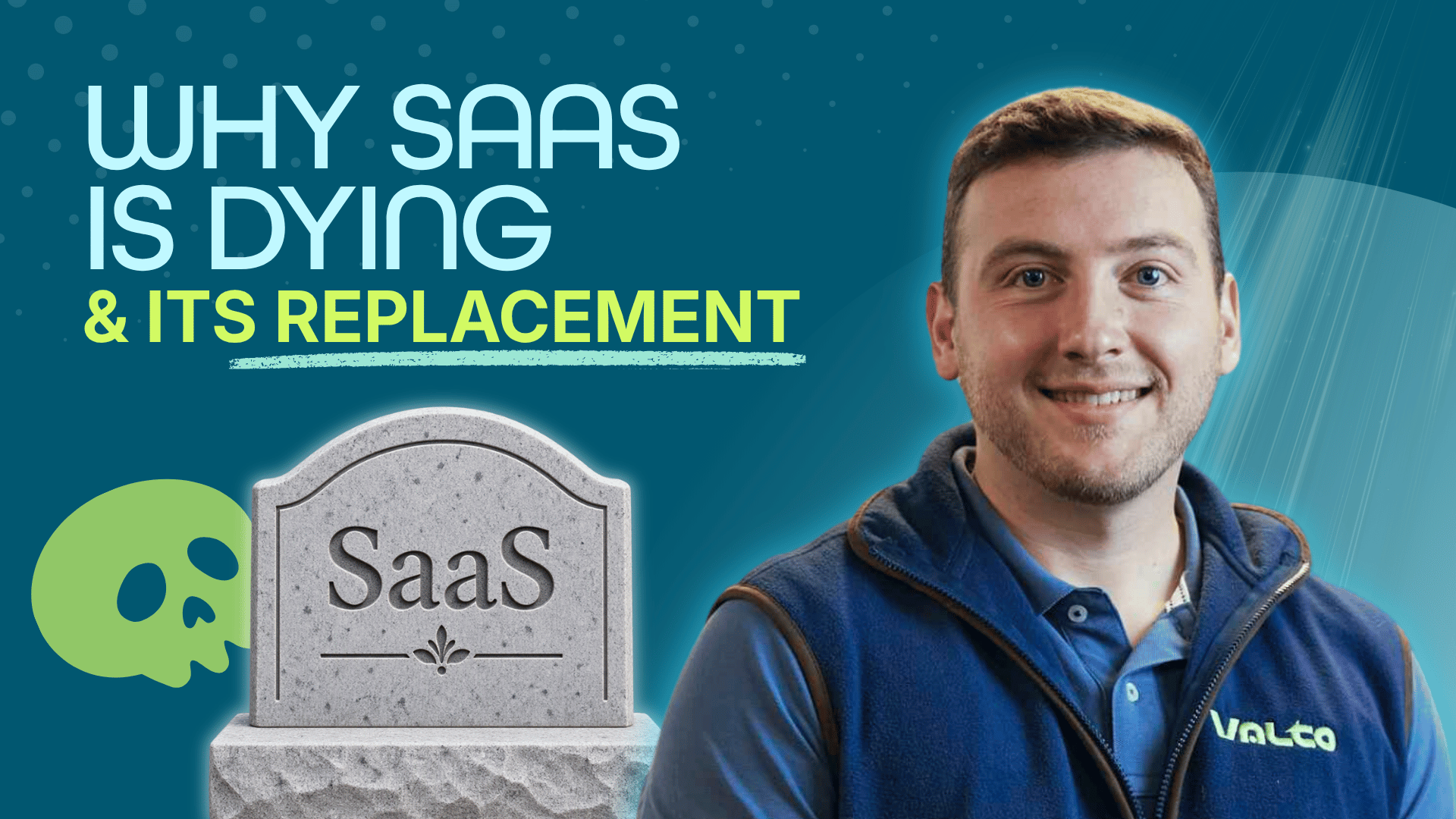
Why SaaS is dying and its Power Platform replacements

In this video, we explore the growing shift away from traditional SaaS subscriptions and towards custom-built business solutions powered by Microsoft technologies. As organisations face rising software costs, overlapping applications and increasing data complexity, many are questioning whether recurring licence fees still offer the best value.

Questions, answered plainly

Learn more about how Power Pages can support your business objectives.

Microsoft Power Pages is a low-code platform for creating secure business websites and portals. It allows organisations to provide external users with access to information, forms, services and data connected to Microsoft Dataverse.
We start with discovery to understand your users, the processes the portal will support and the data behind it. From there we agree a scope, design the experience and the security model, build and integrate the portal, support launch, then provide ongoing support and optimisation.
A focused portal with a clear process behind it can be live in a matter of weeks. Larger projects involving several user types, complex permissions or integration with multiple systems take longer. We'll give you a realistic timeline before work begins.
Absolutely. Our Power Pages Health Check assesses performance, usability, security and governance, providing clear recommendations for improvement.
There are two figures and we'll be clear about both. Build cost depends on the number of user journeys, integrations and the state of the underlying data. Running cost depends on Power Pages licensing, which is priced by authenticated and anonymous users rather than per seat. We model both during discovery so there are no surprises.
Yes. Power Pages connects natively to Dataverse and Dynamics 365, and we integrate with Microsoft 365, Azure and third-party platforms through Power Automate, APIs and custom connectors - including systems with no ready-made connector.
Yes, to both. Portals are built to your brand rather than a default template, and assessed against WCAG accessibility standards, which matters when the users are customers or members of the public rather than staff.
Simple internal-facing portals are often a reasonable in-house project. Partners earn their place when the portal faces customers, when permissions carry real risk, when licensing needs modelling, or when the portal has to integrate cleanly with systems you depend on. We're equally happy enabling your team as building for them.

Tell us where you are with Power Pages

Speak directly with the consultants who design and deliver Power Pages every day. We’ll follow up with a proposal setting out cost, approach and timeline.

Call +44 (0)333 577 9009

Book a free discovery call