


News
5 Signs Your Microsoft Access Database Is a Business Risk
Many businesses still rely on Microsoft Access databases to run critical processes, but what once worked well can quietly become a risk. This article explores five warning signs that your Access database may be holding back growth, reporting, integration, and AI readiness.
- Published
- 17 July 2026
Your Microsoft Access Database Could be a Business Risk
If your business still depends on a Microsoft Access database to manage core processes, it may be carrying more risk than you realise. Legacy Access systems often start as simple, useful tools, but over time they can become difficult to maintain, slow to report from, disconnected from modern platforms, and unsuitable for AI-driven ways of working. Recognising the early signs of Access database risk is the first step towards building a safer, more scalable modernisation plan. We're seeing more and more organisations realise, often too late, that the Access database running a core part of their business isn't the safe, familiar tool they thought it was. On the surface, it sounds harmless. It's just a database. It's been working fine for years. Why would anything change now? In reality, there's usually a lot more risk sitting underneath than anyone in the business has properly acknowledged.
It rarely fails all at once
One thing we always stress is that these systems don’t usually break in a single dramatic moment.
They degrade quietly. A form stops working properly and someone finds a workaround. A report starts taking longer to run. A query throws an error that only one person in the business knows how to fix.
Each of these is small enough to ignore on its own. Together, they’re a pattern. And the pattern has a name: technical debt that nobody has budgeted for.
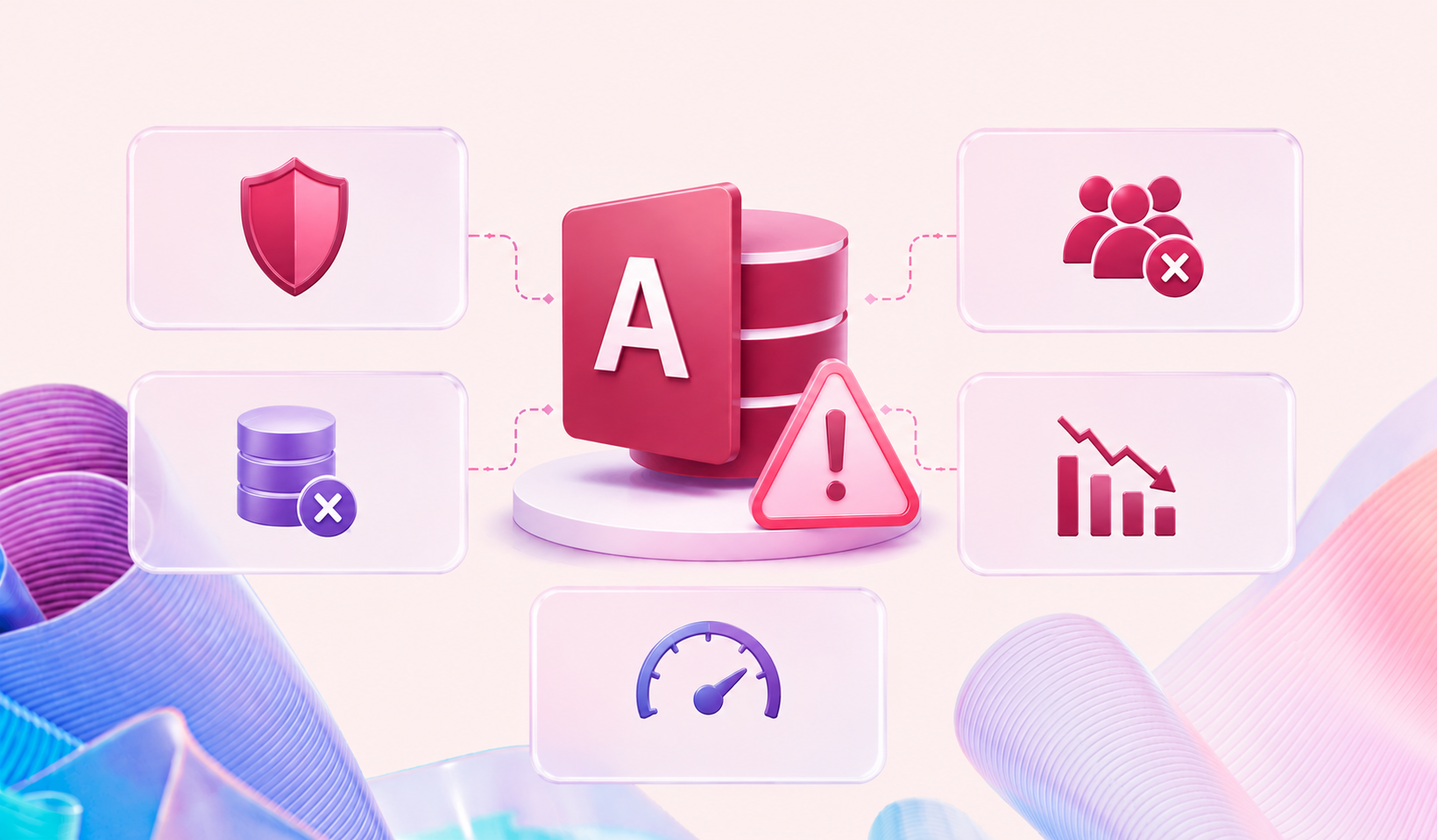
So how do you know if your organisation is exposed? In our experience, there are five signs that consistently show up before something goes wrong.
1. You’re constantly firing out fixes, not running a system
Ask how much time gets spent keeping the database alive versus improving it.
If the honest answer is “most of it,” that’s a sign the system has tipped from being a tool the business uses into a project the business maintains. A form breaks after a Windows update. A macro stops working when someone’s PC changes. A query needs “just a quick fix” every few weeks, and it’s always the same person doing it.
None of these fixes are big on their own. Added together, they’re a permanent, invisible tax on someone’s time, and a sign the platform is past the point where patching makes sense.
2. It has no route to AI, and the business is already asking for one
Leadership teams are increasingly asking what the plan is for AI. Copilot, agents, automated reporting, the lot.
Access databases have no realistic path into any of that. There’s no meaningful way to point Copilot at a set of local tables and forms, and no roadmap from Microsoft that changes this. Whatever the business wants to do with AI, it has to happen somewhere else, on top of different, better-governed data.
If the honest answer to “can we use AI on this?” is “not from here,” that’s worth surfacing to the board before someone else does.
3. Getting a straight answer out of it takes longer than it should
Access was never built to be a reporting platform for a growing business.
If getting a simple answer, how many active customers, what’s in stock, what’s outstanding, means someone manually running a query, exporting to Excel, and cleaning up the output by hand, that’s a sign the system has outgrown its original purpose.
The workaround usually still works. That’s exactly the problem. Workarounds that still work are the reason these risks persist for years without being addressed.
4. It was fine at this size. It won’t be fine at the next one
Access has practical ceilings on data volume, concurrent users, and performance, and most businesses only discover where those ceilings are by hitting them.
Growth, a new office, a new product line, a busy quarter, tends to be exactly when these systems start slowing down, locking up, or corrupting under concurrent use. The database that comfortably supported ten people rarely supports fifty without a rebuild.
If the business is growing, or hoping to, “it’s fine for now” isn’t the same as “it’ll be fine.

5. It sits on its own, when everything else talks to everything else
Modern businesses run on connected tools: email, finance systems, marketing platforms, e-commerce, support desks. Access wasn’t built for that world, and integrating it usually means custom scripts, manual exports, or someone re-typing data between systems.
Every one of those integrations is a workaround built by someone, understood by few, and at risk every time an underlying system updates.
Map it properly and it’s common to find the “small internal database” is quietly the reason half a dozen other tools can’t talk to each other.
What these signs have in common
Individually, each of these signs is manageable. That’s exactly why they get left alone.
Together, they describe a system that’s expensive to maintain, closed off from AI, slow to report from, unable to grow with the business, and disconnected from everything else it runs on, and that nobody has formally assessed against where the business is actually heading.
None of this means Access was the wrong choice originally. For a lot of use cases, it still is the right choice. The issue isn’t the tool. It’s what happens when a tool built for a small, simple job quietly becomes the backbone of something much bigger, without anyone deciding that should happen.
Recognising the signs is the easy part
The harder part is what comes next: understanding exactly what the database does, who depends on it, and what a safe, well-planned path away from it, or a properly governed version of it, actually looks like.
That assessment doesn’t need to be disruptive, and it doesn’t require ripping anything out on day one. It starts with visibility.
How Valto helps organisations modernise legacy Access systems
At Valto, we help organisations understand exactly what their Access databases and spreadsheets are doing, who depends on them, and what a safe, practical modernisation path looks like.
Our approach starts with a clear-eyed assessment of the current system: its structure, its dependencies, and the risk it’s carrying, before we talk about any solution. From there, we help build a roadmap toward a governed platform such as Microsoft Dataverse and the Power Platform, at a pace that matches your business, not a vendor’s roadmap.
Worried about a legacy database running part of your business?
Our specialists can help you understand the real risk you’re carrying and build a modernisation plan that fits your organisation, not a generic playbook.
Get in touch with the team
Microsoft Services Trusted by Leading Brands
“We work with organisations across many sectors of different shapes and sizes from 10 to 100,000 employees.”
Talk to our team
Stuck on Access? Contact Valto
Related reading

EventAI & Automation
What’s next? How data, automation & AI are reshaping business
17 November 2026 · 11:00 · 20 Stories, Manchester

NewsAI & Automation
Valto and Holstein UK launch major multi-year digital transformation programme
New partnership will modernise core systems and create a connected, data-driven platform powered by Microsoft technologies.
6 October 2026