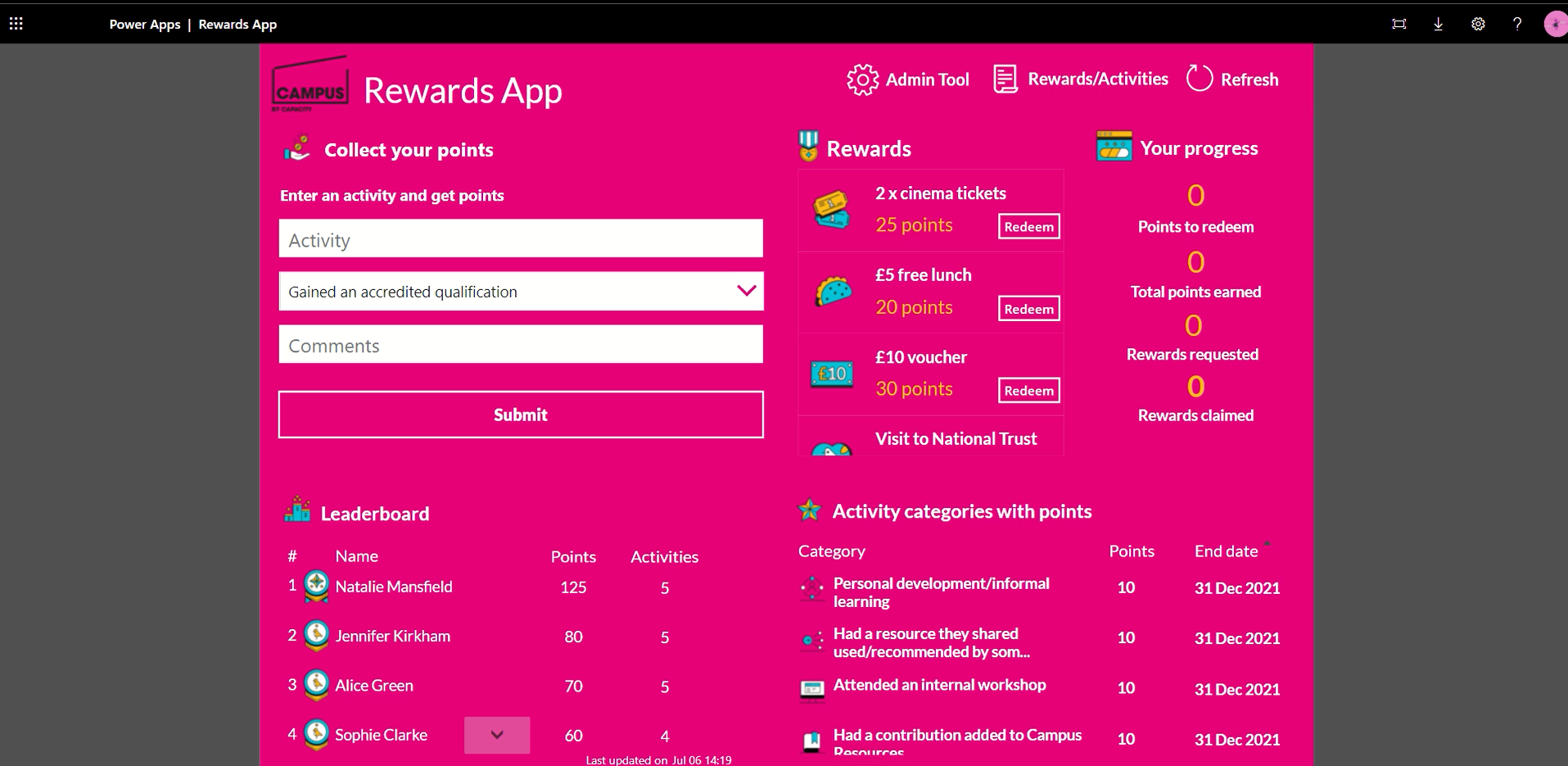
In this series we demonstrate Power Apps that Valto have built, to give you real world examples such as “Rewards and Recognition Power Apps”.
The project we completed for Capacity was to develop an employee information and rewards portal that Capacity had internally branded as Campus. Watch the video for more information on this PowerApps Example.
Watch the video (opens in a new tab)
In this first instalment of the series, we will be talking about a recent project that we have delivered for our client Capacity. Capacity advises and guides the public, and third sectors that are facing tough internal and external challenges. They listen to communities to gain knowledge on the services that they need, and then they collaborate across sectors, and provide support to charities and social enterprises. Read more about Capacity here (opens in a new tab).
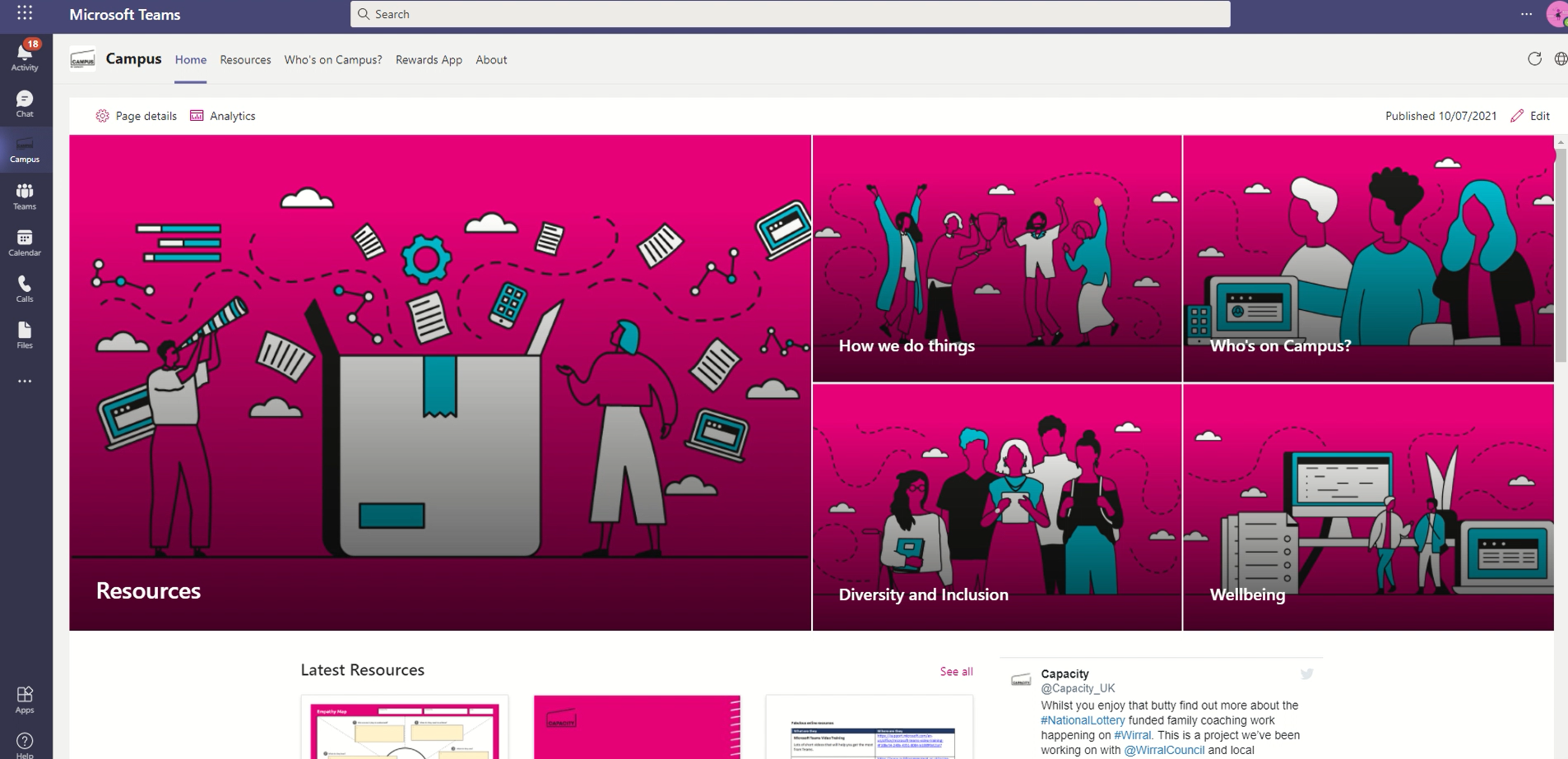
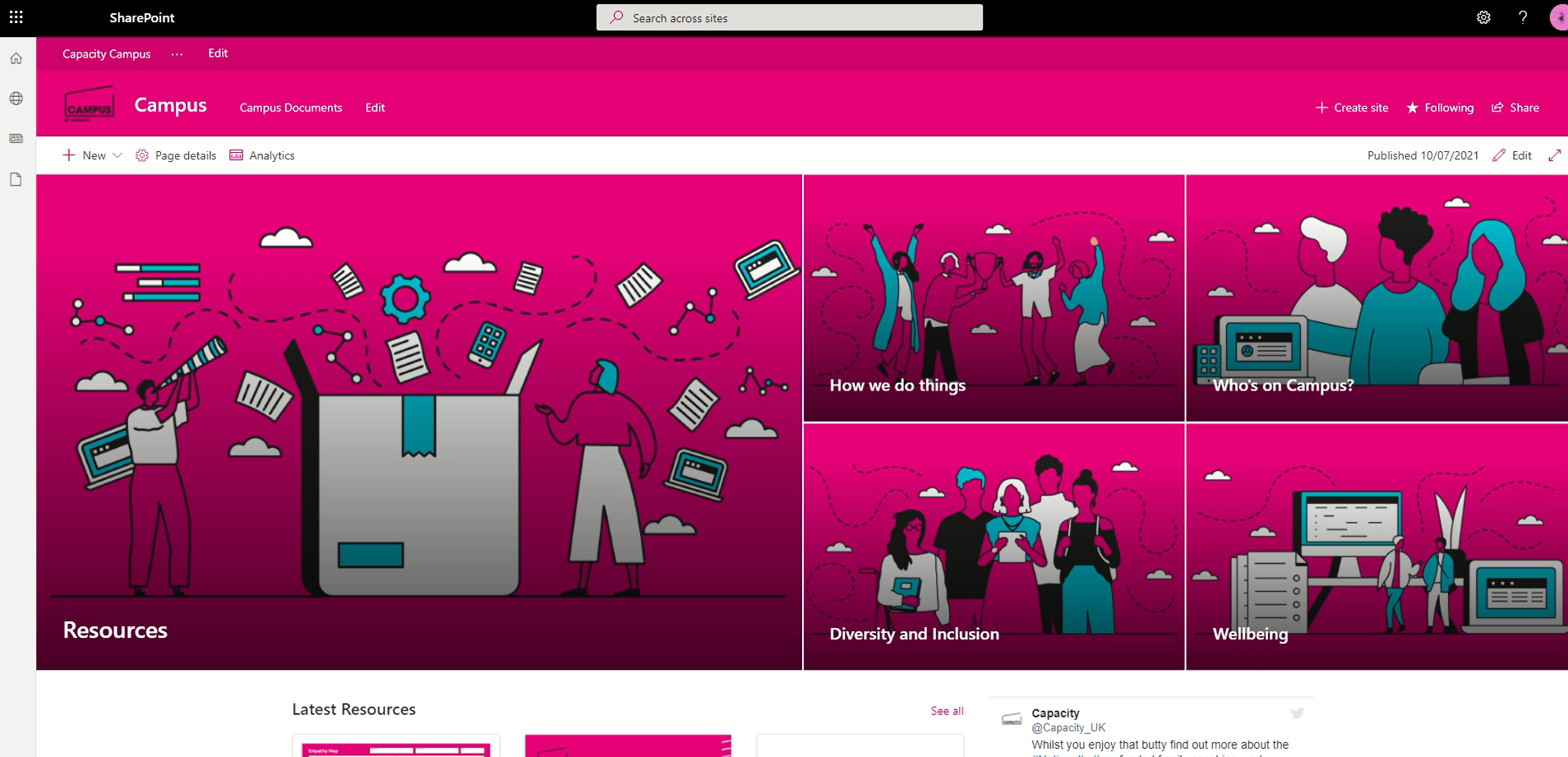
Campus was made up of multiple Microsoft 365 technologies, including SharePoint Online, Microsoft Teams, and PowerApps.
The SharePoint Online employee platform was designed so that it was easy to access resources, news, and important information. This enables the app to be used as a modern one stop shop for all employee information. This also included surfacing the latest company social media posts, upcoming events, recommended articles, and company information.
Therefore, this enables employees to keep up to date with company news, as well as encouraging education and knowledge with recommended articles. It is also helpful for new starters, with a section dedicated to how the business operates.

 Dougie Wood