Are you starting the journey of building low code business applications with PowerApps but unsure of its true potential? Then check out the video below for real world Canvas Powerapps examples of how other organisations are getting the most value from Power Platform.
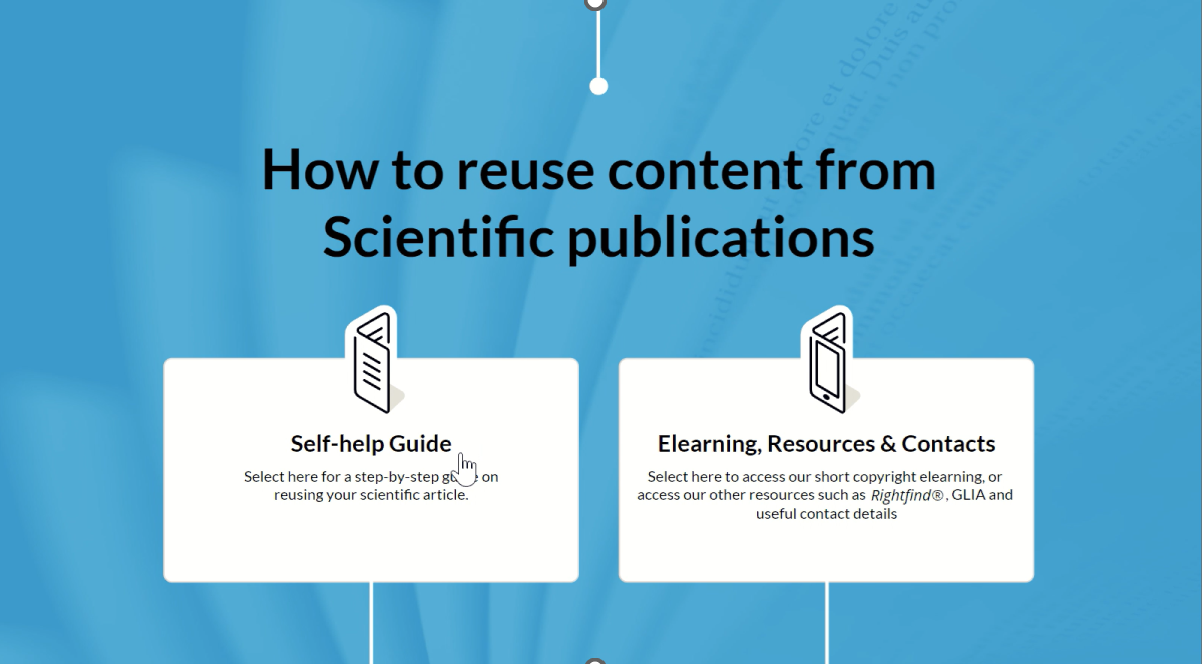
This PowerApp reminds me of the choose your own ending story books that I used to read as a child.
The concept is to provide a guided pathway through frequently asked questions.
This application was being used by a company wishing to give information to their employees about copyright.
The challenge they were facing was having a large volume of inbound emails and calls.
Often asking the same questions about how to re-use materials without running into legal copyright issues.
They wanted to ensure that their employees continued to be supported with these questions.
However, they wished to reduce the amount of time required for each interaction.
Using Microsoft Canvas PowerApps employees could be guided through their question to a relevant answer.
The answer could either tell them what they were doing was fine to proceed.
But it could also provide a warning or told them to completely stop what they are doing.
The application could also then create a call back request ticket for any high risk questions.
The legal team could then follow up with afterwards.
As this application was built using Canvas PowerApps it can be accessed via different devices.
Devices including desktop computers, tablets such as iPad or mobile phones.
It can be accessed via the dedicated Microsoft PowerApps application.
This is available to install through the devices app store.