Valto — Keep ahead of tomorrow

News

Comparing Microsoft PowerApps and Dynamics 365: Which is the Best Option for Your Business

Microsoft PowerApps and Dynamics 365 are both powerful platforms that can help organisations streamline their operations and improve their productivity. However, the two platforms have different capabilities and are designed for different use.

PowerApps
Published
7 February 2023
Comparing Microsoft PowerApps and Dynamics 365: Which is the Best Option for Your Business

Comparing Microsoft PowerApps and Dynamics 365: Which is the Best Option for Your Business

Microsoft PowerApps and Dynamics 365 are both powerful platforms that can help organisations streamline their operations and improve their productivity. However, the two platforms have different capabilities and are designed for different use.

What is PowerApps?

Microsoft PowerApps is a platform that allows businesses to create custom applications quickly and easily. It is built on the Microsoft Power Platform and enables users to create applications using a drag-and-drop interface, without the need for coding. PowerApps allows businesses to connect to a wide range of data sources, including cloud services like Office 365 and Dynamics 365, as well as on-premises systems, and create custom applications that can be used on mobile devices, web browsers, and desktop computers. These applications can be used to automate business processes, manage data, and create custom line-of-business applications such as inventory management systems, employee portals, and more. PowerApps also offers integration with other Microsoft services such as Power Automate and Power BI for automating tasks, workflows and for data visualisation.

What is Dynamics 365?

Microsoft Dynamics 365 is a set of enterprise resource planning (ERP) and customer relationship management (CRM) software applications that help businesses manage their operations and customer interactions. Dynamics 365 is built on the Microsoft Dynamics 365 data model, which is designed to handle large amounts of data and is ideal for businesses that need to manage a lot of customer data.

Dynamics 365 offers a range of pre-built applications, such as the Dynamics 365 Sales, Dynamics 365 Marketing, Dynamics 365 Field Service, Dynamics 365 Finance and Operations, and Dynamics 365 Customer Service, which are designed to handle specific business processes. These applications can be used to automate business processes, manage data, and create custom workflows. Dynamics 365 also offers integration with other Microsoft services such as Power Automate, Power BI and PowerApps to automate tasks, workflows and for data visualisation and creating custom applications. It is designed to work on both mobile devices and desktop, which makes it ideal for businesses that need to access their applications on the go. Dynamics 365 is typically used by enterprise-level businesses, and it is a more robust enterprise solution compared to PowerApps.

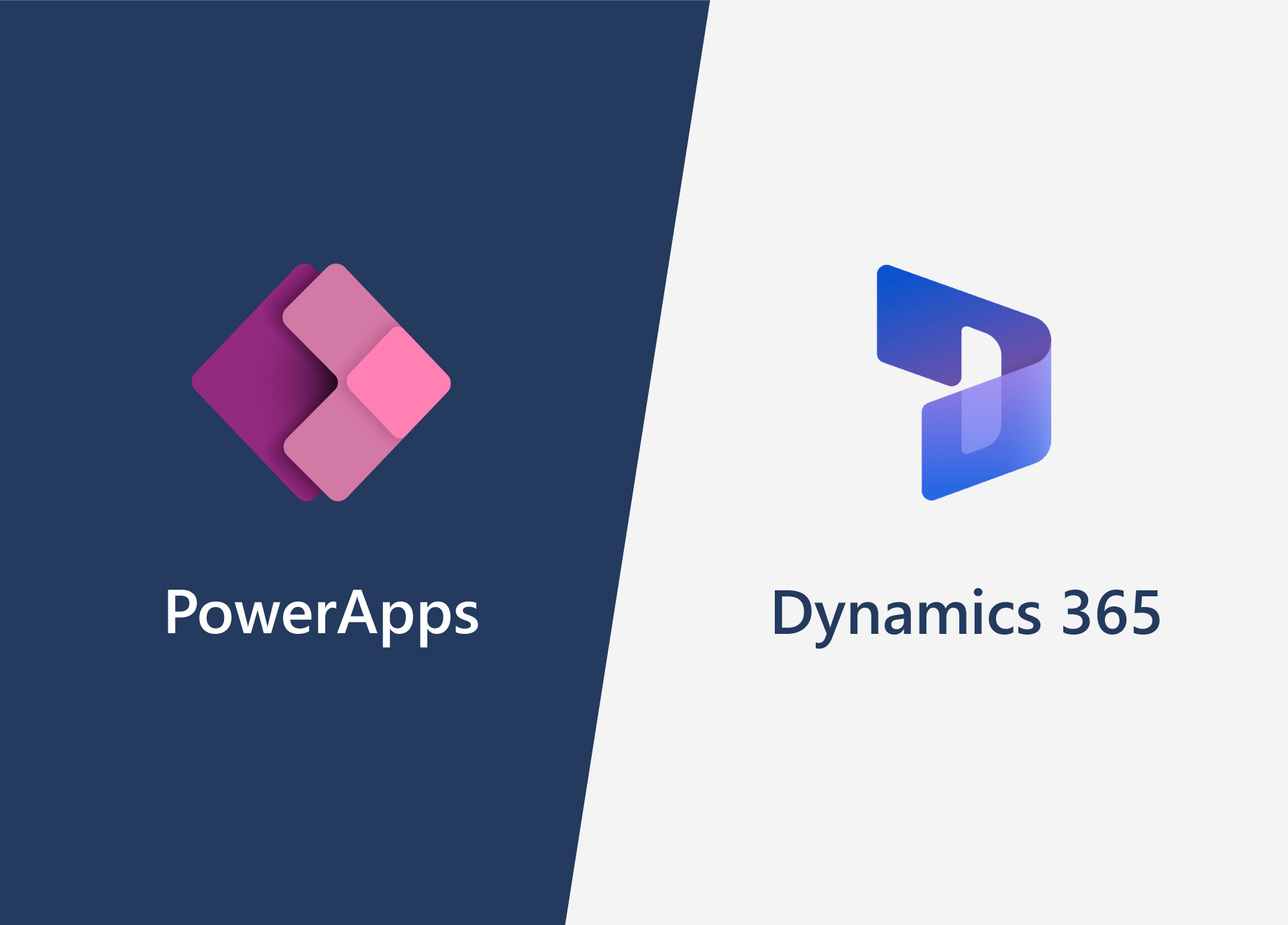
Comparing Microsoft PowerApps and Dynamics 365: Which is the Best Option for Your Business

Key Differences

When it comes to choosing the right platform for your business, Microsoft PowerApps and Dynamics 365 are two popular options. Both platforms offer a wide range of features and capabilities, but they are designed for different purposes. You may find your business can benefit from using both platforms together. One of the main differences between the two platforms is their focus. Dynamics 365 is primarily designed for sales and customer service, while PowerApps is focused on building custom business applications. Dynamics 365 is built on the Microsoft Dynamics 365 data model, which is designed to handle large amounts of data and is ideal for businesses that need to manage a lot of customer data. PowerApps, on the other hand, is built on the Microsoft Power Platform, which is a low-code platform that allows businesses to create custom applications quickly and easily without the need for a developer. Another key difference between the two platforms is the type of applications that can be built. Dynamics 365 offers a range of pre-built applications, such as the Dynamics 365 Sales and Dynamics 365 Marketing applications. These applications are designed to handle specific business processes and are ideal for businesses that need a more robust enterprise solution. PowerApps, on the other hand, allows businesses to create custom canvas apps, which can be used to build a wide range of line-of-business applications, such as inventory management systems or employee portals. When it comes to data visualisation, Dynamics 365 offers Power BI, a powerful data visualisation tool that allows businesses to create interactive dashboards and reports. PowerApps, on the other hand, does not have a built-in data visualisation tool, but it can be integrated with Power BI to create custom data visualisation solutions. PowerApps and Dynamics 365 also differ in the way they handle data. Dynamics 365 uses the Common Data Service, which is a database that is designed to handle large amounts of data and is ideal for businesses that need to manage a lot of customer data. PowerApps, on the other hand, uses the Azure Cloud Service, which is a cloud-based platform that allows businesses to store data in the cloud and access it from anywhere. In terms of automation, both PowerApps and Dynamics 365 offer Power Automate, a powerful automation tool that allows businesses to automate repetitive tasks and workflows. However, Dynamics 365 offers full Dynamics 365 customer service, which includes a range of pre-built customer service applications and workflows, while PowerApps does not.

Expert Microsoft guidance from Valto

Both Microsoft PowerApps and Dynamics 365 offer a wide range of features and capabilities, but they are designed for different purposes. Dynamics 365 is ideal for businesses that need a more robust enterprise solution and need to handle large amounts of customer data, while PowerApps is ideal for businesses that need to create custom line-of-business applications quickly and easily.

At Valto we are Microsoft experts and have comprehensive knowledge of all things Microsoft. We will be able to speak to you about your business needs and fully understand your business in order to advise you on the best platform for your needs. We will be able to talk you through all the licencing options and the migration and implementation of each so that you can come to an informed decision on what will be best for your IT solutions.

Contact us today to learn more about how PowerApps and Dynamics 365 can be beneficial for your business.

Talk to our team

Topics
Share this

Related reading

NewsMicrosoft 365

Dynamics 365 vs Model Driven Power Apps

Explore how SMEs can use Microsoft Model-Driven Apps to create affordable, custom CRM-like systems. Learn how to manage customer data, track sales, automate tasks, and access powerful reporting—without the high cost of Dynamics 365.

22 January 2025

NewsPowerApps

Power Apps vs. Power Automate

Explore the differences between Power Apps and Power Automate and learn how combining them can deliver powerful, low-code solutions for businesses. Discover how these tools work together to streamline processes and improve efficiency.

21 January 2025

NewsPowerApps

Using The UpdateContext Function In Power Apps

Discover how to efficiently use the UpdateContext function in Power Apps to manage context variables, optimise memory usage, and enhance app performance. Learn best practices and practical examples for Canvas Apps.

21 January 2025