


News
Copilot Studio vs Azure AI Foundry: Which Microsoft AI Platform Is Right for Your Business?
Not sure whether to choose Copilot Studio or Azure AI Foundry? Discover the key differences, real-world use cases and decision-making criteria to help you select the right Microsoft AI platform for your organisation.
- Published
- 12 August 2026
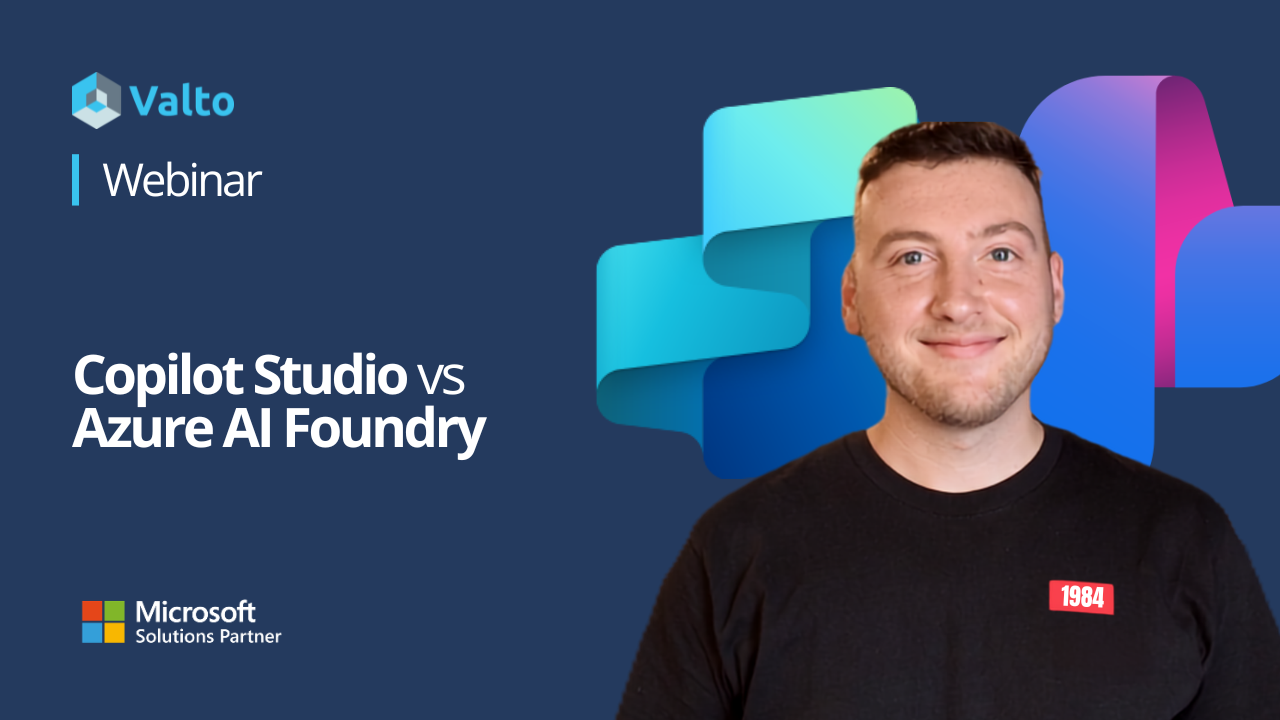
We’ve covered this in a webinar
Want to hear this information straight from our experts? If so, why not watch our webinar, including a live example of a HR solution built with Copilot Studio.
Copilot Studio vs Azure AI Foundry: what's the difference?
One of the most common questions we hear is: "Should we use Copilot Studio or Azure AI Foundry?" The reality is they aren't competing tools. They're built for different requirements. Copilot Studio is Microsoft's low-code platform for building AI agents. It's designed to help organisations quickly create assistants, automate processes and connect people to information across Microsoft 365. Azure AI Foundry is Microsoft's enterprise AI platform. It gives organisations much more control over AI models, data, integrations and infrastructure, but typically requires specialist skills and longer development cycles. The simplest way to think about it is:
- Copilot Studio gets you live quickly
- Azure AI Foundry gives you greater control and flexibility
What is Copilot Studio?
Copilot Studio enables organisations to build and deploy AI agents using Microsoft 365 and Power Platform technologies.
Agents can connect to:
- SharePoint
- Microsoft Teams
- Dataverse
- Power Automate
- Power Apps
- Power Pages
Because Microsoft manages the underlying AI capabilities, organisations can focus on solving business problems rather than building AI infrastructure.
Typical use cases include:
- HR assistants
- Employee self-service agents
- IT support bots
- Internal knowledge assistants
- Customer service chatbots
- Workflow automation
For many organisations, an AI agent can move from concept to production in a matter of weeks.
What is Azure AI Foundry?
Azure AI Foundry is designed for organisations that need more advanced AI capabilities.
Unlike Copilot Studio, Foundry provides greater control over:
- AI models
- Data processing
- Reasoning capabilities
- Integrations
- Infrastructure
- Scalability
This makes it a strong choice for more complex projects that involve large data volumes, custom AI models or external systems.
Common examples include:
- Fraud detection
- Predictive maintenance
- Intelligent document processing
- Customer-facing AI applications
- Advanced data analysis
The trade-off is that these solutions typically require developers, AI engineers or data scientists to build and maintain them.
Comparing the two platforms
| Area | Copilot Studio | Azure AI Foundry |
|---|---|---|
| Setup time | Days to weeks | Weeks to months |
| Technical skills | Low code | Development required |
| Microsoft 365 integration | Native | Requires engineering |
| AI model control | Managed by Microsoft | Fully customisable |
| Typical cost | Lower | Consumption-based |
| Best for | Internal agents and automation | Complex AI applications |
Real-world use cases
The easiest way to choose between the platforms is to look at the problem you’re trying to solve.
HR and employee support
Imagine employees asking questions such as:
- How many holiday days do I have left?
- How do I submit an expense claim?
- Where can I find the latest policy document?
A Copilot Studio agent can retrieve information from SharePoint or Dataverse and return answers instantly within Microsoft Teams.
This is exactly the type of use case Copilot Studio was designed for.
Operations and workflow automation
Managers regularly deal with tasks such as:
- Shift change requests
- Absence management
- Approval processes
Using Copilot Studio alongside Power Automate, these workflows can be automated without complex development work.
Manufacturing and predictive maintenance
Now consider machine sensors generating data around the clock.
An AI solution needs to:
- Monitor equipment performance
- Detect patterns
- Predict potential failures
- Trigger alerts automatically
This is where Azure AI Foundry becomes the better fit. The solution relies on custom models, real-time processing and integrations beyond Microsoft 365.
Financial services and fraud detection
Fraud detection systems often analyse thousands of transactions in real time.
They require:
- Custom machine learning models
- Large-scale processing
- Advanced data analysis
- Integration with external systems
These are all areas where Azure AI Foundry excels.
Customer-facing AI
For many organisations, customer service is a natural starting point.
A website chatbot that answers common questions using your existing knowledge base can be built quickly using Copilot Studio.
However, if you’re processing thousands of documents, analysing contracts at scale or building a sophisticated customer-facing AI application, Azure AI Foundry may be the better option.
Five questions to help you decide
If you’re unsure which platform to use, ask yourself these five questions.
1. Do you need it live quickly?
If speed to value is important, Copilot Studio is usually the best starting point.
2. Is your data already in Microsoft 365?
If you’re working with Teams, SharePoint, Dataverse or Power Automate, Copilot Studio is a natural fit.
3. Do you need a custom AI model?
If Microsoft’s managed AI capabilities meet your requirements, there may be no need for Foundry.
If you need to train or fine-tune models, Foundry becomes much more relevant.
4. Is it high volume or mission critical?
For large-scale, complex workloads that require real-time processing, Azure AI Foundry offers greater control and scalability.
5. Do you have the technical skills?
Copilot Studio can often be managed by existing IT teams or Power Platform specialists.
Azure AI Foundry typically needs developers and AI specialists to realise its full potential.
Final thoughts
The decision isn’t about which platform is better. It’s about which platform is the best fit for your use case.
If you need to deploy AI agents quickly within Microsoft 365, automate workflows and empower users with better access to information, Copilot Studio is often the right place to start.
If you’re building large-scale, highly customised or customer-facing AI applications, Azure AI Foundry provides the flexibility and control to support those requirements.
In many cases, the most successful AI strategies start with Copilot Studio, prove value quickly and then expand into Azure AI Foundry as requirements become more advanced.
Speak to an expert at Valto
Wondering which platform is best suited to solving your business challenges? Speak to an expert from Valto to understand how we can help.
Microsoft Services Trusted by Leading Brands
“We work with organisations across many sectors of different shapes and sizes from 10 to 100,000 employees.”
Not sure whether to choose Copilot Studio or Azure AI Foundry? This guide breaks down the differences, use cases, costs and capabilities of each platform to help you make the right decision.
Choosing between Copilot Studio and Azure AI Foundry can significantly impact the cost, speed and success of your AI initiatives. While both platforms enable organisations to build powerful AI agents, they are designed for different use cases. In this guide, we’ll compare Copilot Studio and Azure AI Foundry, explore real-world examples and help you determine which Microsoft AI platform is right for your business.
Copilot Studio vs Azure AI Foundry: Which Microsoft AI Platform Is Right for You?
Not sure whether to choose Copilot Studio or Azure AI Foundry? This guide breaks down the differences, use cases, costs and capabilities of each platform to help you make the right decision.Choosing between Copilot Studio and Azure AI Foundry can significantly impact the cost, speed and success of your AI initiatives. While both platforms enable organisations to build powerful AI agents, they are designed for different use cases. In this guide, we'll compare Copilot Studio and Azure AI Foundry, explore real-world examples and help you determine which Microsoft AI platform is right for your business.
Frequently asked questions
Copilot Studio is a low-code platform for creating AI agents within Microsoft 365, while Azure AI Foundry is an enterprise AI platform designed for custom AI applications, advanced integrations and greater model control.
Copilot Studio is a separate service, although it integrates closely with Microsoft 365 applications and services.
Azure AI Foundry is best suited to complex AI applications requiring custom models, large-scale document processing, advanced integrations or customer-facing AI experiences.
Yes. Many organisations use Copilot Studio for the user experience and workflow layer, while Azure AI Foundry provides advanced AI capabilities behind the scenes.
For most business use cases, Copilot Studio is generally the lower-cost option. Azure AI Foundry uses Azure consumption-based pricing, so costs depend on usage, complexity and infrastructure requirements.
Talk to our team
Looking to deploy these AI tools? Contact our team
Related reading

EventAI & Automation
What’s next? How data, automation & AI are reshaping business
17 November 2026 · 11:00 · 20 Stories, Manchester

NewsAI & Automation
Valto and Holstein UK launch major multi-year digital transformation programme
New partnership will modernise core systems and create a connected, data-driven platform powered by Microsoft technologies.
6 October 2026