In this article we will demonstrate how you can create Microsoft PowerApp approval workflows using Power Automate.
We will show you from the very beginning how you can integrate a Power Automate workflow process into your Canvas PowerApp. This will allow the Power Automate workflow to be triggered via a PowerApp button.
There are many reasons you might wish to use Power Automate approval workflows. In our example we are digitally transforming an Incident reporting paper-based process with a PowerApp.
We then use the Power Automate approval workflow to ensure that all the data entered our form is correct, ensuring all the information has been captured at the time of the incident.
This Vlog is part of an ongoing series of videos that demonstrate how you can create your own Canvas PowerApp directly from a SharePoint list.
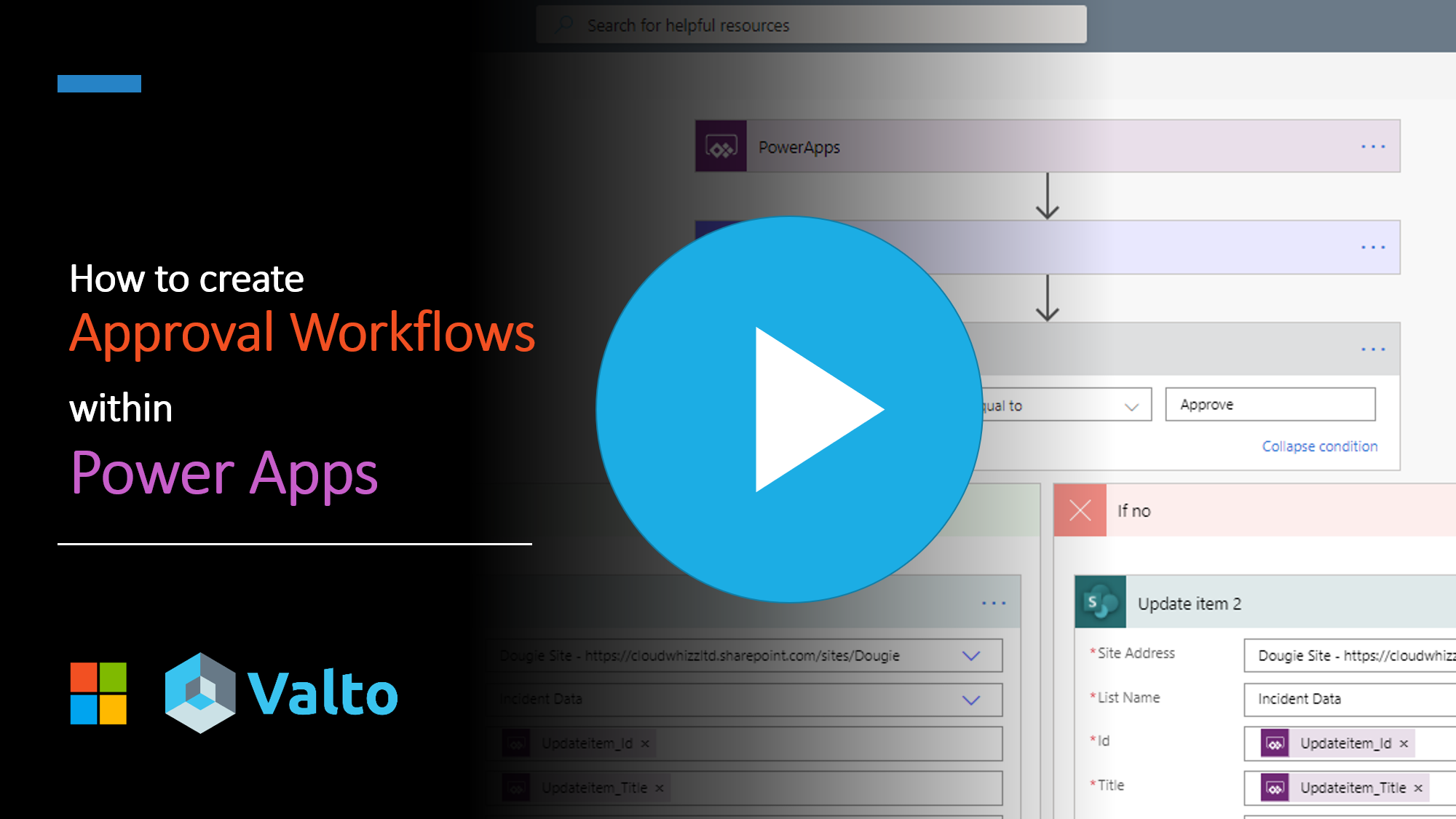
You can watch the full demonstration video on YouTube of how to achieve this by clicking on the image below.
Video and article by: [email protected]
Using SharePoint lists as your data source is a great way to streamline the development process. As you can automatically generate a basic app directly from your data source.
In our example we are using a SharePoint Online list to store all our incident data. Such as who created the incident report, when it happened with a description and any follow up actions that must be carried out.
In the video we show you how we expand on this to add an additional column called Status. This field will be used for tracking the current approval status of the incident report item.
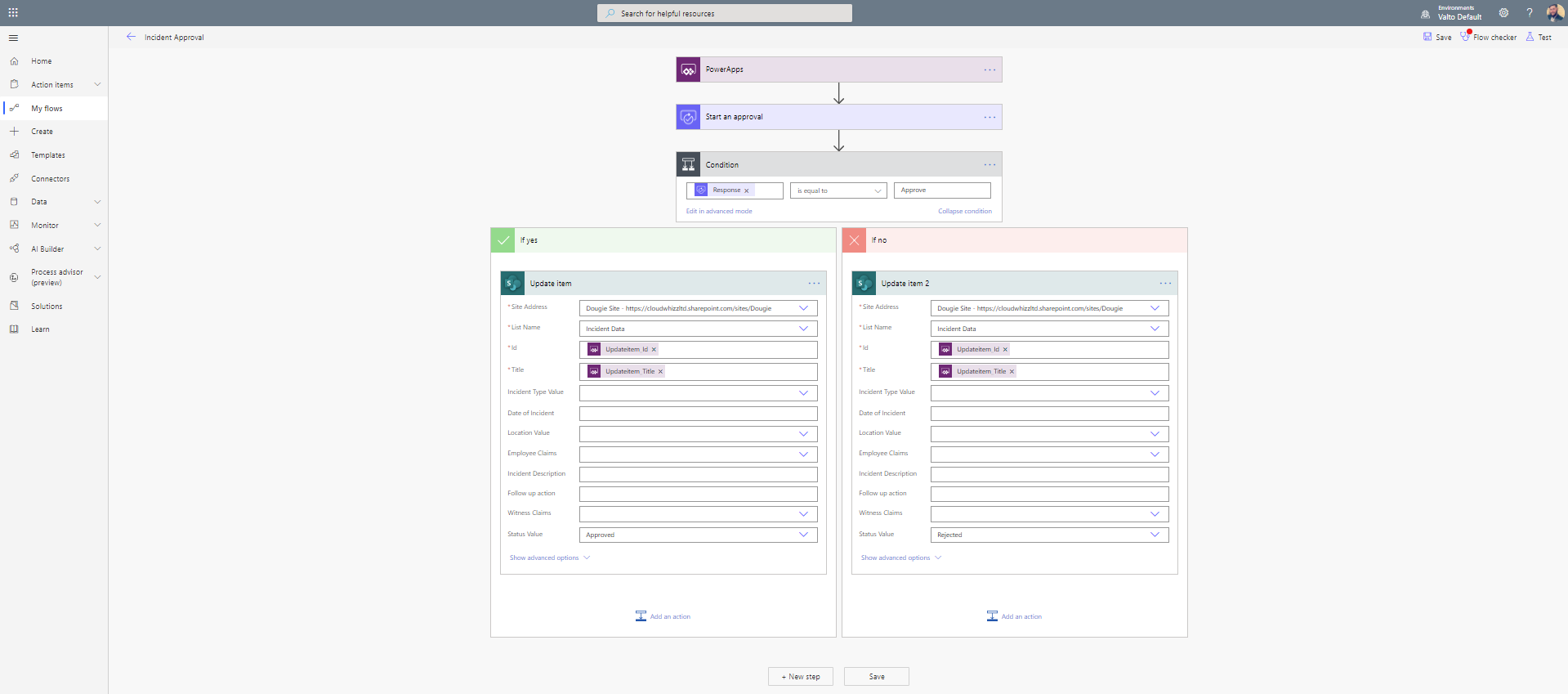
The PowerApp will trigger a Power Automate approval workflow on submission of a new Incident report being created from within the PowerApp. The Power Automate workflow will then be triggered. It will then seek approval from the relevant employee to confirm that all the information in the report is satisfactory.
Depending on the outcome of the approval step the Power Automate workflow will then set the overall incident report item to either approved or rejected.
The workflow demonstrated in our video is very simplistic to give you a flavor of what could possibly be achieved.
However, this could be expanded further to include notification emails with specific responses dependent on the outcome of the approval. It could trigger follow up actions dependent on the severity of the incident and so much more.