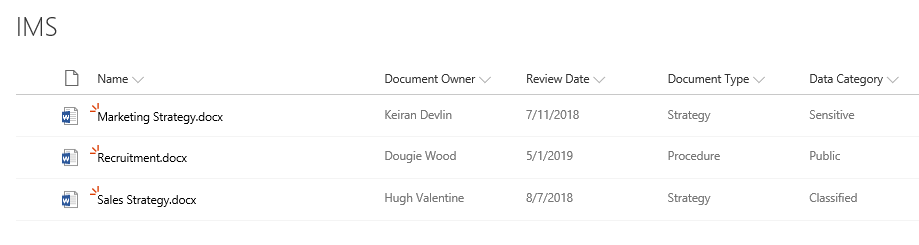
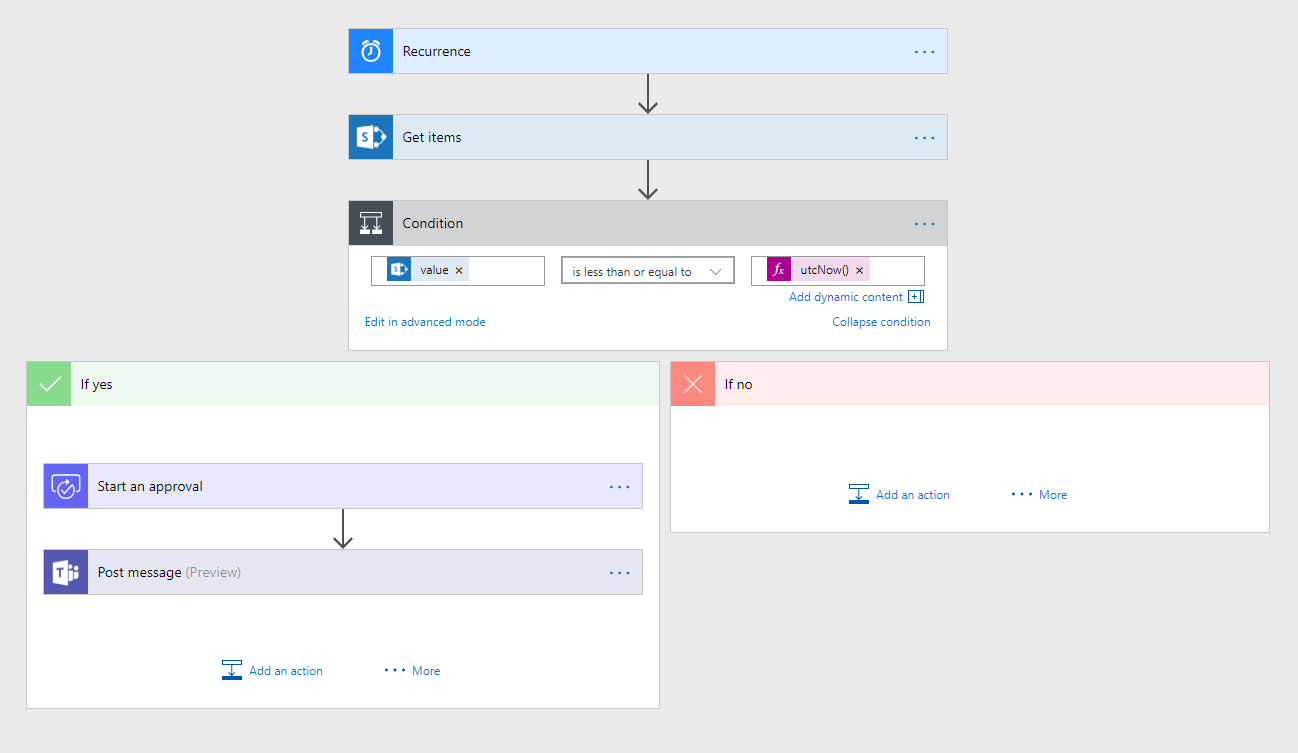
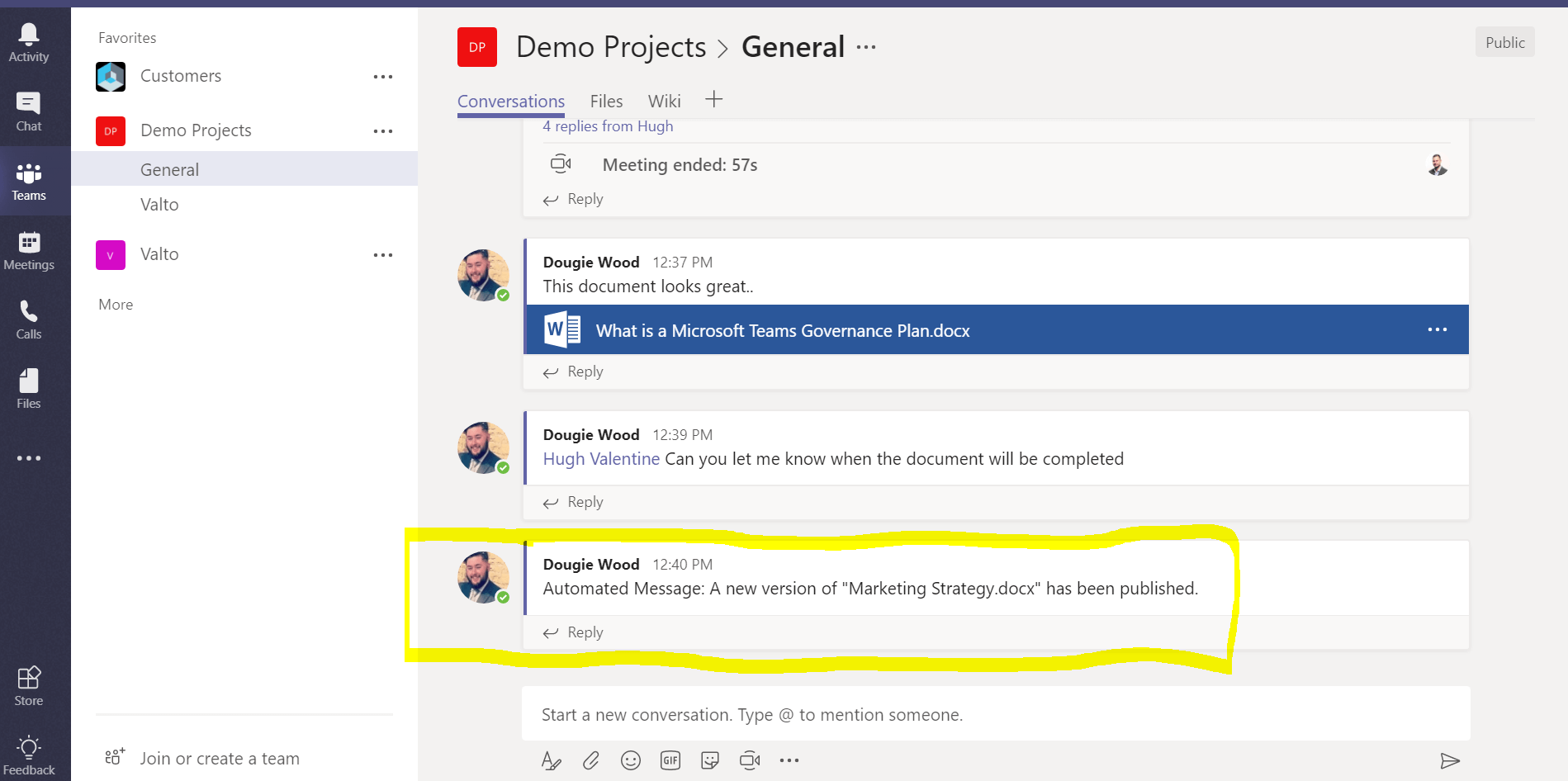
In this article we look at some key components of a successful IMS with Office365. We look at expanding a traditional document repository by adding approval processes and automatic notifications to key teams of users of the documents.
Information Management System (IMS) is a general term for software designed to facilitate the storage, organisation and retrieval of information.
A well structured IMS will allow your organisation to safely store documents in a centralised location. This makes it easy for employees to gain access to the documents they need and mitigates the risk of duplicated documents that are stored in multiple locations.
A well configured IMS would help an organisation obtain an ISO accreditation. We will be publishing a follow up article on what is required to obtain an ISO accreditation and how Office365 can help you achieve this.
Organisations that are considering building a cloud-based storage and IMS system often choose Office365 as the platform to create their information management system.
This is because having a IMS with Office365 has a range of products such as SharePoint, Flow and Teams that combined create a very powerful information management system to provide automation with Office365.
Below we will look at each component of this system and how including the product functionalities can benefit your organisations IMS.