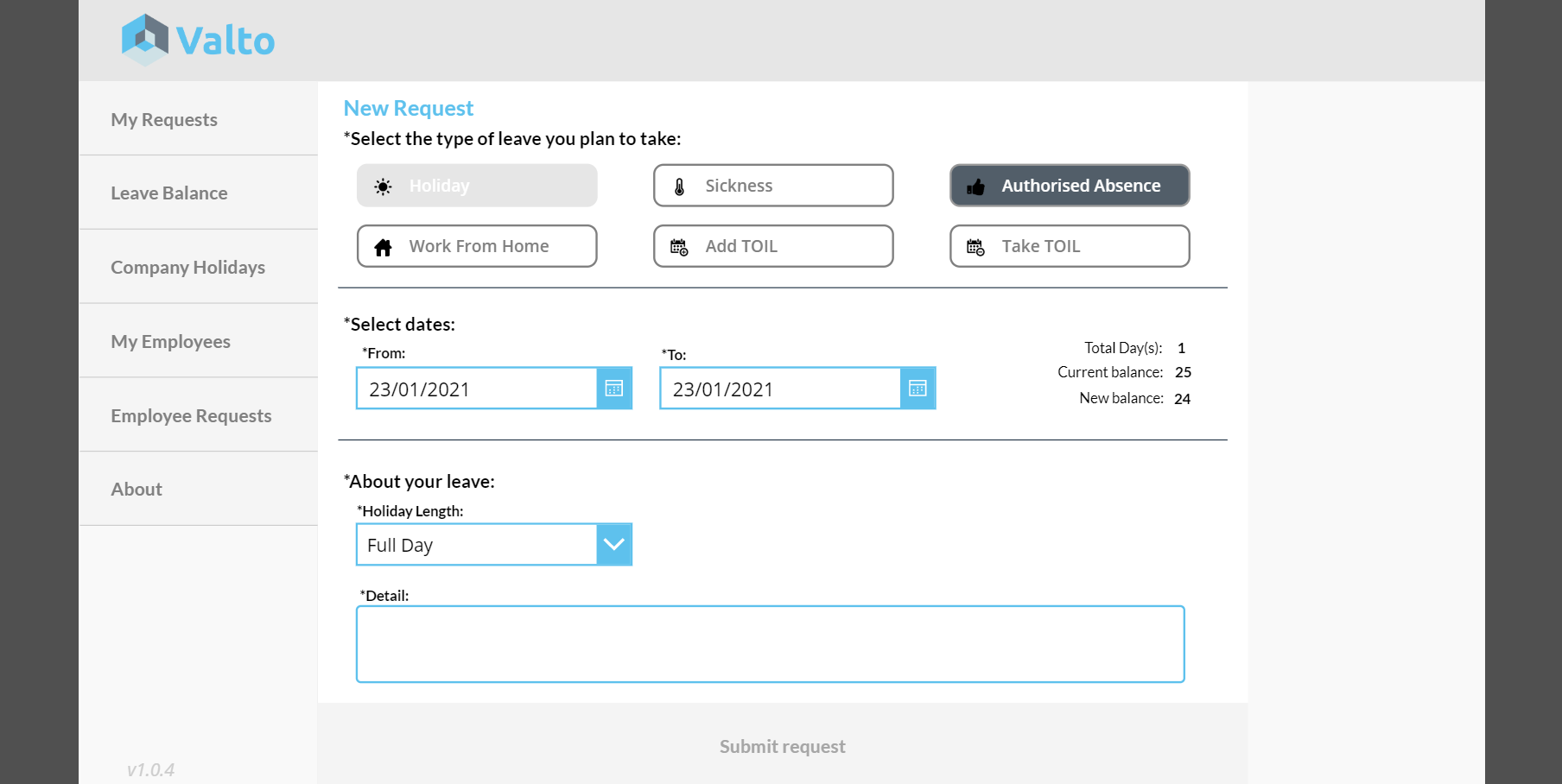
In this video blog post we show you how to manage employee absences with our Leave Request PowerApp. We will give you a five-minute demonstration of one of Valtos most popular pre-built PowerApps the Leave Request Power App.
You can watch the full demonstration video of how to achieve this by clicking on the image below.
Webinar and Blog by: Dougie.wood
We have deployed this product to many clients of all different shapes and sizes. Below are several questions we frequently get asked about this PowerApp.
Our system is built using only Microsoft 365 products that is designed to be quickly deployed to your Office 365 enviroment. We only use products that are included in the standard Office 365 licenses. This means you take full advantage of the licenses you are already paying for and you will not need not need to purchase additional licenses.
All the configurations for our systems can be achieved by you providing us an Excel spreadsheet or CSV of the data and we can upload it for you.
We will provide you sufficient training and supporting videos for a team of your own employees to manage the leave request powerapp. However, we also offer a pay-as-you-go type support model for assistance if required.

 Dougie Wood