Problem: Users typically do not trust a system when they cannot find a document, therefore when they request the latest version, and have it sent to them they continue to rely upon the email attachment, or a version saved on their own device for years to come.
Not only can this impact the users experience, as they may be working to outdated information, but it can also impact the organisation e.g. sending out incorrect pricing to a new client.
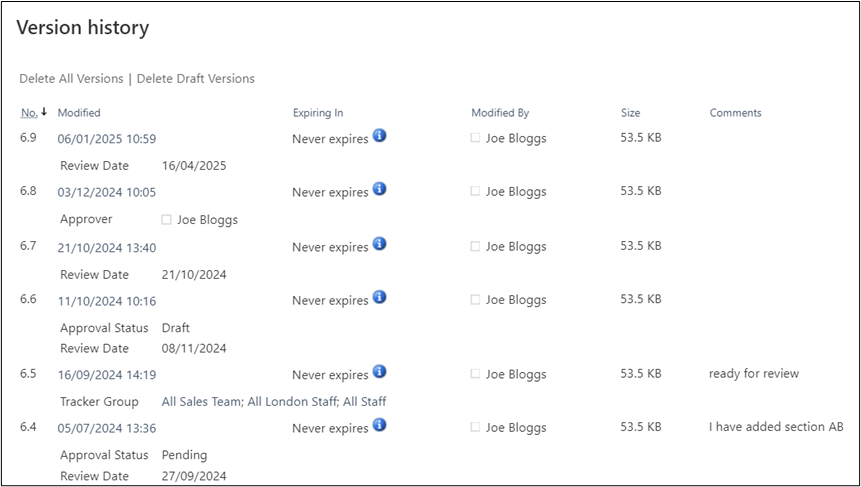
Solution: SharePoint Document Libraries have built in version control, ensuring that every minor and major version is tracked at all times, allowing for versions to be viewed, compared and restored.
These are great tools for your document administrator, but also increases the trust of your employees, as our system enforces that they are only ever opening the latest version.
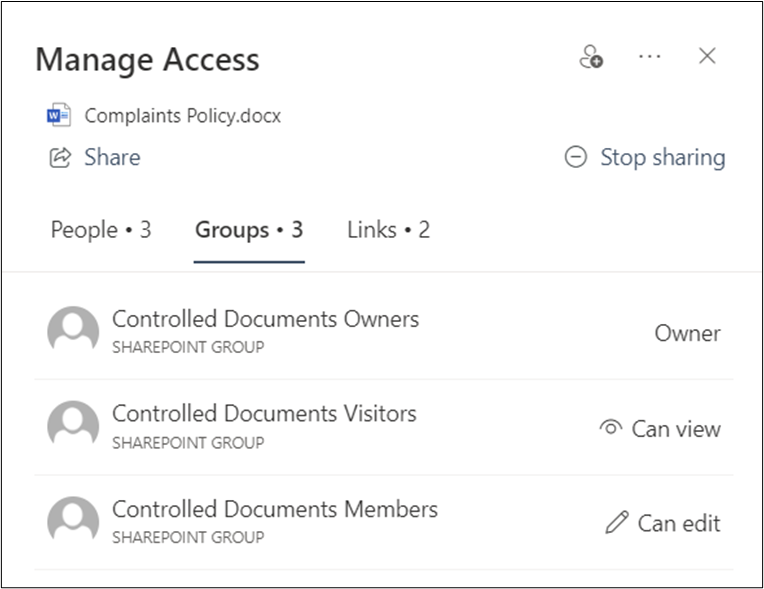
Further configuration to ensure that only dedicated users can see draft versions (minor versions, like 1.3 and 2.5) also aids in solving this issue.
This ensures that users will still only see the latest published and approved versions (major versions, like 1.0 and 2.0) even if the document is really being updated by the administrators e.g. a document that is being worked on at version 2.3 will still provide version 2.0 to those who are searching for it, until version 3.0 is released following an approval process.
It is important to also note that these permissions are also considered when linking to documents from other locations.
As an example, if I was to send a link to somebody via email (as opposed to an attachment) and they saved that email to access that document years from now, the link would still navigate them to the latest version they are allowed to see.
Therefore, I may have sent them version 2.0 but now they click the link and see version 5.0 thus removing the issue of sharing or working from outdated content.