
NewsMicrosoft 365
How Microsoft AI Is Evolving in 2026
Our best practices and tips for designing SharePoint Department Sites. Training, development and support for Microsoft services.
20 November 2025

News
Discover how Microsoft Viva Goals can help your company plan, track, report and most importantly achieve your targets in three easy steps.
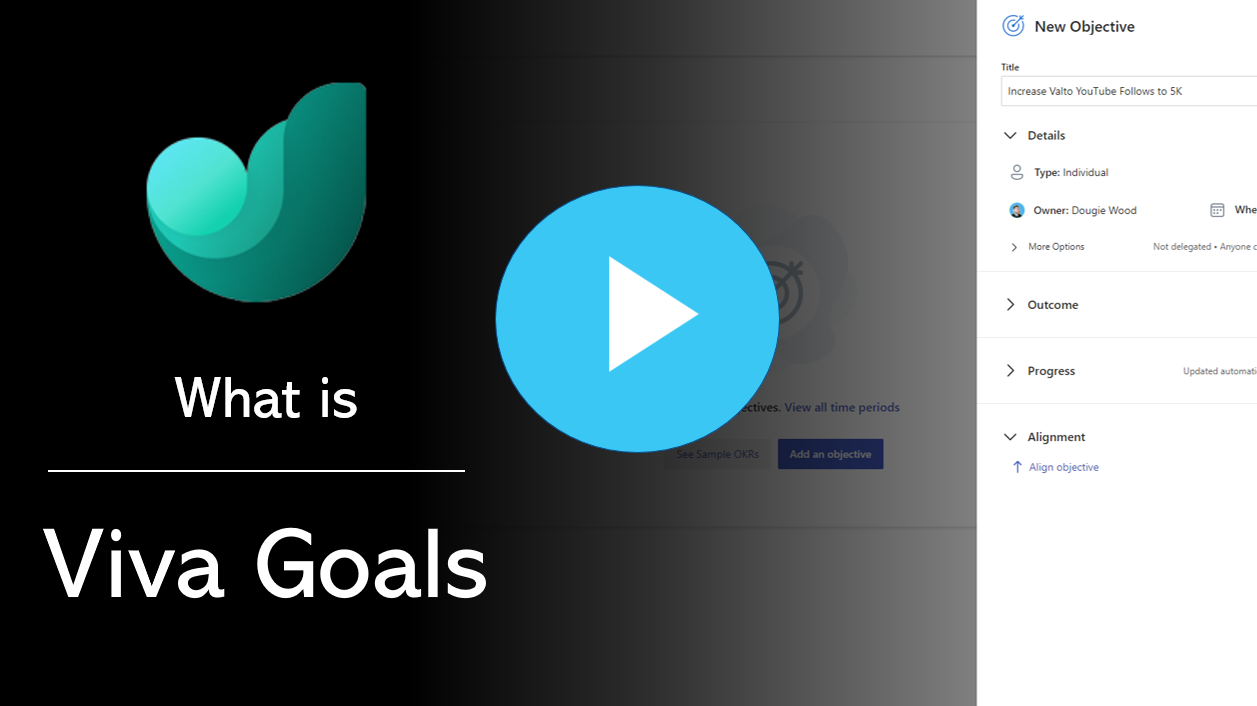
Discover how Microsoft Viva Goals can help your company plan, track, report and most importantly achieve your targets in three easy steps.
Watch the video (opens in a new tab)
Microsoft viva goals is a tool that enables you to set goals for your company and track them.
It’s easy to use, simple to understand and can be used on any device.
You can set one or many goals at once, add different milestones for each one of them and set deadlines for goals to be achieved.
Microsoft viva goals keep track of how well you’re doing in meeting your targets with its visual dashboard, so it’s easy for all employees to use.
You can smash targets with Microsoft viva goals with three simple steps as follows
First your senior management team should gather to discuss goals for the entire company based around the current business strategy.
The company goals should be aligned to the business strategy timeline.
It is important that the company goals are related to the overall business strategy.
Employees need to know what the overall vision is to be able to gauge if their efforts are pointed in the right direction.
OKRs are objectives and key results. OKRs help you to focus on what matters most to your organization, and they help define what success looks like.
Your company has business goals, but individuals have personal ones as well.
To meet both needs simultaneously, set SMART (specific, measurable, attainable/achievable, relevant, and time-bound) objectives that align with your company’s goals.
Step 2 – Set Microsoft Viva Goals
The next stage is to set goals throughout your organisation.
Goals should be set at multiple levels within the hierarchical structure of your organisation.
The high level company objectives should define specially what are the mission critical objectives.
The lower down the objectives are set including Team and Individual objectives the goals should contain more and more detail.
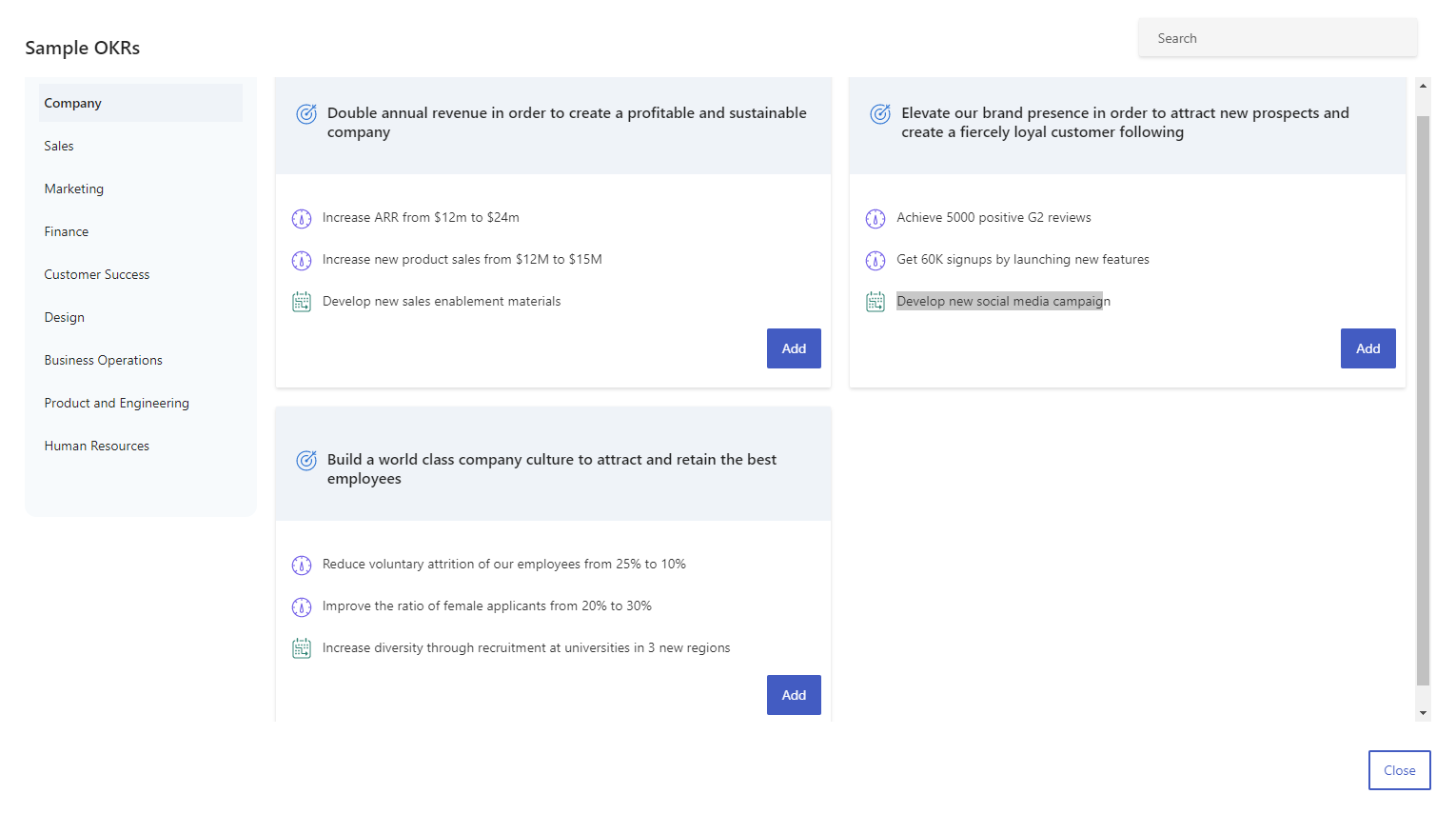
In Microsoft Viva Goals the OKRs are not just set at the company level.
Goals are set at multiple levels throughout the company including:
Company – These goals should align to the business strategy to deliver change, improve efficiency and growth.
Department – Department goals should be derived from the overall company objectives. They should have specific outcomes that can clearly be linked back to the company specific goals.
Team – A department would typically have multiple teams within it. These team goals are designed to split out the department goals into more specific deliverables that are team specific. However, these team specific goals should always tie back to department specific objectives.
Personal – Individuals can set their own goals against their Team. Goals can be either for the benefit of a Team goals progression or a personal development
The true value of this product does not just come from the ability to document specific goals.
It comes from the ability to plan tasks by priority and provide incremental updates over the period of a year.
Often your key results that are entered into Microsoft Viva Goals are related to actions, tasks or data stored in third party system.
Microsoft Viva Goals offers some native functionality to integrate with the likes of:
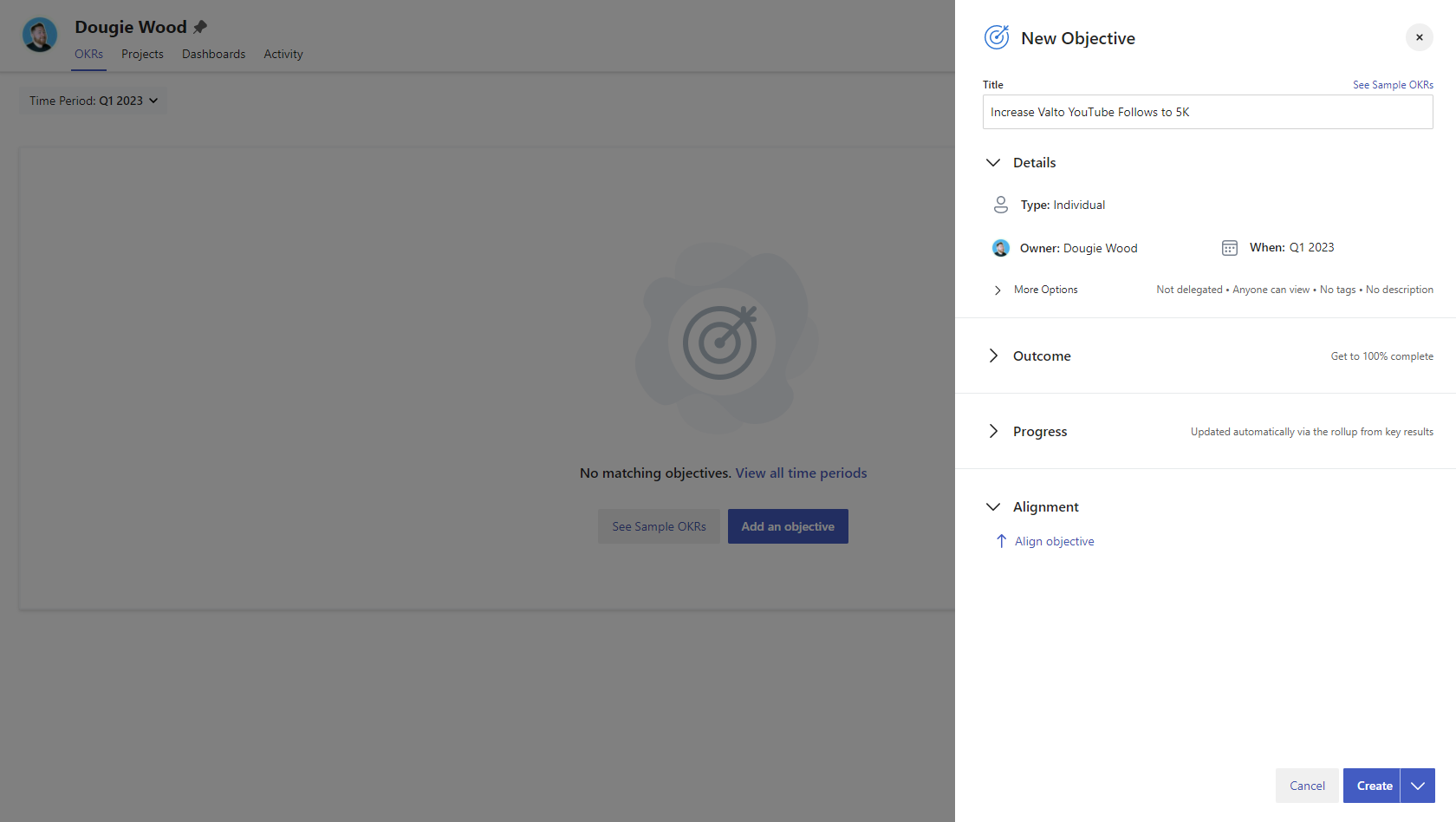
The final step of achieving objectives using Microsoft Viva Goals is to measure the progress and success of your goals.
Data is key to measuring progress and understanding what’s going on in your organisation, in particular during a stage such as this.
It can also help you identify areas where improvements can be made.
Microsoft Viva Goals will issue automatic emails to users to request they provide updates in the form of a percentage.
These check ins are documented and can easily be reviewed by management to determine how much progress is being made.
Lastly the management team should be reviewing progress of their teams’ goals with them individually.
It is typical for goals to be set on an annual basis and reviewed during quarterly personal development review meetings.
This gives an opportunity for management to provide feedback and coach their team to ensure progression of tasks.
This in turn will increase the overall success of goals being reached on an individual basis. This will drive success in the team, department and overall company goals.
I hope you found this blog article useful, if you are interested in getting some assistance with SharePoint Online, Microsoft Viva or PowerApps Services, please feel free to contact me with any questions using our contact us form.
We have a range of Microsoft Viva services and expertise, check out: Viva Insights, Viva Learning Viva Connections and Viva Topics
You might also be interested to read What is the Best Database for your Microsoft PowerApps
Our best practices and tips for designing SharePoint Department Sites. Training, development and support for Microsoft services.
20 November 2025

Our best practices and tips for designing SharePoint Department Sites. Training, development and support for Microsoft services.
8 October 2025

Explore how SMEs can use Microsoft Model-Driven Apps to create affordable, custom CRM-like systems. Learn how to manage customer data, track sales, automate tasks, and access powerful reporting—without the high cost of Dynamics 365.
22 January 2025