Valto — Keep ahead of tomorrow

News

Optimising SharePoint for Learning and Development

How to optimise your SharePoint intranet site for learning and development. Grow training at your company easily with Valto.

SharePoint
Published
30 October 2024

Optimising SharePoint for Learning and Development

For many organisations, SharePoint has become the go-to platform to streamline collaboration, document management, and training initiatives. But to truly unlock its potential, it’s essential to optimise SharePoint for learning and development (L&D) purposes.

Overall, Microsoft Office 365 in general is a fantastic platform for L&D, thanks to the widely integrated suite of programmes and tools that streamline collaboration, communication, and content management. Tools like Microsoft Teams, OneNote and SharePoint enable employees to access training resources, engage in discussions, and collaborate on learning tasks in real-time. This fosters a culture of continuous learning, where employees can share knowledge, participate in group learning sessions, and stay connected across departments and locations.

So, how can you use SharePoint intranet sites to help improve development at your company?

Is SharePoint Good for Learning and Development?

SharePoint is an excellent tool for learning and development (L&D) because it offers a centralised hub for all training materials, making it easy for employees to access everything they need in one place.  The platform’s customisable structure allows organisations to tailor learning paths and resources to specific teams or departments, while its collaboration features promote peer-to-peer engagement and knowledge sharing. SharePoint’s document management system ensures that employees always have access to the latest training materials, helping maintain consistency in learning across the organisation. Additionally, SharePoint integrates seamlessly with other Microsoft tools like Teams, Power BI, and Office 365, enhancing the overall learning experience with tools for communication, analytics, and task management. It also natively integrates with Microsoft Forms - allowing you to embed surveys and questionnaires to test your team’s knowledge.  With its workflow automation, SharePoint can streamline L&D processes like onboarding and course tracking, while its cloud-based accessibility allows employees to learn from anywhere, making it a highly adaptable and efficient platform for modern learning environments.

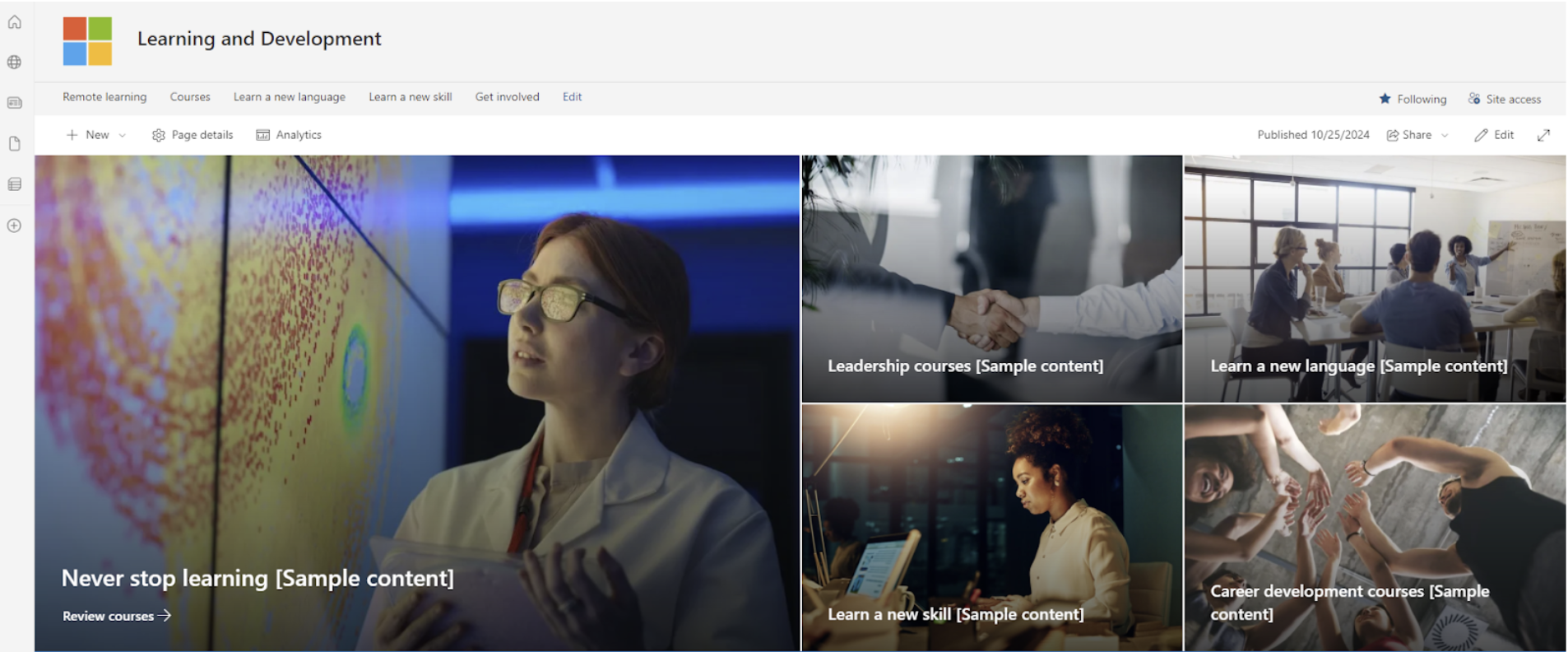
Create a Dedicated Learning Hub

To get started, we would recommend that you design a dedicated SharePoint site specifically for learning and development. Our team of SharePoint experts can help migrate your company to the platform if you’re looking to make the switch, and we can help build intranet hub sites to get you started. 

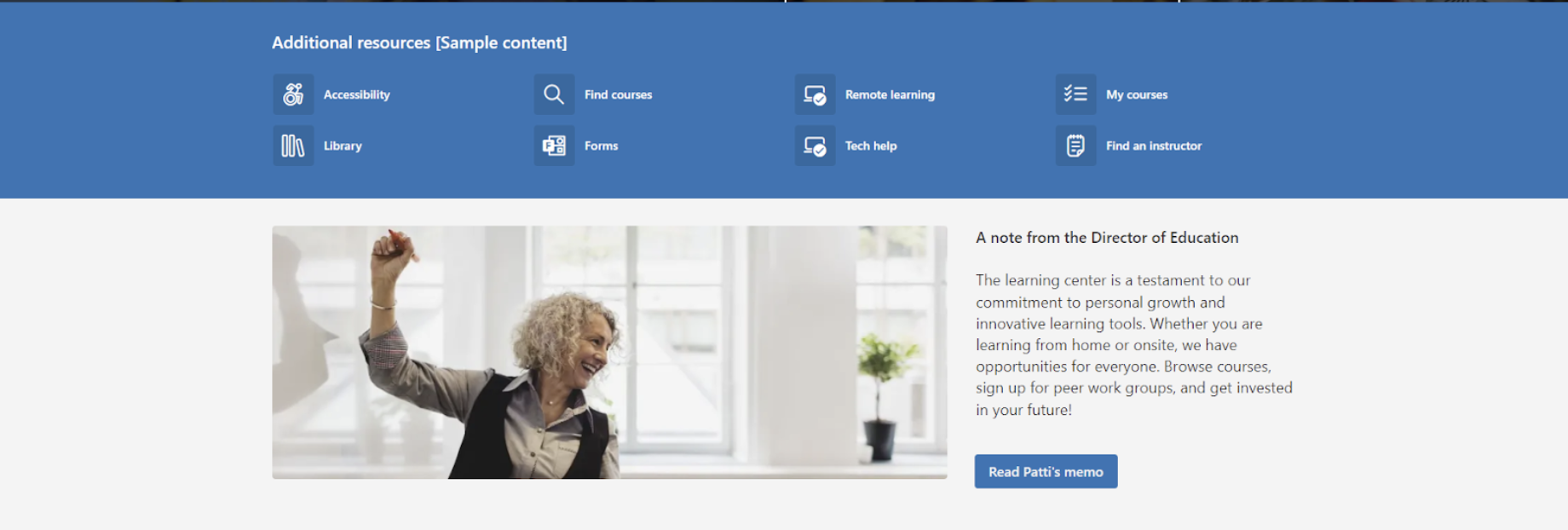
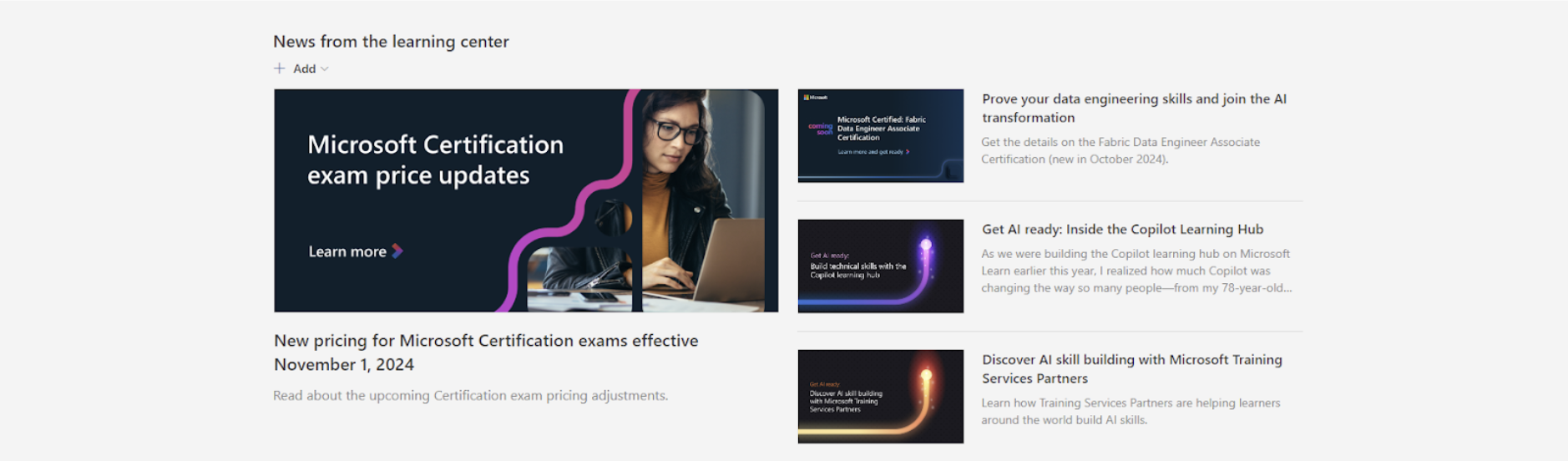
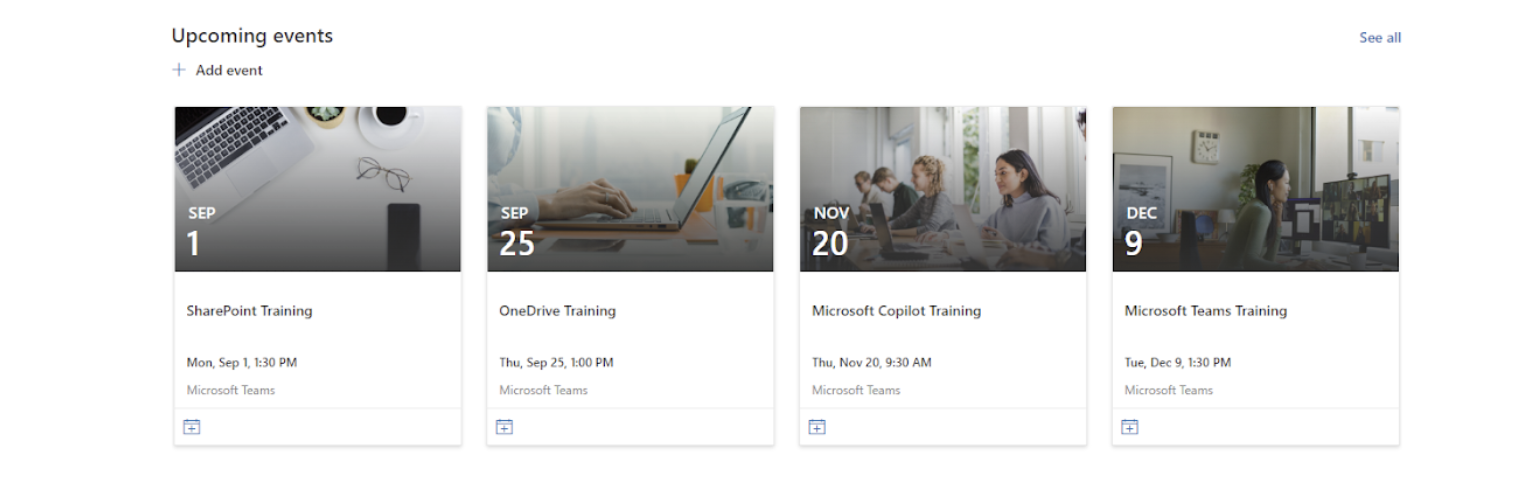
Once set up, this hub would act as a central repository for all training materials, courses, videos, and resources, making it easy for employees to find what they need. You can create a custom news feed to push the latest courses and materials – this is also a great place to promote company events using the native events web part. The site could be organised into categories based on departments, roles, or skill sets to ensure content is relevant and easy to navigate. We offer custom SharePoint development to help design the ideal site for you.

Integrate with Other Microsoft Tools

To enhance the learning experience, our team suggests that you integrate SharePoint with other Office 365 tools such as Microsoft Teams, OneNote, and Power BI.

Teams can be used for group training sessions or discussions, while OneNote allows employees to take personal learning notes. Power BI could be leveraged to track and visualise learning progress, course completion rates, and overall L&D performance across the organisation.

Use Custom Workflows and Automations

SharePoint’s workflow automation features would be key for streamlining processes like onboarding new employees or assigning mandatory compliance training. 

You can set up automated workflows to send reminders about course deadlines, track progress, and update managers on employee development milestones, reducing the need for manual tracking and increasing efficiency.

As part of our SharePoint training sessions, we can help you set up custom flows and automate processes so everything is a little more streamlined.

Leverage Learning Analytics

Use SharePoint’s integration with Power BI and SharePoint Lists to gather data on learning engagement and outcomes. 

This could include metrics such as course completion rates, time spent on different learning modules and feedback from employees. By analysing this data, you’ll be able to continually improve the L&D program, identify skills gaps, and personalise learning paths for different teams or individuals.

Optimise for Accessibility

Our team’s top tip? Ensuring SharePoint is accessible from multiple devices is crucial. 

Make sure that all learning materials are mobile-friendly, allowing employees to access them from smartphones, tablets, or laptops. This would support remote learning and enable flexible, on-the-go training.

Make it fun!

To boost engagement, you might opt to incorporate gamification elements into SharePoint’s L&D environment. This could include leaderboards, badges, and rewards for completing courses or achieving certain milestones. Gamification, using PowerApps, makes learning more interactive and helps motivate employees to actively participate in their development – we’ve put together a guide to the PowerApps Employee Rewards tool to help you get started.

Work With Valto

We’ve got plenty more tips for getting the most out of SharePoint. Get in touch with our Valto team of SharePoint specialists for help with building a Company News hub for your company.  

Trusted by Leading Brands

“We work with organisations across many sectors of different shapes and sizes from 10 to 100,000 employees.”

Contact Form

Contact our team today!

Talk to our team

Contact Us

Share this

Related reading

NewsSharePoint

Mastering Document Control with SharePoint

Struggling with document versioning, policy visibility or outdated files? Learn how Valto’s SharePoint-based Controlled Documents Solution solves the most common document control challenges.

7 May 2025

Atlassian Server is end of life
NewsSharePoint

Atlassian Server is End of Life

Is your organisation still using Confluence on an unsupported version? Discover the benefits of migrating to SharePoint Online, including better security, cost savings, and seamless integration with Office 365.

22 January 2025