


News
Top 10 Real‑World Power Apps Examples for Modern Businesses
Explore 10 real‑world Power Apps examples showing how organisations streamline approvals, inspections, HR processes, and expense management by replacing manual workflows with modern, scalable Microsoft solutions.
- Published
- 16 April 2026

Top 10 Real‑World Power Apps Examples That Automate Business Processes
Microsoft Power Apps is now widely used to replace spreadsheets and manual processes with approval apps, inspection tools, HR automation, and expense management solutions – without traditional development overhead. This guide showcases 10 real‑world Power Apps examples, demonstrating how organisations use Power Apps and Power Automate to modernise operations and deliver value faster.

1. Contract Management & Approval Automation Power App Example
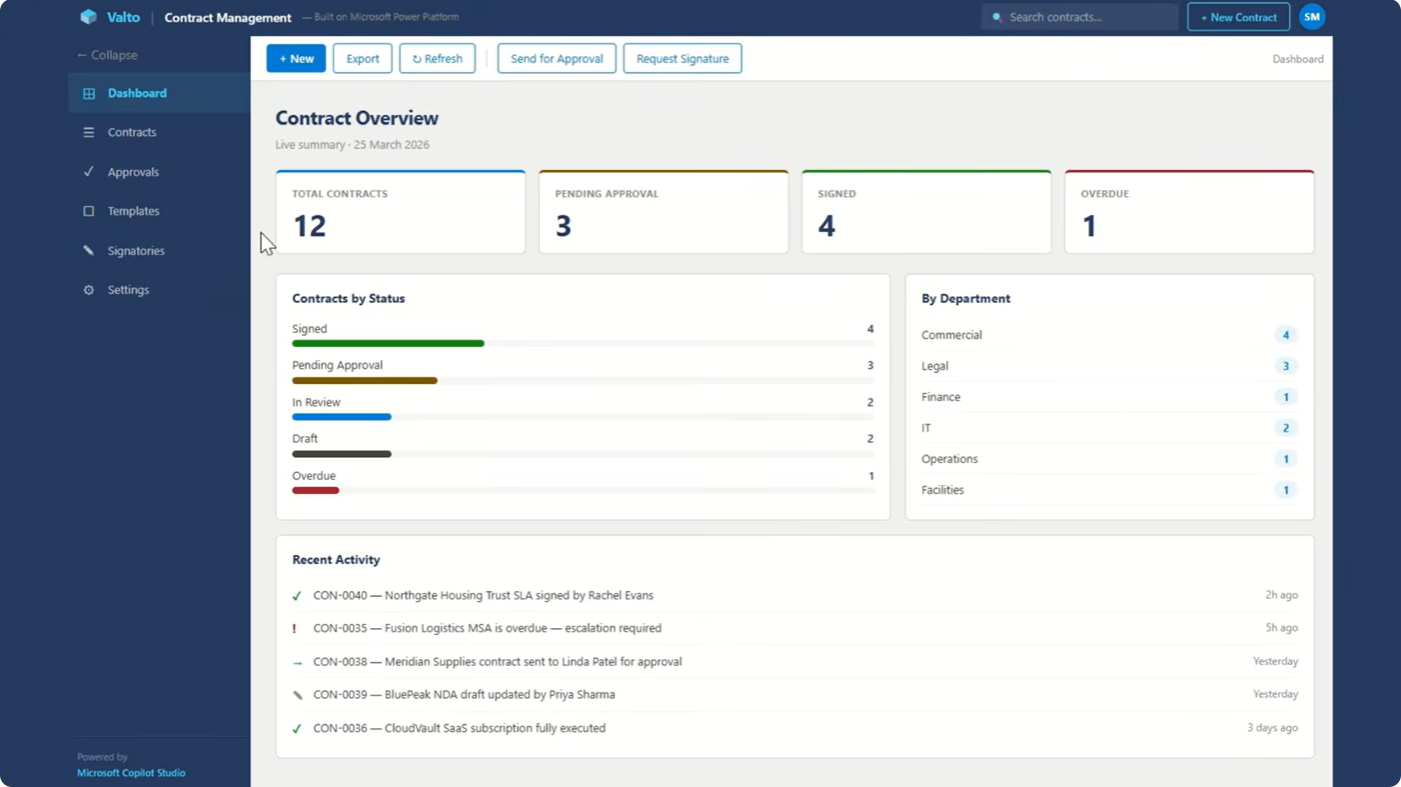
Contract approvals are often slowed down by email threads, inconsistent templates, and unclear ownership. A Power Apps contract management solution replaces this with a structured approval process that legal, commercial, and finance teams can all work from. Contracts are submitted through a standardised form, routed through the correct approval stages, and tracked centrally so everyone can see where things stand. With automated notifications and a clear audit trail, teams gain confidence that every contract has been reviewed and approved correctly. This approach strengthens governance while reducing delays, making it easier to manage high volumes of agreements without adding administrative overhead.
2. Supplier Onboarding & Approval Power Apps Portal
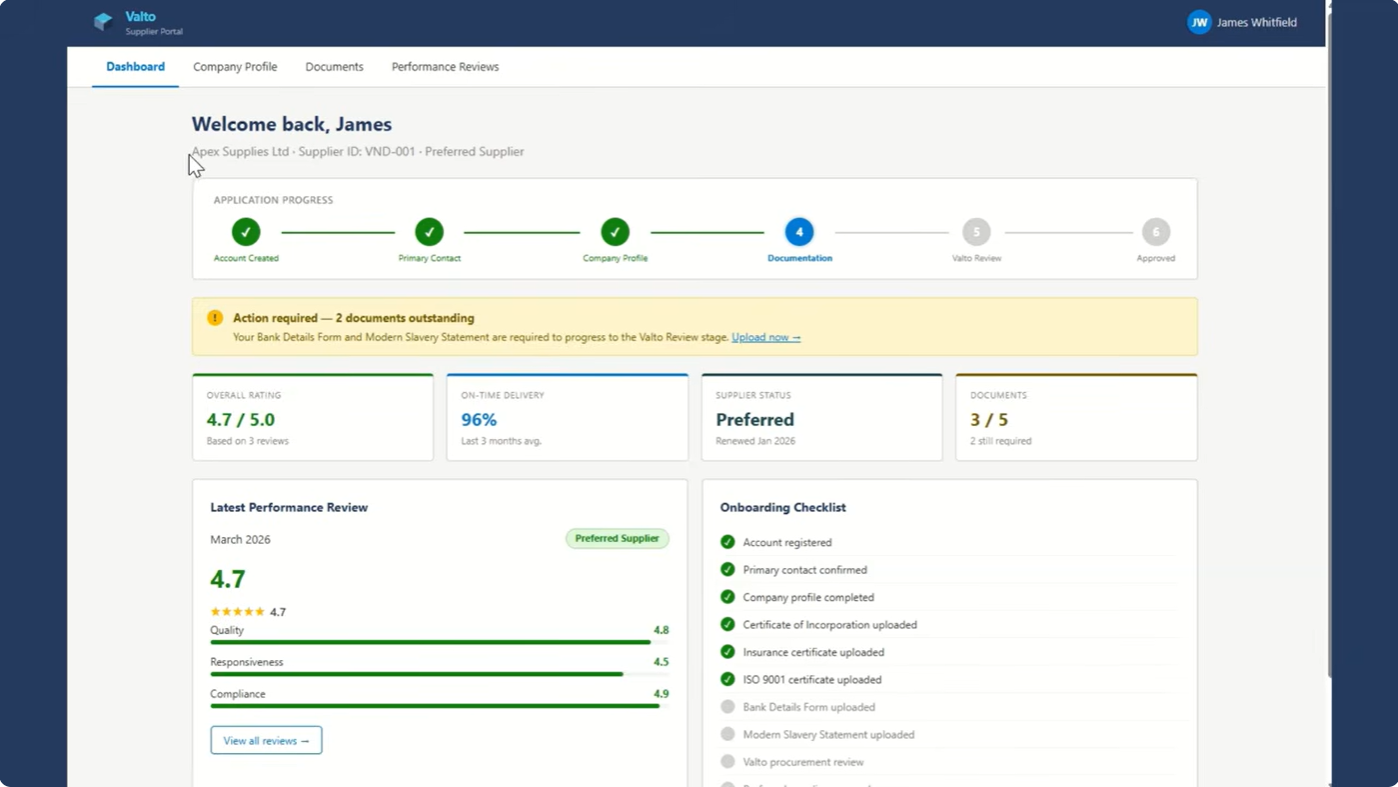
Supplier onboarding is a common source of friction for procurement and finance teams, particularly when information is collected manually or across multiple systems. A Power Apps supplier onboarding portal brings this into a single, structured experience where suppliers submit their details once and internal teams review and approve them through a guided workflow.
Progress is visible throughout the process, approvals are consistent, and onboarding data is stored centrally for future reference. This reduces back‑and‑forth, improves data quality, and ensures new suppliers meet the organisation’s compliance requirements before they are approved.
3. Supplier Performance & Risk Management
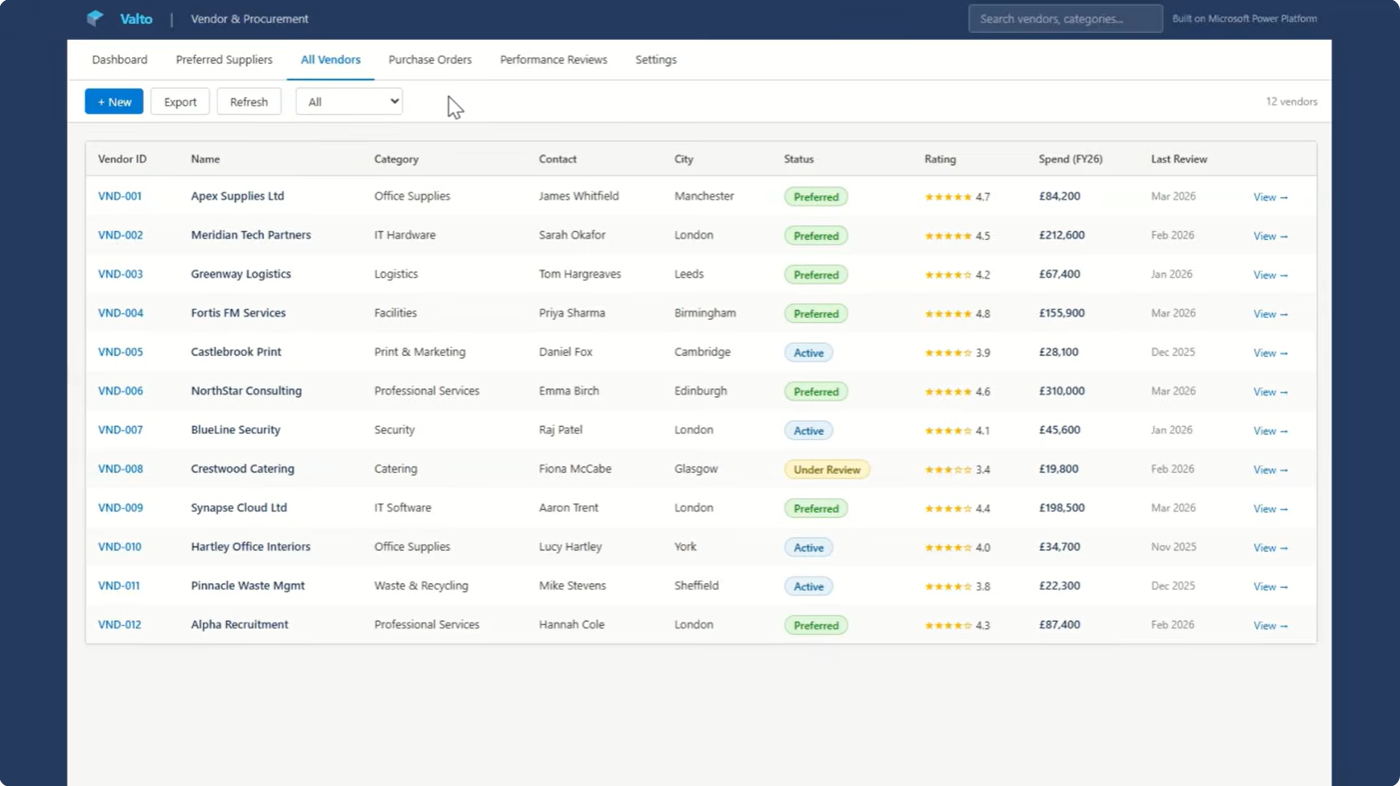
Onboarding is only the first step in managing suppliers effectively. Power Apps can also be used to support ongoing supplier performance and risk management by combining approvals with structured evaluation. Teams can regularly review suppliers, record scores, and trigger re‑approval workflows where required.
This creates a clearer picture of which suppliers are performing well and which may need closer oversight. Over time, it supports better procurement decisions and helps organisations manage risk in a more proactive and measurable way.
4. IT Change Management (CAB Process)
Managing change in IT environments requires control, traceability, and alignment with best practice. A Power Apps change management solution supports ITIL‑aligned Change Advisory Board (CAB) processes by providing a consistent way to submit, assess, and approve change requests.
Each request is captured in a standard format, routed to the correct reviewers, and tracked through to completion. Decisions are recorded centrally, providing a clear audit trail and helping IT teams balance agility with stability across their systems.
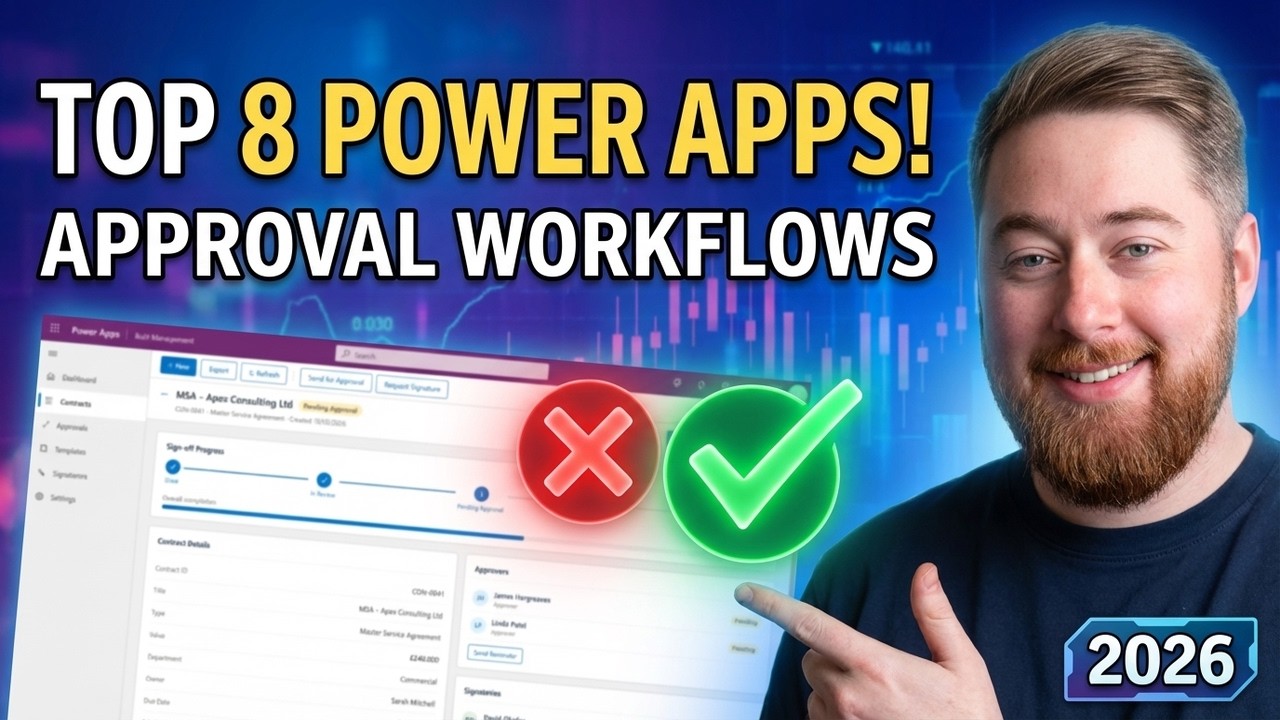
Interested in more Power App approval workflow examples?
If you’re exploring Power Apps examples, looking to build a PowerApps approval flow, or want to replace outdated systems with a scalable Microsoft Power Apps approval solution – this video is packed with ideas to get you started.
6. Health, Safety & Site Inspections
Inspections are a natural fit for Power Apps, particularly where teams are working on site or in the field. Inspection apps can be used for vehicle checks, equipment maintenance, and safety audits, allowing users to capture results, photos, and notes directly from a mobile device.
Data is standardised, time‑stamped, and stored centrally, making it easier to track trends and demonstrate compliance. This approach improves both the quality of inspection data and the speed at which issues can be identified and addressed.
7. Work Orders & Site Operations Management
Coordinating work across sites, assets, or engineering teams becomes much simpler when work orders are managed digitally. A Power Apps work order solution allows requests to be raised, assigned, and tracked from a single system, with clear ownership at every stage.
Teams can see what work is outstanding, what is in progress, and what has been completed, while managers gain better visibility across workloads. When integrated with asset or inventory data, this approach also supports more informed planning and maintenance decisions.
Do you need inspection apps for field workers?
From vehicle maintenance inspections (MOT) to equipment inspection logs, Power Apps can be built to work seamlessly across devices. Watch our full video for a run through of what’s possible.
9. HR Onboarding, Leave & Absence Management
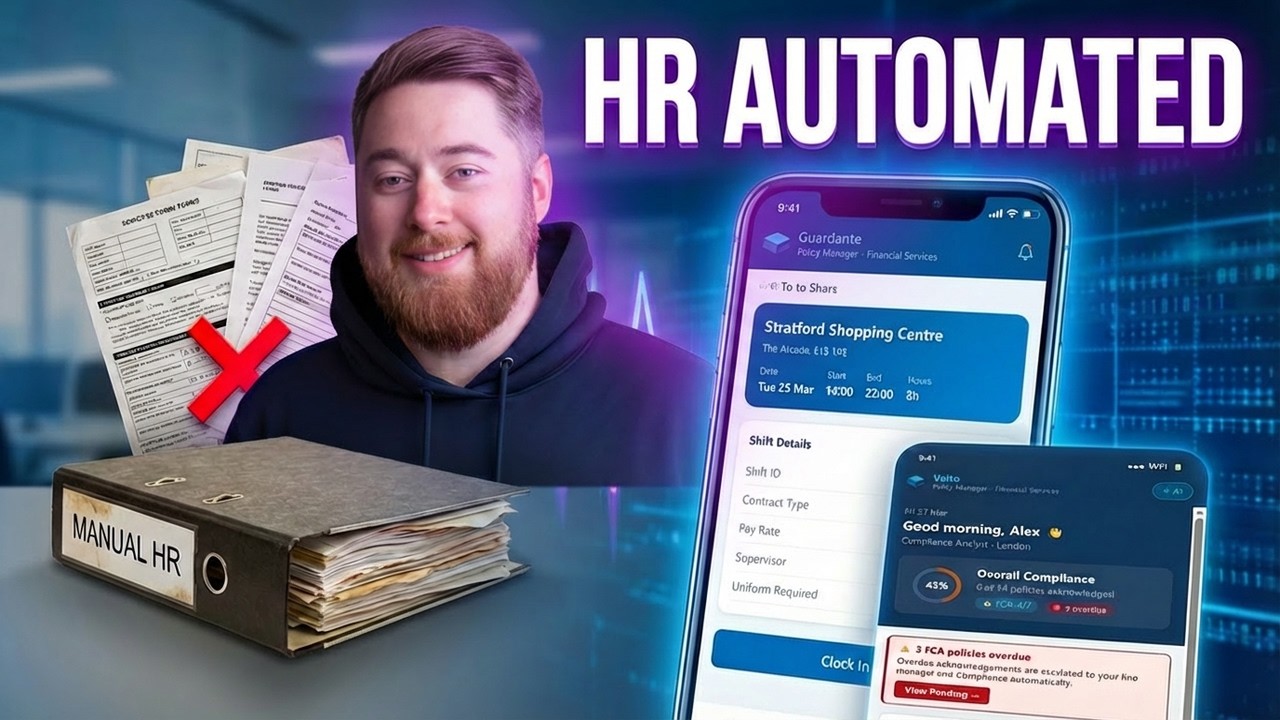
HR processes frequently rely on a mix of spreadsheets, emails, and disconnected tools. Power Apps can unify onboarding, leave requests, and policy acknowledgements into a single employee management experience that is easier for both staff and HR teams to use.
New starters follow structured onboarding journeys, managers approve leave requests quickly, and HR teams gain clear visibility of workforce activity. This reduces manual effort while improving consistency and employee experience.
Looking for more examples of HR Power Apps?
From interview and offer portals to shift scheduling and swap requests, Power Apps are a powerful way to replace standalone or legacy systems. Watch our full video for a run through of what’s possible.
Looking to improve a business process?
Whether it’s approvals, inspections, HR workflows, or something else entirely, get in touch to discuss the challenges you’re trying to solve and what a modern solution could look like.
Microsoft Services Trusted by Leading Brands
“We work with organisations across many sectors of different shapes and sizes from 10 to 100,000 employees.”
Expense processes are often heavily manual, relying on spreadsheets, email approvals, or off‑the‑shelf tools that don’t quite fit how teams work. A Power Apps expense management solution replaces this with a mobile‑friendly experience where employees submit claims quickly and managers approve them with minimal friction.
Receipts, mileage, and approvals are handled in one place, while finance teams gain full visibility of spend through a central dashboard. The result is faster processing, stronger controls, and less time spent chasing information.
5. Expense Management & Approvals (Replacing Xero‑style tools)
Expense processes are often heavily manual, relying on spreadsheets, email approvals, or off‑the‑shelf tools that don’t quite fit how teams work. A Power Apps expense management solution replaces this with a mobile‑friendly experience where employees submit claims quickly and managers approve them with minimal friction. Receipts, mileage, and approvals are handled in one place, while finance teams gain full visibility of spend through a central dashboard. The result is faster processing, stronger controls, and less time spent chasing information.
Capturing incidents and near‑misses is essential for improving safety, but reporting often breaks down when systems are hard to use. Power Apps provides a simple, accessible way for staff to report issues as they happen, using structured forms that guide users to capture the right information.
Reports are reviewed and approved through defined workflows, creating a consistent record that supports investigation and improvement. Over time, this helps organisations strengthen their safety culture and reduce repeat incidents.
8. Incident, Near‑Miss & Safety Reporting

Capturing incidents and near‑misses is essential for improving safety, but reporting often breaks down when systems are hard to use. Power Apps provides a simple, accessible way for staff to report issues as they happen, using structured forms that guide users to capture the right information. Reports are reviewed and approved through defined workflows, creating a consistent record that supports investigation and improvement. Over time, this helps organisations strengthen their safety culture and reduce repeat incidents.
Beyond day‑to‑day administration, Power Apps can support longer‑term workforce management through performance tracking, training records, and shift scheduling. Managers can review KPIs, monitor development progress, and respond more quickly to resourcing needs.
By centralising this information, organisations gain better insight into skills, capacity, and performance, supporting more informed decisions and a more scalable HR function.
10. Performance, Training & Workforce Management
Beyond day‑to‑day administration, Power Apps can support longer‑term workforce management through performance tracking, training records, and shift scheduling. Managers can review KPIs, monitor development progress, and respond more quickly to resourcing needs. By centralising this information, organisations gain better insight into skills, capacity, and performance, supporting more informed decisions and a more scalable HR function.
Talk to our team
Speak to us about your Power Apps problem
Related reading

EventAI & Automation
What’s next? How data, automation & AI are reshaping business
17 November 2026 · 11:00 · 20 Stories, Manchester

NewsAI & Automation
Valto and Holstein UK launch major multi-year digital transformation programme
New partnership will modernise core systems and create a connected, data-driven platform powered by Microsoft technologies.
6 October 2026