5 ways to build better Power Automate workflows following power automate best practices. Take your workflows from amateur hour to full pro production use!
The objective of this article is to provide you with valuable insights and tips to enhance your Power Automate workflows.
By following these guidelines, you can avoid common pitfalls, accelerate your learning curve, grasp new concepts, and produce high-quality workflows akin to professional-grade solutions.
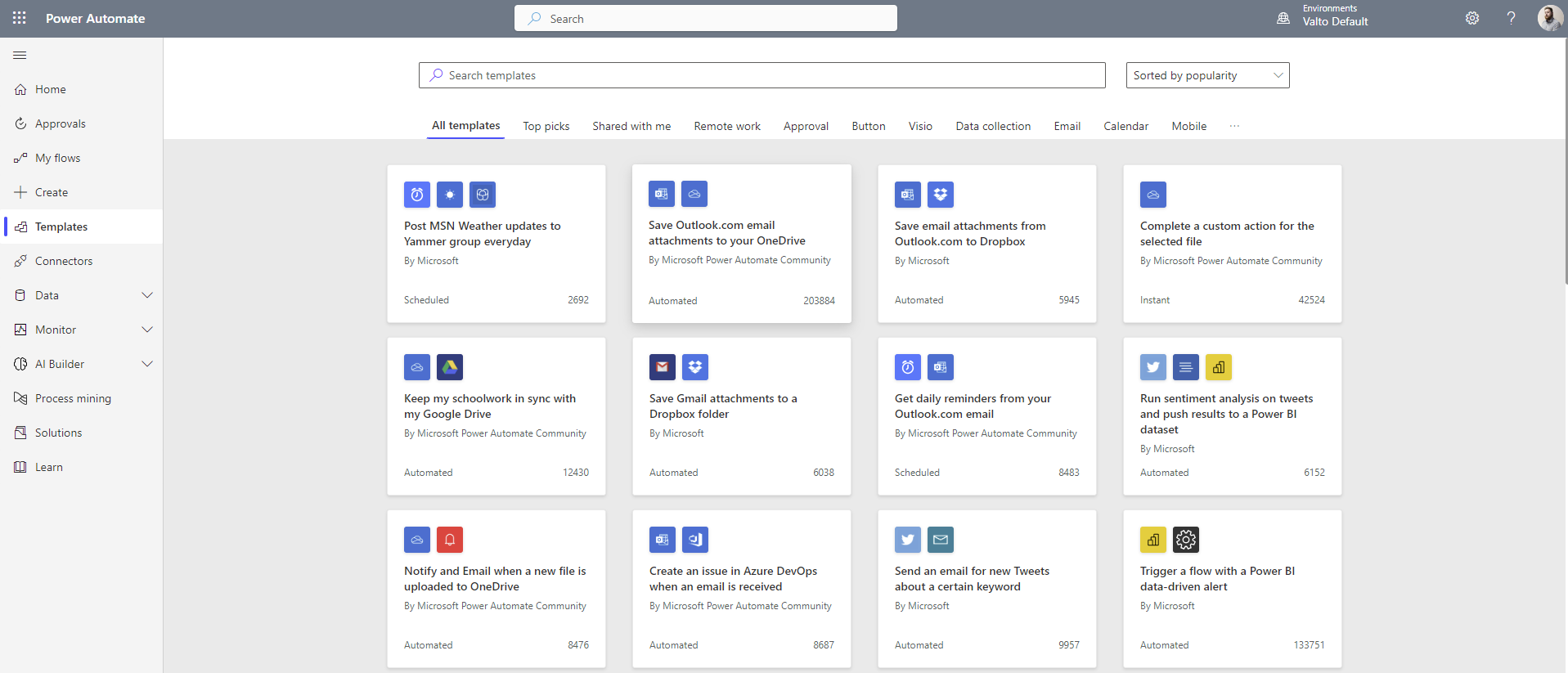
Power Automate, accessible via Office.com within Microsoft 365, is a cloud-based platform designed to automate various business processes.
It offers a wide array of functionalities, including reviews, approvals, reminders, notifications, and reports.
The platform follows the “If this then that” (IFTTT) logic, allowing users to automate actions without the need for extensive coding.
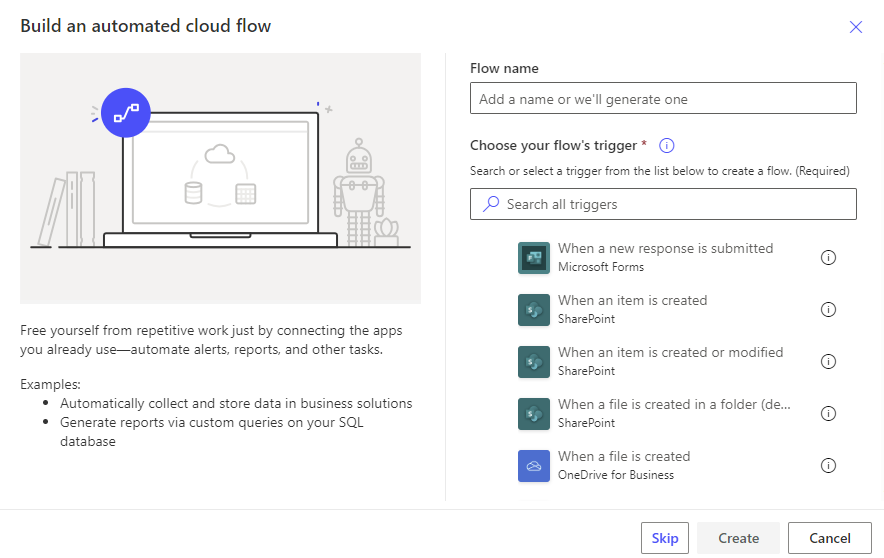
To optimise your workflows, carefully plan what events will trigger them and when. Unnecessary triggers can lead to excessive runs and a higher chance of errors.
By reducing the number of triggers, you make debugging easier and reduce points of failure.
It’s important to note that Power Automate has a 30-day limit for flow runs, so it’s essential to manage this aspect, particularly for high-frequency workflows.
Reducing unneeded triggers will also prevent backend limitations that may cap flow runs per month.