Microsoft have announced that users of SharePoint should be replacing SharePoint 2010 Workflows with Power Automate.
We recently ran a 30-minute webinar to discuss the points of this article in response to the amount of our customers requesting information. You can watch this webinar below and read on for further information.
Webinar and Blog by: [email protected]
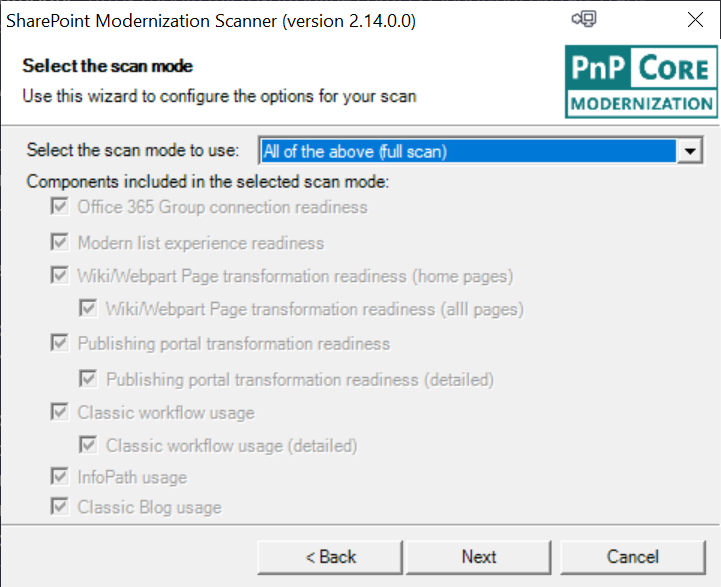
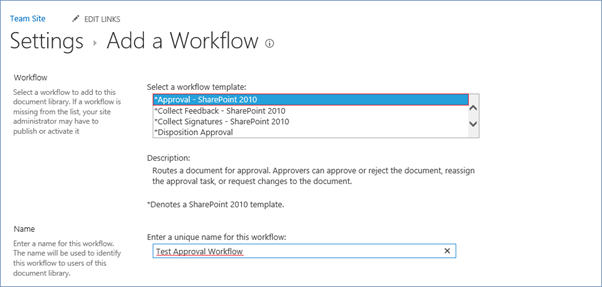
In August of 2020 Microsoft retired all SharePoint 2010 Designer Workflows. The announcement informed everyone that the 2010 workflows would be completely decommissioned and stop working at the beginning of November 2020.
This impacted a lot of organizations that relied on SharePoint 2010 Workflows for such things like email notifications, archiving processes, approval systems and many more automated business processes.
SharePoint 2013 Designer Workflows will continue to work. However, we would not recommend re-creating your SharePoint 2010 workflows as SharePoint 2013 workflows as these will inevitably be decommissioned in the coming years.
You can read the full announcement by clicking here.
If you are going to go to invest the time in re-developing your workflows Microsoft and Valto both recommend building them using Power Automate.
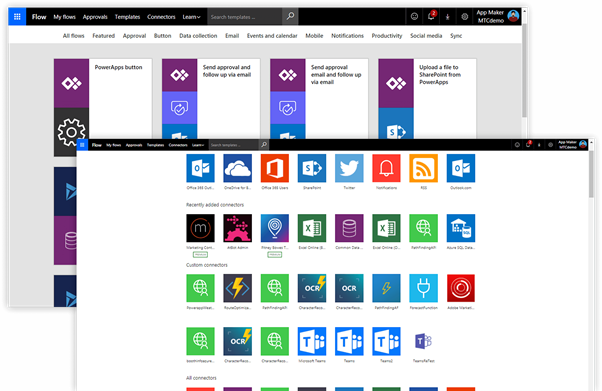
Power Automate that was formerly known as Flow, is an online product that is included in most Microsoft 365 licenses.
It provides an easy drag and drop type interface for creating automated business processes. It can integrate your favorite Microsoft 365 apps by issuing instant notifications, collecting data, moving files and more.
Not only does Power Automate integrate Microsoft 365 products it can also link to thousands of third-party products such as Twitter, Facebook, Mail Chimp and many more.
If you cannot find an out of the box connection to a third-party service or product, there is always the option to integrate via a custom API call from with Power Automate.