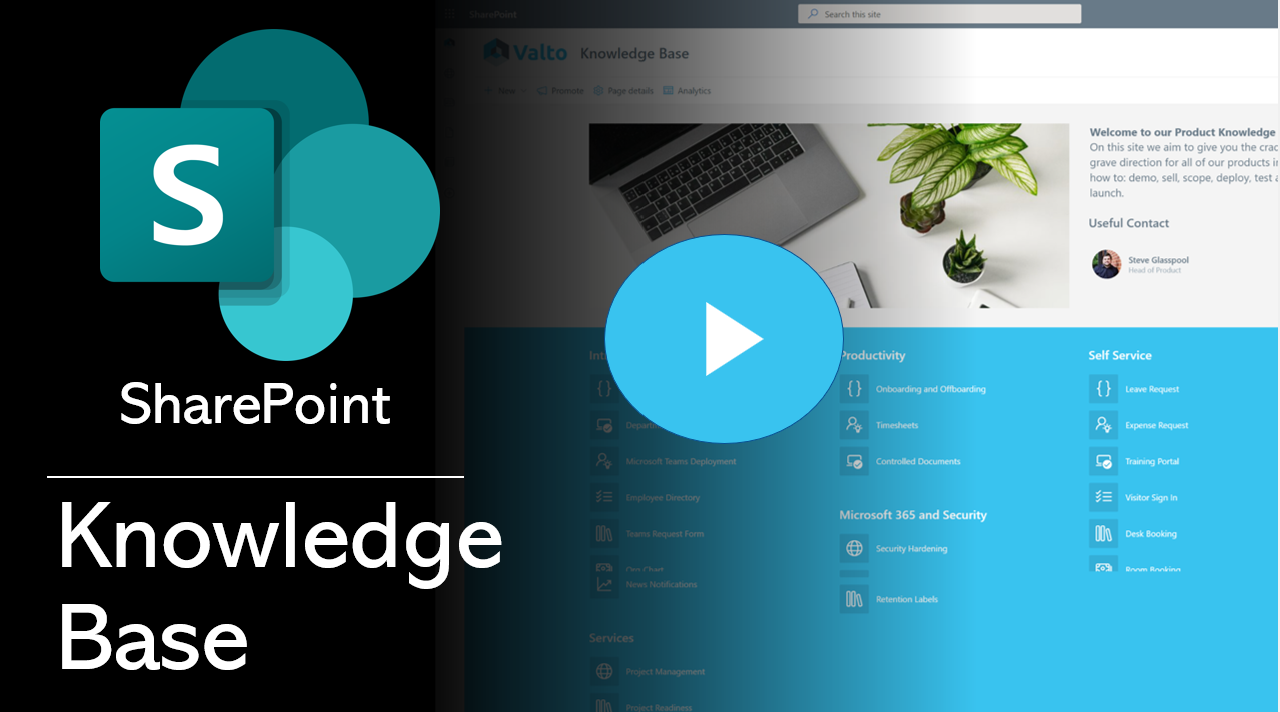
The first step is to design your portal. SharePoint is a content management system, so it’s important to make sure that the information you have in it is easy to find and navigate through.
A good way of doing this is by using a site map, this could just be an excel spreadsheet that lists all of the possible pages you expect to have within your knowledge base.
This site map is essentially just a list that shows all of the pages on your site. The main page should be easy to find, and any other pages will link off from there in an orderly fashion.
The second thing you need to think about when designing your portal is how it will look on different devices (including mobile devices).
You’ll want to make sure that the content scales well for smaller screens, because most people use their phones or tablets these days!
Step 2 – Create Your SharePoint Site Pages
Your site pages should be written in a clear, straightforward way that will help users find the answers they are looking for. You can do this by structuring your content into categories and making sure each article has an appropriate heading.
Some examples of headings include:
- What is it?
- When do I need to use it?
- How do I use it?
- Where can I get more information?
Using SharePoint Online you can easily template a Knowledge Article page template. This is templating the structure and web parts laid out on the page.
This makes it very quick and easy to create new knowledge articles whilst keep a level of consistency.