For a comprehensive and tailored integration, opting for a bespoke solution for a SharePoint integration is ideal.
This involves building custom interfaces or workflows to connect SharePoint with third-party systems. Several approaches can be taken:
Utilize Microsoft Power Automate to automate data exchange between SharePoint and third-party systems.
Many third-party applications offer connectors that simplify the integration process, eliminating the need for extensive code development.
However, this option is purely about pushing and pulling data between a SharePoint list or library. You would still need to build an interface with either SharePoint or one of the options below.
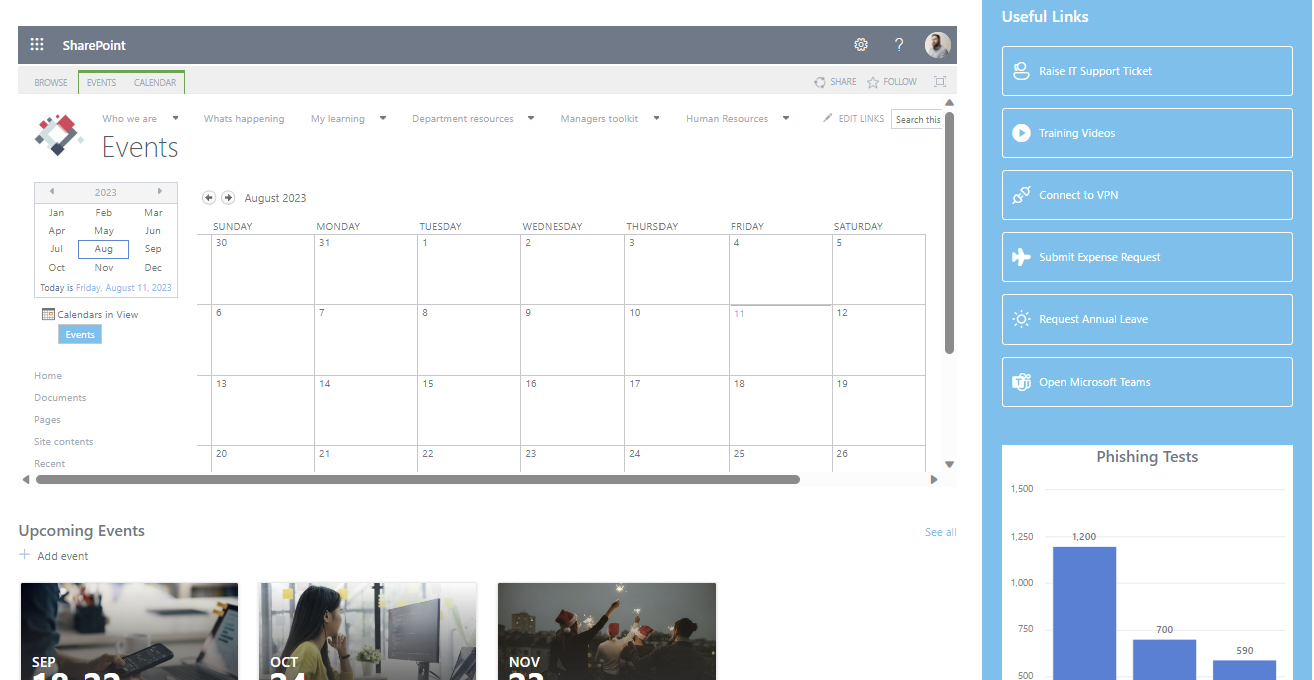
Leverage SharePoint Framework (SPFX) to create custom web parts or plugins that seamlessly integrate external content or services.
This approach requires coding expertise but offers robust customization.
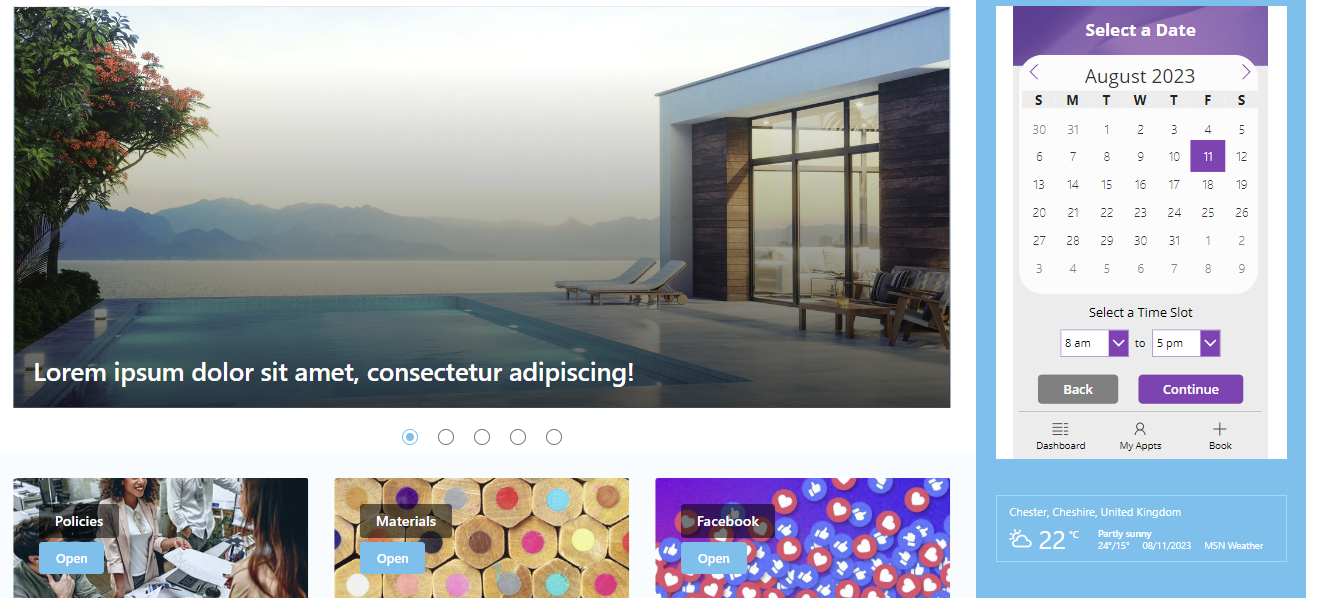
Utilize Microsoft’s low-code platform, Canvas Power Apps, to design custom interfaces that interact with third-party systems.
This method strikes a balance between customization and ease of use.
- Comprehensive integration possibilities: Bespoke solutions allow for the full range of integration options based on specific needs.
- Tailored user experiences: Custom interfaces ensure a seamless and user-friendly interaction between SharePoint and third-party systems.
- Seamlessly connect SharePoint and third-party functionalities: These solutions bridge the gap between platforms, enabling cohesive workflows.