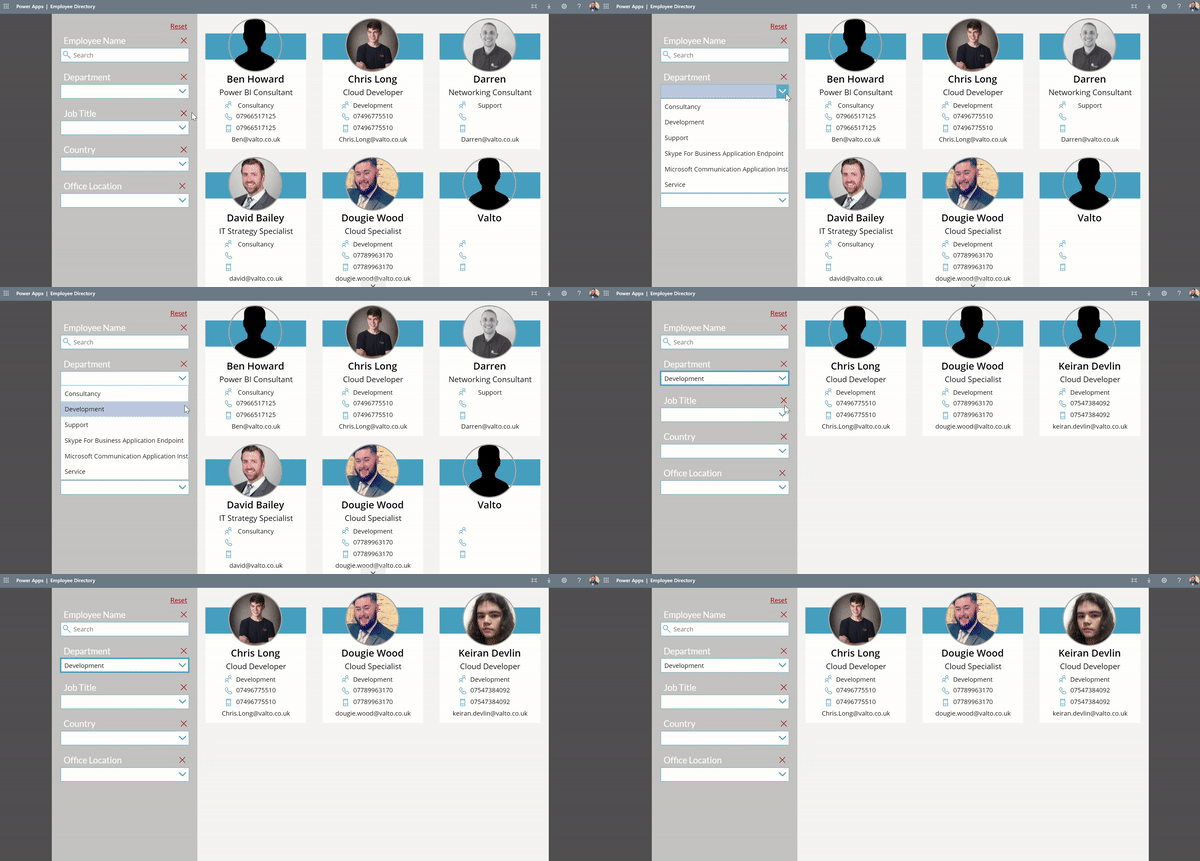
This PowerApp has been given multiple names to describe its function such as “People Directory” or “Phonebook” but essentially its purpose is to allow employees to find each other’s contact information.
It is built with a gallery of items that are pulled directly from the Azure AD user profiles. It will then display the employees profile picture (that can be updated in Delve) along with email address and phone numbers.
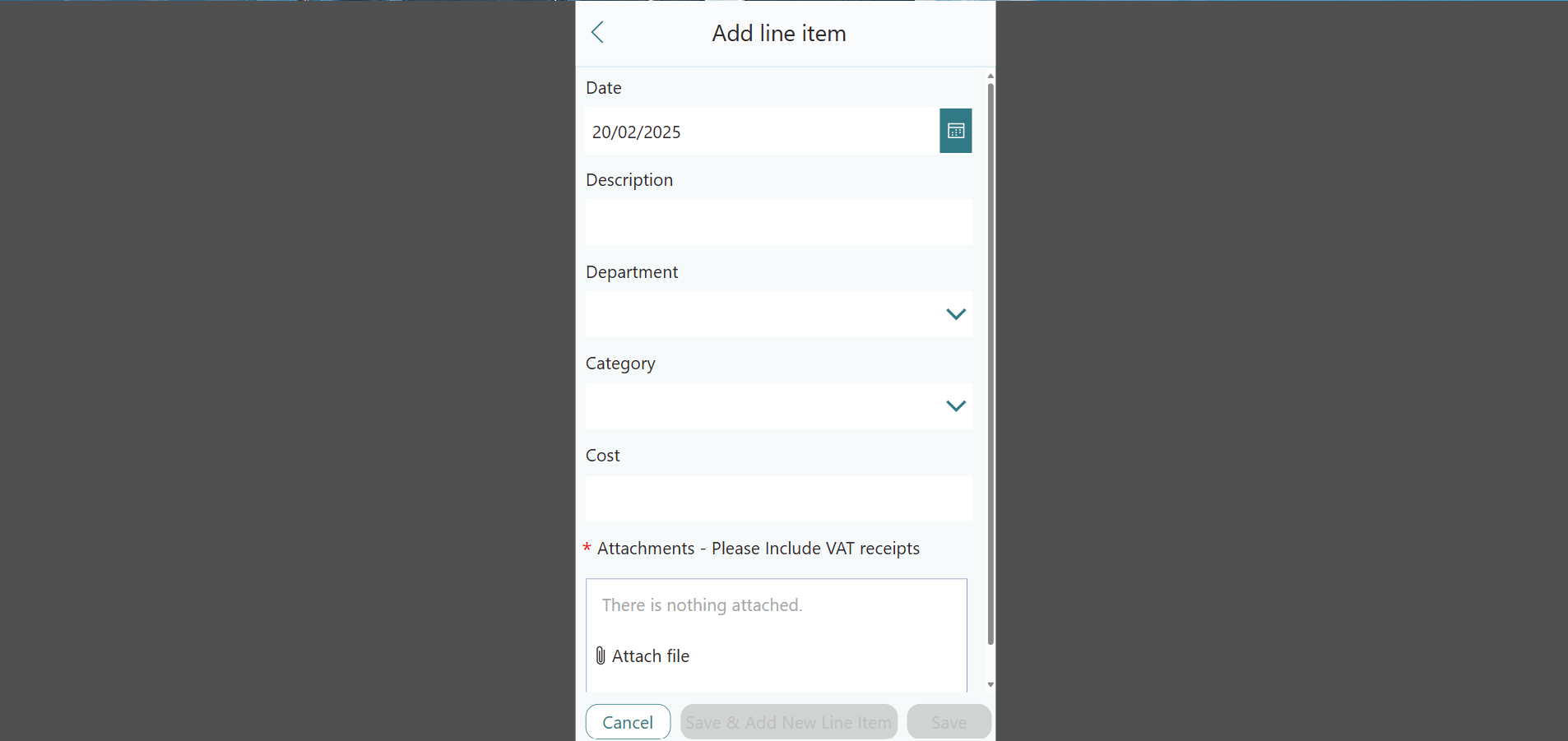
This mobile phone friendly business application will allow your employees to submit their expense requests with ease.
The PowerApp will collect multiple receipts of purchases against a single expense claim sheet.
Once submitted this application will automate notification requests to the employee’s manager and or finance team for approval. The employee can track the approval process and will receive notifications at each step of the process.
This Power Apps example demonstrates how simple and effective a guided pathway app can be for answering frequently asked questions. Think of this app as a choose your own ending. Depending on the answers the user selects will result in the final page of information that will be displayed.
This solution was deployed to help a legal department in a large enterprise triage questions via a standard list of questions they would have to ask their colleagues before providing advise.
This Power Apps example prevent around 43% of support requests coming to the legal team. Saving them a very large portion of time and in return costs of having to hire more team members.