Microsoft 365 has a number of tools available that can be used for storing information, files and collaborating on. A common decision for organisations when building their Microsoft 365 strategy is identifying the best use case for each of the products. In this article we help to explain the differences between each tool.
SharePoint, OneDrive & Microsoft Teams are key components of Microsoft 365 and are included in your Microsoft 365 Business Premium licenses.
See the below infographic which explains the differences in use between each tool.
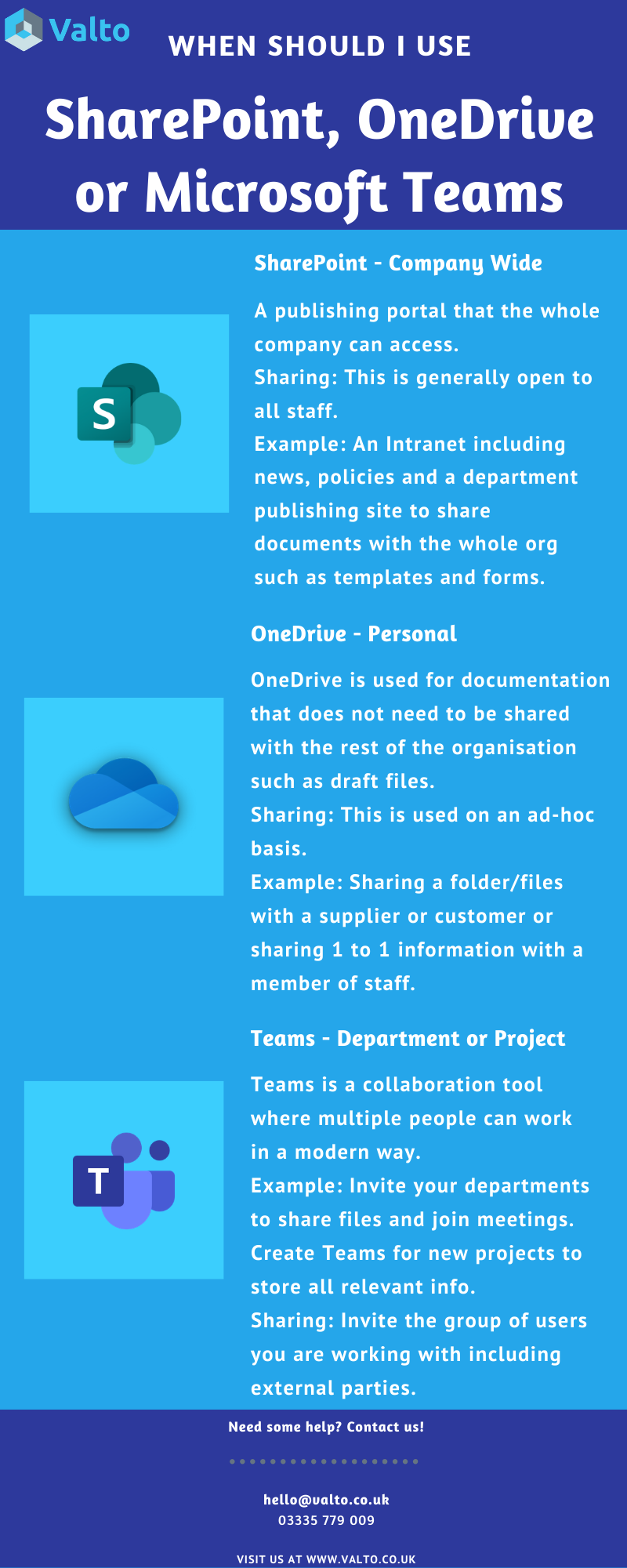
This is a publishing portal that the whole company can access. This is generally open to all staff.
Example: An intranet including news, policies and a department publishing site to share documents with the entire organisation such as templates and forms
OneDrive is used for documentation that does not need to be shared with the rest of the organisation such as draft files. Sharing is done on an ad-hoc basis.
Example: Sharing a folder/files with a supplier or customer, or sharing 1 to 1 information with a member of staff.
Teams is a collaboration tool where multiple people can work in a modern way. Typically you will invite the group of users you are working with including any external parties.
Example: Invite your departments to share files and join meetings. Create teams for new projects to store all relevant information.
If you’re still interested in learning more about the three tools, their differences and how to get the best out of the software for your business, Valto provides a range of SharePoint, OneDrive & Microsoft Teams services including:
- Migration
- Governance Planning
- Managed Support
- SharePoint Intranet Development
- Adoption
Blog Series
This blog post is part of a series of blog posts outlining Microsoft Teams best practices including:
Valto is here to help with your Microsoft Teams platform. Get in touch via 03335 779 009, [email protected] or Contact Us.