Expense Request System: In this series we demonstrate PowerApps that Valto have built, to give you real world PowerApps examples. Discover how you can easily submit expense requests from your mobile phone using Microsoft PowerApps.
Click the image below to watch the video for more information…
Watch the video (opens in a new tab)
The Expense Request process is something that all businesses and organisations have to deal with on a day to day basis.
Often this is still a very manual process such as having to scan in receipts and then email them over to your Finance or Accounts department.
Many online accounting websites such as Xero, QuickBooks, SAP Concur and Sage have expense request mobile applications. However, these can be very costly to pay for per user a month.
If your company is already using Microsoft 365 for Outlook emails, document management with OneDrive and SharePoint or recently adopted Microsoft Teams for collaboration you should be considering PowerApps for delivering business applications.
Canvas PowerApps will allow you to build user friendly mobile applications quickly and without incurring expensive license fees, as the PowerApps licenses you currently have likely cover the Power Platform products.
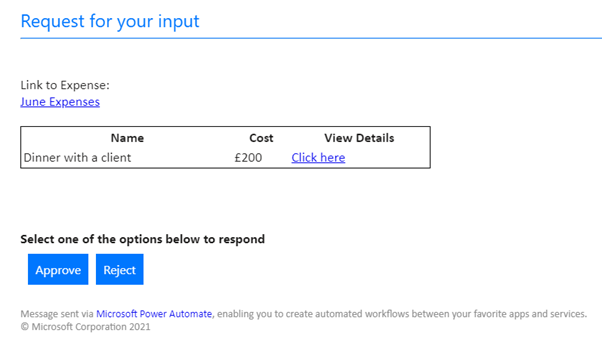
We have taken the leg work out of developing this Expense Request PowerApps for you by creating our own template. But we can easily tweak the application to your requirements if you would like multiple stage approvals, notifications or automated monthly reports for example.
You can see more about the features of this PowerApp in our YouTube video above or continue reading below.

 Dougie Wood

