ISO 9001 QMS in SharePoint functionality covers the requirement to keep up-to-date with versions in several ways.
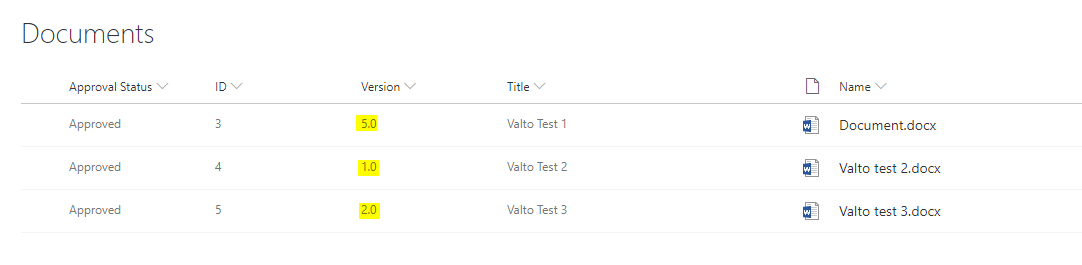
Firstly, the platform allows you to enable draft working with check-in/out functions, and to only show Major versions to end users.
This allows document owners to work on documentation in a draft state without it appearing to all other users of the system or requiring approval. Once the document owner is ready to submit the document, they can publish a version that would trigger the approval workflow. When the document is approved, it becomes a Major version and appears to all users.
Secondly, users can enable document version history on the document library. This forces the library to maintain a specified number of major and minor versions. Certain users can be given access to review previous versions of the documents.
Enabling the document version history in SharePoint means you can easily meet this requirement for QMS document control. This will allow approvers to easily view what amendments have been made to each document.
With a correctly-configured ISO 9001 QMS in SharePoint you can even restore a document back to a previous version if a mistake has been made, and this will be tracked as part of the version history.
SharePoint version history can now even be surfaced directly inside a Microsoft Word document, as shown below.