Data
Power BI - Certification
If your business is a big user of Power BI, you may want to upskill your users with a Power BI certification, similarly, if you are an aspiring data analyst wanting to add to your talents, Valto can help you to achieve your accreditation.

Trusted by Leading Brands
"We work with organisations across many sectors of different shapes and sizes from 10 to 100,000 employees."






















What is a Power BI Certificate?
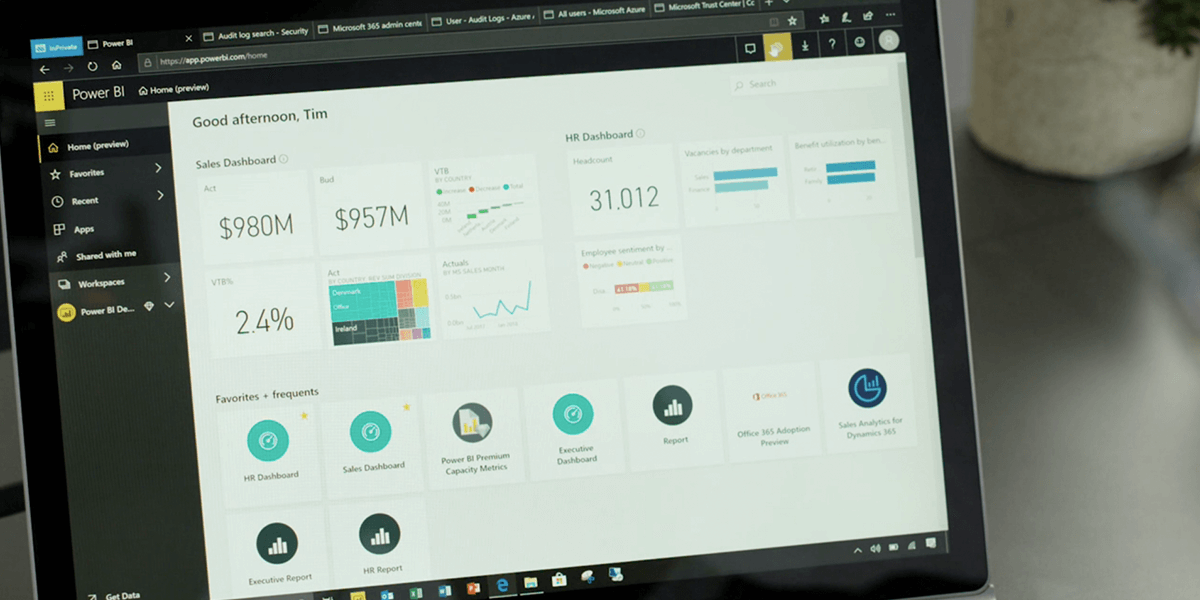
Power BI is a powerful data visualisation app that allows you to merge data from a variety of different data sources. You can then create reports and dashboards from this data with easy to read, interactive insights that allow businesses to make more informed decisions driven by up to date data.
Once you have taken the Power BI exam or PL-300 Microsoft certification, you will have the tools and knowledge to deliver actionable insights by using available data and applying domain knowledge and skills. The certification will allow you to collaborate with key stakeholders across different verticals to identify business requirements, as well as transform data, allowing you to design and build data models by using Power BI.
The exam pl-300 Microsoft power bi data analyst is a certification that Microsoft awards after successfully completing the 90 minute exam that measures your ability to accomplish the following technical tasks:
- Prepare and model data
- Visualise and analyse data
- Deploy and maintain assets
Our 5 Step Process
Our simple 5 step process is clear and transparent from start to finish
 1
1Assessment and Workshop
1-2 Working Days
We begin by conducting a comprehensive review of your existing files and data. This thorough evaluation is essential to gain a clear understanding of the complete scope and volume of data that needs to be migrated to Microsoft 365. This initial step sets the foundation for a successful migration.
 2
2Prepare Your Data and Organise
3-5 Weeks
When focusing on the organisation of your data, take the time to meticulously arrange and categorise your files. Pay close attention to what access permissions are currently set and how this will transition. A well-organised structure is key to ensuring a seamless transition and efficient data management within Microsoft 365.
 3
3Start the Migration Process
1-2 Weeks
It's time to set the wheels in motion. Begin the migration process by moving specific departments or designated sections while keeping other areas intact on your current system. This selective approach ensures a smoother transition for those initial sections, allowing you to learn from and refine the process as you go.
 4
4Verify and Test
1-2 Weeks
Once the migration is completed, start on a thorough verification process. Confirm that all your files and data have been successfully and accurately transferred to Microsoft 365. Rigorously test accessibility and functionality to guarantee that everything functions as expected.
 5
5Training at Different Levels
2-3 Working Days
To maximise the benefits of Microsoft 365, consider implementing training at various organisational levels. This includes providing end users and IT admins with the knowledge and skills required to manage the environment. Additionally, explore the 'Train the Trainer' approach, empowering a designated in-house expert to guide both end users and IT administrators.


Contact Form
Contact our team today!