Modern Workplace
SharePoint - Online or On Premises
We can help upgrade your SharePoint environment to SharePoint Online.
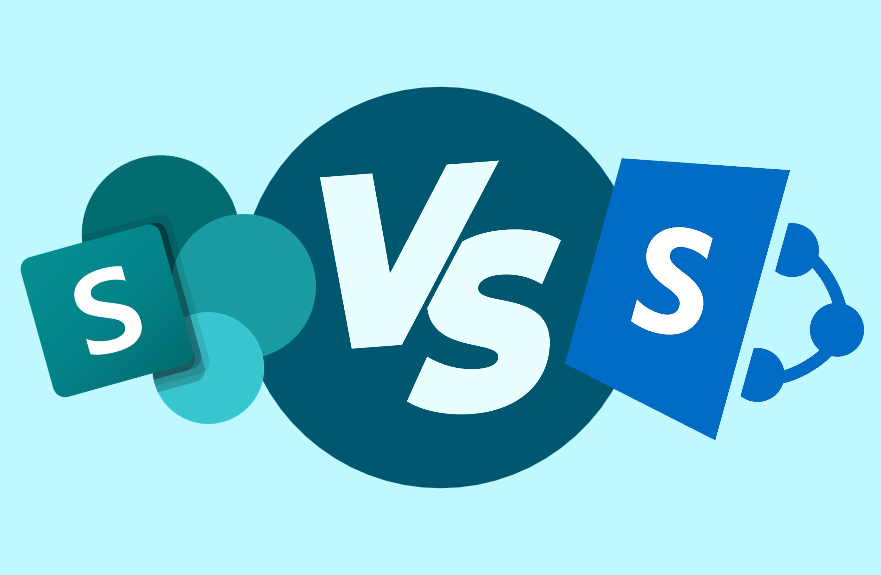

SharePoint Upgrade
We can help upgrade your existing SharePoint environment to SharePoint Online. Our SharePoint experts help take away any stress and make the upgrade as seamless as possible.
Trusted by Leading Brands
"We work with organisations across many sectors of different shapes and sizes from 10 to 100,000 employees."


















Our 5 Step Process
Our simple 5 step process is clear and transparent from start to finish
 1
1Assessment and Workshop
1-2 Working Days
We begin by conducting a comprehensive review of your existing files and data. This thorough evaluation is essential to gain a clear understanding of the complete scope and volume of data that needs to be migrated to Microsoft 365. This initial step sets the foundation for a successful migration.
 2
2Prepare Your Data and Organise
3-5 Weeks
When focusing on the organisation of your data, take the time to meticulously arrange and categorise your files. Pay close attention to what access permissions are currently set and how this will transition. A well-organised structure is key to ensuring a seamless transition and efficient data management within Microsoft 365.
 3
3Start the Migration Process
1-2 Weeks
It's time to set the wheels in motion. Begin the migration process by moving specific departments or designated sections while keeping other areas intact on your current system. This selective approach ensures a smoother transition for those initial sections, allowing you to learn from and refine the process as you go.
 4
4Verify and Test
1-2 Weeks
Once the migration is completed, start on a thorough verification process. Confirm that all your files and data have been successfully and accurately transferred to Microsoft 365. Rigorously test accessibility and functionality to guarantee that everything functions as expected.
 5
5Training at Different Levels
2-3 Working Days
To maximise the benefits of Microsoft 365, consider implementing training at various organisational levels. This includes providing end users and IT admins with the knowledge and skills required to manage the environment. Additionally, explore the 'Train the Trainer' approach, empowering a designated in-house expert to guide both end users and IT administrators.
We Can Help Upgrade to the Latest Version of Microsoft SharePoint or Migrate to SharePoint
Microsoft SharePoint is the ultimate collaboration tool for businesses. Using list databases, automated workflows, intranet capabilities, and more, SharePoint and SharePoint Online allow you to share files and data with your colleagues instantly.
Valto is an official, certified Microsoft Solutions Partner. That means we’re trained by Microsoft, and live and breathe the entire platform. We specialise in providing businesses across the UK with the very best support – across setup, installation, onboarding, upgrades, training, and troubleshooting. For your SharePoint migration project, we’ll provide you with an expert team and all the help you need to get your enterprise up and running, tailored to your unique business needs.
Watch the video (opens in a new tab)
Find the Best Way to Migrate to SharePoint with Valto
We really are Microsoft experts – trained by Microsoft and boasting a trusted reputation and years of experience working with the Microsoft platform. Our Expert SharePoint consultants will work with your business to find the right, custom SharePoint solutions. From branded intranet sites to automated workflows to make your workday more efficient, we’ll create the most cost and time-effective solution for a modern business.
Just some of our Microsoft SharePoint migration services to complement your online migration include:
- Initial system audit
- SharePoint Migration Tool (SPMT) support
- Ongoing SharePoint training
- Custom development for SharePoint pages
- Troubleshooting and emergency support
- Upgrades and the latest updates
- Help with branding SharePoint projects
- Configuration of SharePoint for network file shares
Valto’s comprehensive SharePoint solutions ensure your setup meets your unique business needs, providing seamless configuration and integration of network file shares.