White paper

AI in Finance: From Copilot to Automation

AI is already changing how finance teams work, but where does the real value come from? This practical guide explores Microsoft Copilot, AI agents, and automation use cases that help finance leaders reduce manual effort, streamline processes, and unlock measurable ROI. Learn where to start, what to prioritise, and how to build an AI strategy that delivers results.

AI & AutomationCopilotFinance & Professional Services
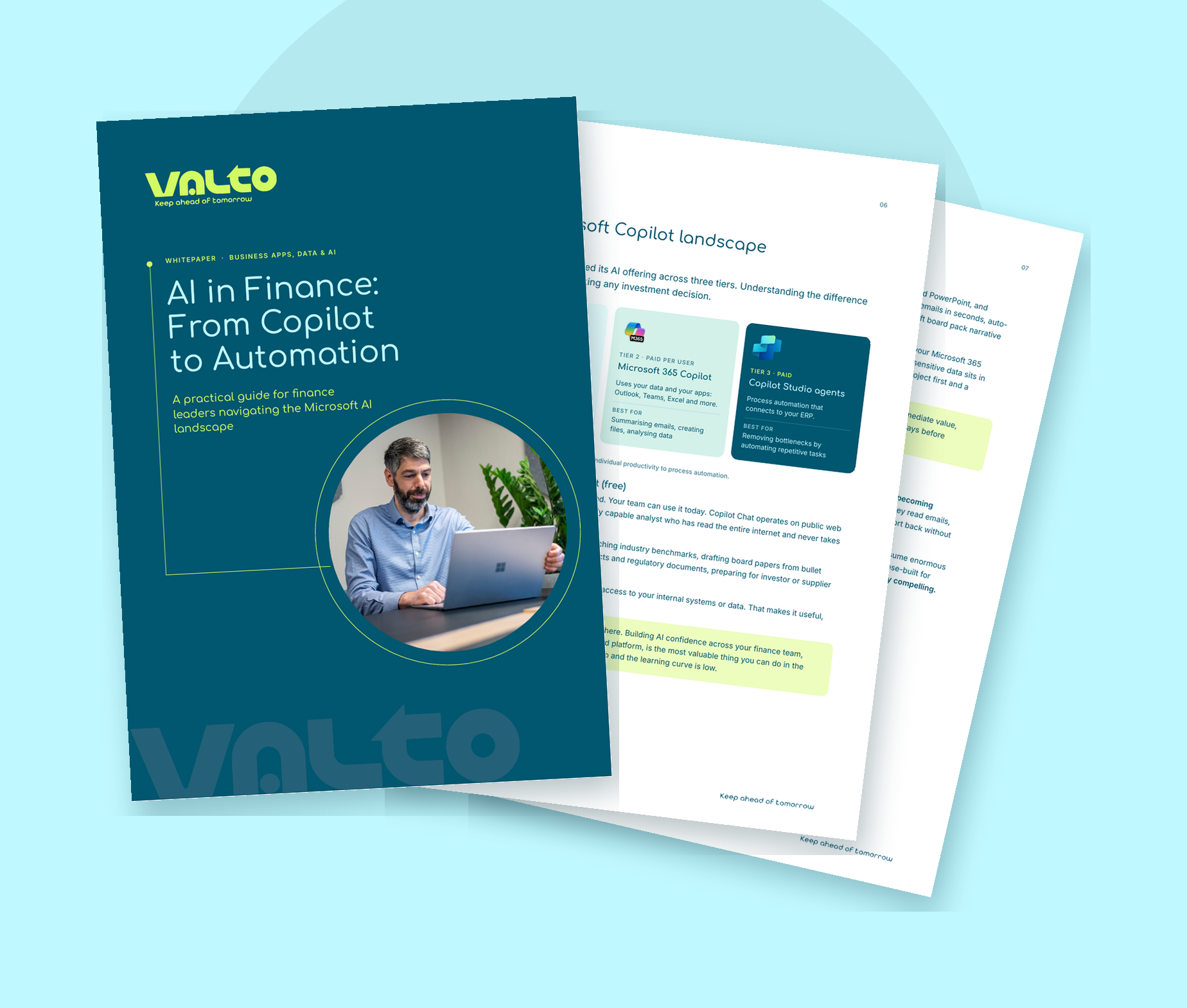
Fanned pages of Valto's AI in Finance Whitepaper

Download “AI in Finance: From Copilot to Automation”

Enter your details and we’ll take you straight to the download.

A practical guide for finance leaders – what’s working, where the ROI is, and how to get started.

AI is already changing how finance teams work. The question most CFOs are asking isn’t whether to act, it’s where to start.

This whitepaper cuts through the noise. Inside you’ll find a clear breakdown of the Microsoft AI landscape for finance, five agent use cases with realistic ROI estimates, and a simple framework for building a strategy that actually gets off the ground.

What’s inside:

  • The three tiers of Microsoft Copilot, and which one is right for your team right now
  • Copilot prompts that deliver value today across Excel, Outlook, Teams and Word
  • Five AI agent use cases for finance, with estimated time and cost savings
  • A practical framework for building your AI strategy in 90 days
  • Why finance is uniquely placed to own AI governance in your organisation

Download the whitepaper

Free – takes 30 seconds

Frequently asked questions

Microsoft Copilot is an AI assistant built into Outlook, Teams, Excel, Word and PowerPoint. In finance, it summarises emails, analyses budget data, drafts board commentary and produces meeting notes - connected to your actual business data, not just the public web.
Copilot helps individuals work faster. An AI agent acts autonomously - it reads emails, queries your finance system and takes action without being asked. Agents remove entire processes from the queue. Copilot speeds up individual tasks. Both create value; agents create more of it.
Pick one process - high volume, rules-based, measurable. Set a 90-day target. Name one owner. The organisations making the most progress started small, proved the value, and built from there.
Yes. Copilot operates within your existing Microsoft 365 security boundary. Your data is never used to train Microsoft's AI models. Copilot only surfaces information the logged-in user already has permission to see.
We start with a discovery conversation. We look at your current Microsoft 365 environment, identify the highest-value processes in your finance function, and give you a clear picture of where AI will create the most return.

Related reading

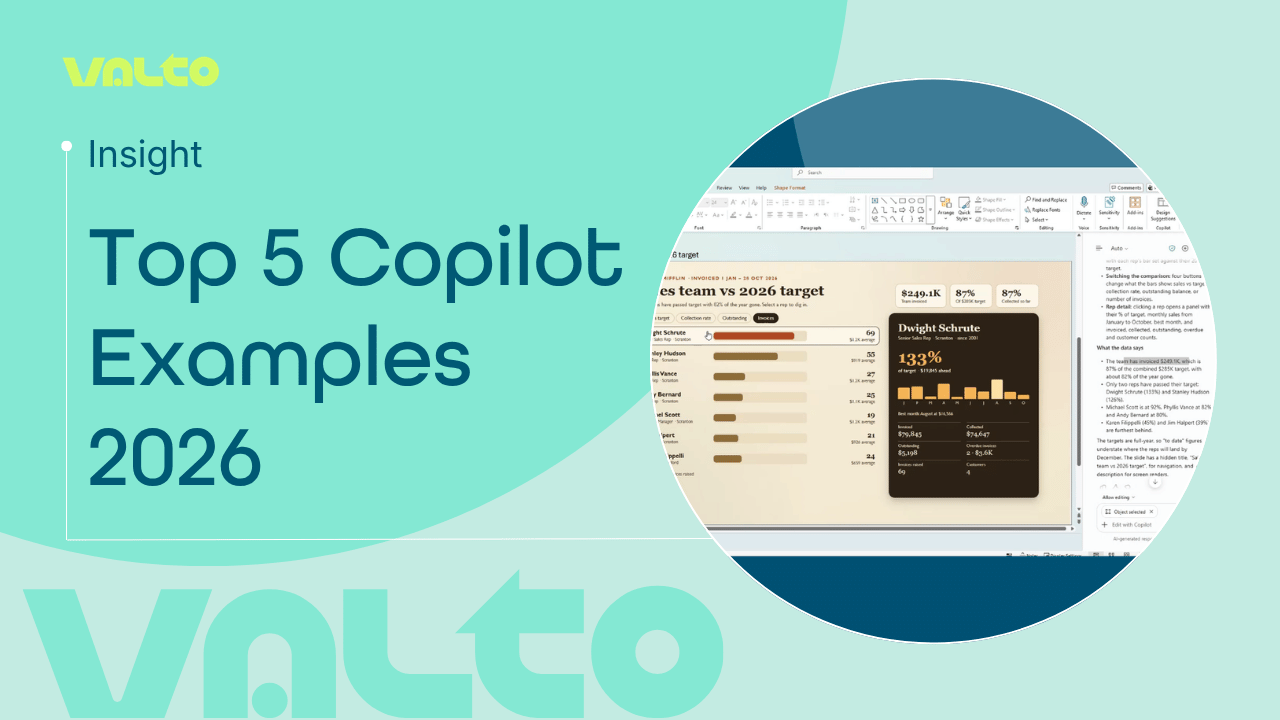
Valto graphic titled ‘Top 5 Copilot Examples 2026’, featuring a Microsoft PowerPoint sales performance dashboard created using Copilot.
NewsAI & Automation

Top 5 Microsoft Copilot examples in 2026

Five practical Microsoft 365 Copilot examples for everyday work, from analysing data in Excel and creating PowerPoint content to better prompting and building custom Copilot agents.

6 November 2026