Power Automate

Take the manual work out of everyday processes with Microsoft Power Automate

Valto helps you automate approvals, notifications, data entry and document handling with Microsoft Power Automate, freeing your people to focus on work that needs them. Book a free discovery call and we’ll provide a proposal covering costs, approach and timeline.

Rated 5 stars on Google

  • Badge Security
  • Badge AI Business Solutions
  • Badge Cloud & AI

Trusted by organisations like yours

City of London logo
Princes logo
Pivotal logo
The Openwork Partnership logo
Best Buy logo
Chester Racecourse logo
Nice Pak logo
Oxbury logo
Watches of Switzerland logo
Leger Shearings logo
Chester Zoo logo
Manchester University NHS Foundation Trust logo
Royal College of Surgeons of England
Grosvenor logo
Watkin Jones logo
VSI logo
Vertical Systems logo
Hughes Hall logo
Saltgate logo
Spencer West logo
Lanterna logo
Holstein UK logo

Sound familiar?

Where most Power Automate projects start

Pick the situation closest to yours. Rest assured that if it's in the list, we've done it before.

Where to start

Three ways to start with Power Automate

Pick the one that matches where you are today. Every option starts with a free discovery call and a proposal, so you know exactly what you’re committing to before anything is paid for.

If you're planning a Power Automate rollout

Power Automate Envisioning

Plan which processes to automate first, ranked by savings.

You leave with

  • A strategy document with recommendations and next steps
  • A rollout plan covering training, adoption and security
  • Cost and licensing recommendations
  • Examples and case studies from your sector

How it starts: a free discovery call, then a proposal with the cost, approach and timeline.

If you have a clear requirement or RFP

Power Automate Scoping

Turn an automation requirement into a fixed-price build.

You leave with

  • A MoSCoW report prioritising every requirement
  • A fixed price with fixed outcomes and a timeline
  • All ongoing licensing and support costs
  • A recommended solution matched to your brief

How it starts: a free discovery call, then a proposal with the cost, approach and timeline.

If your Power Automate project is in trouble

If your Power Automate project is in trouble

Flows failing or unmanaged? We assess and fix.

You leave with

  • An assessment by a consultant and an engineer
  • Stakeholder views on what's one wrong
  • Security, governance, platform and licensing findings
  • A recommendations report: fix, rescope or reset

How it starts: a free discovery call, then a proposal with the cost, approach and timeline.

“Excellent Power Platform partner... Great communication throughout, clearly understood our business, and delivered a solution that's already paid for itself many times over. Highly recommend Valto to any business looking to modernise their systems on the Power Platform.”

Chris Nicholas · CEO & Founder, Fazer Recruitment

How we work

How we deliver Power Automate projects

Six clear stages. A paid scoping workshop turns your requirements into a fixed-price project with fixed outcomes and deliverables, so you know exactly what you’re getting before the build starts.

  1. 01

    Discovery

    Free · requirements & proposal

    A free requirements discussion, followed by a proposal setting out the cost, approach and timeline.

  2. 02

    Scoping workshop

    Fixed price, fixed outcomes

    A paid workshop that turns requirements into a fixed-price project with fixed outcomes and deliverables.

  3. 03

    Initiation

    Low-level design & kick-off

    A low-level design refines the outcomes into delivery requirements, then the project is set up and kicked off.

  4. 04

    Build

    Visible progress, every step

    Our developers and engineers build the solution, working closely with your team and showing progress as we go.

  5. 05

    Deploy

    Launch & adoption

    Launch with training and a planned rollout, so people are using it from day one.

  6. 06

    Hypercare & support

    Go-live and beyond

    Hypercare through go-live, then ongoing support, improvements and tuning.

    See our Managed Services
Vision RT logo overlaid on an image of medical radiotherapy equipment in a clinical treatment room.

Case study · Branding Science

Vision RT Transforms Contracts with Power Platform

Vision RT partnered with Valto to replace a manual, spreadsheet-based contract process with an automated Power Platform solution, reducing contract creation from up to 30 minutes to under a minute while improving accuracy and scalability.

  • 97% faster contract creation
  • Power Automate & Power Apps tooling
Read the story

Microsoft expertise you can trust

Valto are one of the UK's few Microsoft Partners to hold all Microsoft Solution Partner Designation Badges, across all Microsoft Solution Partner Designation Pathways. For our customers, this means you can rely on one partner for end-to-end support across all your organisation's needs.

Badge Security
Badge AI Business Solutions
Badge Cloud & AI

All Microsoft Solution Partner Designation Badges

Our Power Automate services

Automation that saves real hours

  • Process discovery

    We find the processes where automation will save the most time.

  • Cloud flows

    Approvals, notifications and integrations across Microsoft 365 and your systems.

  • Desktop flows (RPA)

    Automation for legacy systems with no API, done carefully and only where it makes sense.

  • AI in automation

    Document processing and AI steps that read, classify and route information.

  • Monitoring

    Flows monitored so failures are caught before people notice.

  • Governance

    Environments and data policies so automation stays safe as it spreads.

Not sure where you fit?

Book a free discovery call and we'll point you to the right starting point, even if it isn't Microsoft Power Automate.

Learn more

Get to know Power Automate & Valto

Walkthroughs, real examples in the product, and honest comparisons with the alternatives.

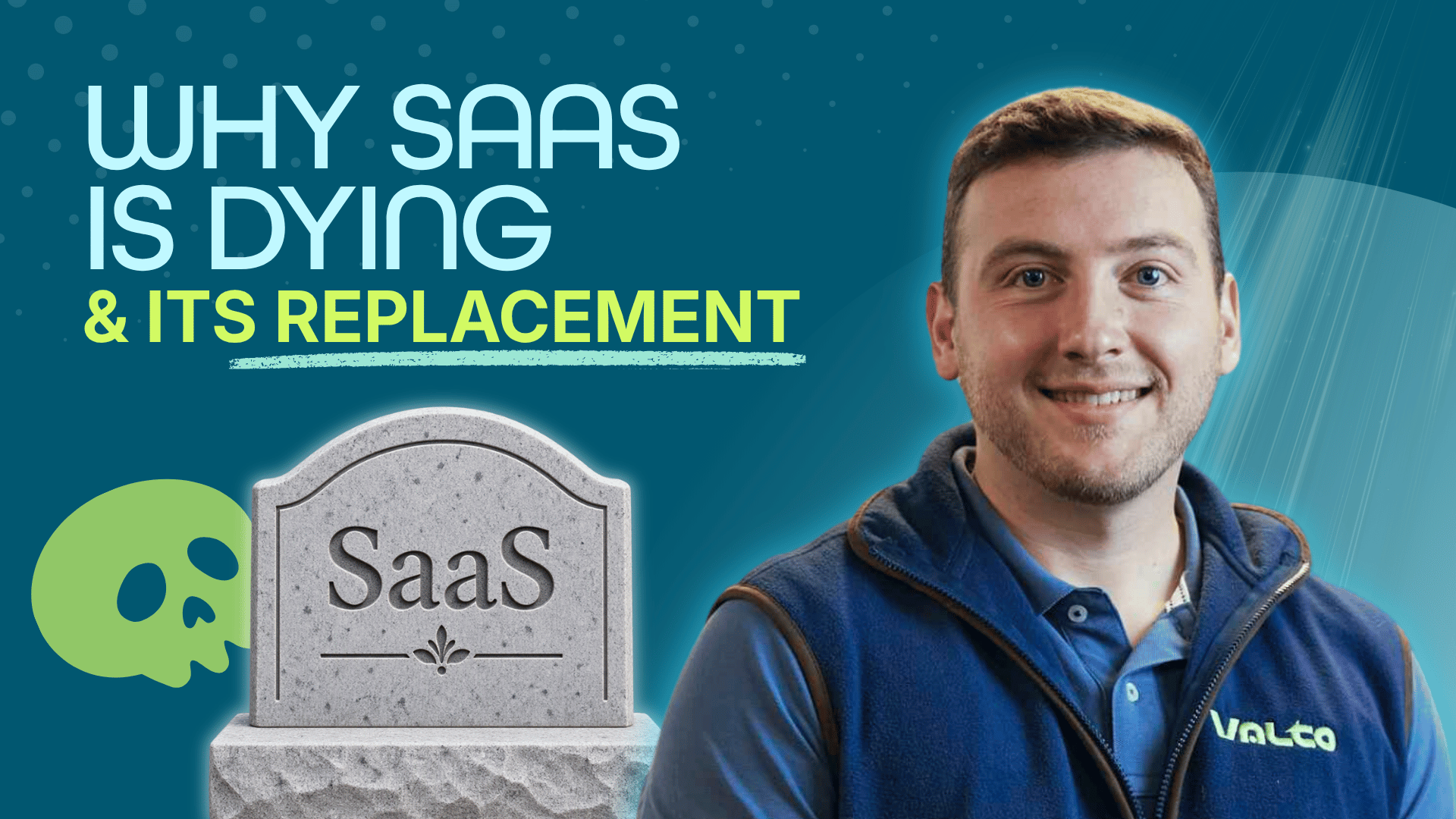
Why SaaS is dying video thumbnail11:01
Transcript: Why SaaS is dying and its Power Platform replacements

Speaker: Sam Gareh, Valto

Introduction

Hello, I’m Sam from Valto, and today I want to make a case that might sound a little provocative. It’s about SaaS.

We’ve known the Software as a Service model for the last decade or so, but I believe the way businesses consume SaaS is starting to change. I don’t mean the software itself is going away. What I mean is the model of paying recurring per-user subscriptions for every business problem is beginning to show cracks.

Many organisations now have large numbers of software tools. Some are underused, some overlap with each other, and many are not being fully utilised. At the same time, businesses are starting to look at whether it makes more sense to build solutions tailored to their own requirements rather than relying on a different subscription product for every process.

In this video, I’ll explain what’s changing and what it could mean for organisations reviewing their software investments.

Subscription Fatigue and Overlapping Tools

Many organisations are experiencing what could be described as subscription fatigue.

Businesses often run dozens of seat-based applications across different departments. Teams frequently purchase their own project management tools, reporting platforms, form builders, or workflow applications, sometimes without visibility of what other teams are already using.

The result is that organisations can end up solving the same problem multiple times using different software products, each with its own recurring subscription cost.

A common challenge is that many businesses use only a small portion of the functionality available within these products but still pay for the full licence. As organisations grow, subscription costs also increase because many platforms scale directly with headcount.

This creates a situation where software spending continues to rise, regardless of whether usage or business value grows at the same rate.

The Role of Microsoft 365 and AI

A significant change is the increasing availability of AI and application-building capabilities already included within Microsoft ecosystems.

Technologies such as Microsoft Copilot, Copilot Studio, Azure AI Foundry, Power Platform, SharePoint and Microsoft Teams provide organisations with tools to automate processes, build applications and integrate data without necessarily purchasing additional standalone products.

Instead of asking, “Which software product should we buy?”, organisations are increasingly asking, “How can we get more value from the Microsoft licences we already own?”

For many businesses, capabilities such as Power Apps, Microsoft Fabric and Copilot Studio open opportunities to create solutions that integrate directly with existing systems and data.

This can reduce complexity while also improving the user experience.

The Data Silo Problem

Another challenge created by large SaaS estates is data fragmentation.

Every SaaS platform typically stores its own data, often in separate databases accessed through separate user accounts and management interfaces.

As more systems are introduced, businesses often need additional integrations, connectors and synchronisation processes to ensure information flows correctly between them.

These integrations may involve:

  • Automated data synchronisation
  • Third-party connectors
  • Export and import processes
  • Manual reporting tasks

This work often remains invisible until something fails. When integrations stop working, or when key employees who manage these processes leave the organisation, business-critical reporting and workflows can be affected.

As a result, some organisations find themselves maintaining increasingly complex webs of integrations simply to answer what should be straightforward business questions.

What Is Changing and What Isn’t

This does not mean that all software products are becoming obsolete.

The point is not that software is dead. Rather, certain categories of software are becoming easier to replace.

Single-purpose tools that solve a narrow business problem are often the most vulnerable, particularly when similar functionality can be created using existing business platforms.

Meanwhile, broader ecosystems such as Microsoft 365 continue to grow in importance because they provide a foundation on which organisations can build and extend solutions rather than simply consume them.

The conversation is shifting from buying more tools to making better use of existing platforms.

From Renting Software to Building Solutions

One of the most significant changes organisations are considering is the shift from renting software to building software.

Rather than allocating budget to ongoing licence fees for multiple specialist platforms, businesses are increasingly exploring how they can invest in creating bespoke applications that reflect their own processes and requirements.

This approach can be particularly effective for:

  • Project management solutions
  • Customer relationship management (CRM) systems
  • Lead management processes
  • Internal workflow applications
  • Operational tracking and reporting tools

Instead of adapting business processes to match the limitations of a software package, organisations can create solutions designed around the way they already work.

Example: Power Apps as an Alternative

A practical example of this approach is Microsoft Power Apps.

Organisations are using model-driven applications built within Power Apps to manage activities such as lead generation, sales processes and project delivery.

These applications can include:

  • Custom data fields and tables
  • Business process flows
  • Workflow automation
  • Resource allocation tracking
  • Task management
  • Outlook and calendar integration
  • Communications and collaboration functionality

Because these solutions can be tailored specifically to organisational requirements, businesses are often able to reduce their reliance on expensive third-party subscriptions while gaining greater flexibility and control.

Looking Ahead

Most organisations have at least some subscriptions that duplicate functionality already available elsewhere in their technology estate.

That does not mean every SaaS platform should be replaced immediately. In many cases, a phased approach is the most practical strategy.

Businesses can review existing subscriptions, identify areas of duplication, and gradually replace selected tools with solutions built on platforms they already own.

Over time, this can help reduce software costs while improving business processes and creating solutions that are more closely aligned with organisational requirements.

Conclusion

The key question is no longer simply which software to buy.

For many organisations, the more important question is whether they should continue renting functionality through recurring subscriptions or invest in building solutions that they control themselves.

As Microsoft 365, Power Platform and AI capabilities continue to evolve, more businesses are finding opportunities to reduce reliance on specialist SaaS products and create solutions that are better suited to their needs.

If you’d like to discuss your application landscape and explore whether a build-versus-buy approach could benefit your organisation, get in touch with the team at Valto.

Thank you for watching.

Watch · Explainer

Why SaaS is dying and its Power Platform replacements

In this video, we explore the growing shift away from traditional SaaS subscriptions and towards custom-built business solutions powered by Microsoft technologies. As organisations face rising software costs, overlapping applications and increasing data complexity, many are questioning whether recurring licence fees still offer the best value.

Microsoft Power Automate questions, answered plainly

Practical answers on what a Power Automate project with Valto involves, what it costs and who supports it afterwards.

Power Automate is Microsoft's workflow automation platform that helps organisations automate repetitive tasks, streamline approvals and connect systems across Microsoft 365, Dynamics 365 and third-party applications.
We begin with discovery, mapping your current processes and identifying where automation delivers the most value. From there we agree a prioritised scope, design and build the automations, support rollout and training, then monitor and maintain them once live.
Yes. Power Automate offers hundreds of pre-built connectors for Microsoft and third-party platforms, helping organisations create seamless workflows across their existing technology stack.
Absolutely. Power Automate can support everything from simple departmental workflows to enterprise-wide automation strategies, making it suitable for organisations of all sizes.
Many organisations build their first automations in-house, and that's a good sign. Partners add value when automations start touching multiple systems, when governance and security matter, or when something business-critical needs to be reliable and supportable rather than just working. We're equally happy enabling your team as building for them.
Usually. Where no standard connector exists, we can build a custom connector, work with the system's API, or use Power Automate Desktop to automate the interface directly. We'll confirm what's feasible during discovery.
That's your decision, and we'll make it explicit. Some organisations take full ownership with documentation and knowledge transfer from us. Others prefer we retain monitoring and maintenance under a support arrangement. Either way, nothing is left sitting in an individual's personal account.
Yes. AI steps can read documents and emails, then pass the information right on.

Tell us where you are with Power Automate

Speak directly with the consultants who design and deliver Power Automate every day. We’ll follow up with a proposal setting out cost, approach and timeline.

Call +44 (0)333 577 9009

Book a free discovery call